
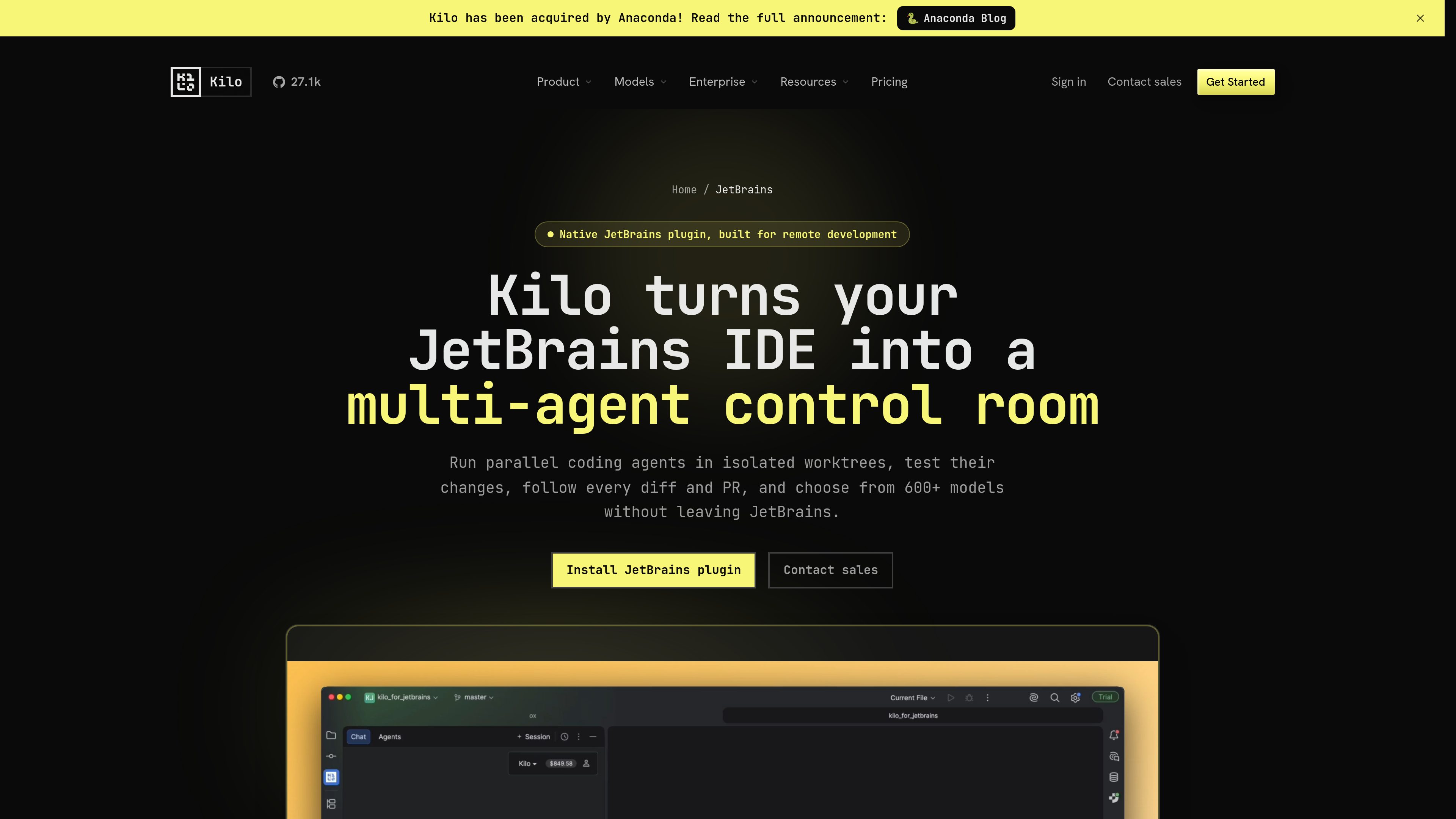
Parallel agents in isolated worktrees
Delegate separate tasks to multiple agents and give each one its own git worktree so work stays isolated from the main checkout.

Kilo Code est un plugin de codage IA multi-agent pour les IDE JetBrains. Il permet d’exécuter et de gérer des agents de codage IA, d’examiner les modifications dans des worktrees isolés et de choisir parmi un vaste catalogue de modèles sans quitter l’IDE.
Kilo Code is a native JetBrains plugin for agentic development workflows. It lets developers run AI coding agents inside the IDE, manage them from a dedicated tool window, and keep model choice, pricing, and task control in one place.
The main workflow uses isolated git worktrees so agents can work on tasks in parallel while the main project stays available. Users can inspect changes, compare worktrees against the base branch, test results, and review pull request status before merging.
Delegate separate tasks to multiple agents and give each one its own git worktree so work stays isolated from the main checkout.
Track active, completed, and blocked agents from one IDE tool window and continue conversations without switching context.
Create run configurations for agent worktrees, run code from the IDE, and open a worktree in a new frame when deeper debugging is needed.
Compare worktrees against the base branch, inspect uncommitted changes, and follow GitHub pull request status alongside the task that produced it.
Choose from hosted, BYOK, and local model options, with the product page describing support for 600+ models and Kilo Gateway access to 500+ models across many providers.
Install through the JetBrains Plugin Marketplace and use the plugin with local projects or JetBrains Remote Development split mode.
Split a larger coding job into smaller pieces, assign them to parallel agents, and review each worktree independently before merging.
Use an agent to trace behavior, run tests, inspect evidence, and iterate in a separate worktree while the main branch remains untouched.
Ask the agent to research the codebase, surface constraints, and turn an idea into an implementation plan before any files are changed.
Use split mode when the IDE backend runs on a remote machine while the JetBrains interface and Kilo experience stay local.
Use the same Kilo platform across JetBrains, VS Code, and CLI workflows so teams can centralize model access and related controls.
Kilo Code is positioned as a native, multi-agent plugin with a custom interface for model selection, pricing, usage, and agent controls, rather than a single standardized assistant surface.
The page says it installs through the standard JetBrains Plugin Marketplace. The documentation also describes opening the IDE, going to Settings > Plugins, searching for Kilo Code, and installing it there.
Yes. The JetBrains page says it supports local projects and JetBrains Remote Development through split mode, with the backend on a remote machine and the interface kept local.
The product page says Kilo Code supports more than 600 models, including hosted models through Kilo Gateway, bring-your-own-key providers, and local models such as Ollama or LM Studio.
The pricing page separates platform access, AI inference, and cloud compute. It shows a free individual tier, paid Teams and Enterprise plans, and usage-based inference and compute charges.
Les données de trafic sont fournies à titre indicatif uniquement.

superset.sh
Superset est un outil de bureau qui permet d’exécuter plusieurs agents de codage IA en parallèle sur votre propre machine. Séparez le travail dans des Git worktrees isolés, examinez les changements et avancez sans attendre un seul agent à la fois.

apps.mergeable.io
Diffsmith est une application native macOS pour examiner les modifications git locales effectuées par des agents de programmation IA comme Claude Code, Cursor, Codex et Copilot. Ajoutez des commentaires en ligne et renvoyez-les à l’agent sous forme de prompt ou via un serveur MCP local.

e2b.dev
E2B exécute des agents IA dans des sandboxes isolés avec des SDK Python et JavaScript pour la recherche, le code et l’analyse de données.

conductor.build
Conductor est une app Mac qui exécute en parallèle les agents Claude Code, Codex et Cursor dans des espaces de travail isolés, afin de déléguer des tâches, examiner les diffs et fusionner localement.

tensorlake.ai
Cloud sandbox-native pour agents IA exécutant du code non fiable dans des microVM isolées

manaflow.com
Manaflow est un laboratoire d’IA appliquée open source dédié aux flux de travail basés sur le terminal pour les agents de programmation. Son site public décrit la gestion parallèle de plusieurs agents dans des instances VS Code isolées.