
Structured setup from a brief
A short init flow captures audience, brand or product lane, voice, and anti-references, then writes `PRODUCT.md`; it can also offer a `DESIGN.md` when code is available to scan.

Compétence de design pour outils de programmation IA, avec workflows frontend, configuration structurée, édition par commandes et itération dans le navigateur.
Impeccable is a design skill for AI coding harnesses. It is positioned for frontend design work and is described as working with Cursor, Claude Code, GitHub Copilot, Gemini CLI, and Codex CLI.
The product combines a setup prompt, a library of commands, curated anti-patterns, and a live browser workflow. The site frames it as a way to move from blank file to designed feature, then through polish and maintenance without relying on abstract prompts alone.
A short init flow captures audience, brand or product lane, voice, and anti-references, then writes `PRODUCT.md`; it can also offer a `DESIGN.md` when code is available to scan.
The core loop is split into start, iterate, polish, and maintain, so the skill can be used at different stages of a design workflow rather than only at first draft.
Named commands apply specific disciplines such as typography, layout, color, motion, and copy, which makes the tool suitable when you already know what needs fixing.
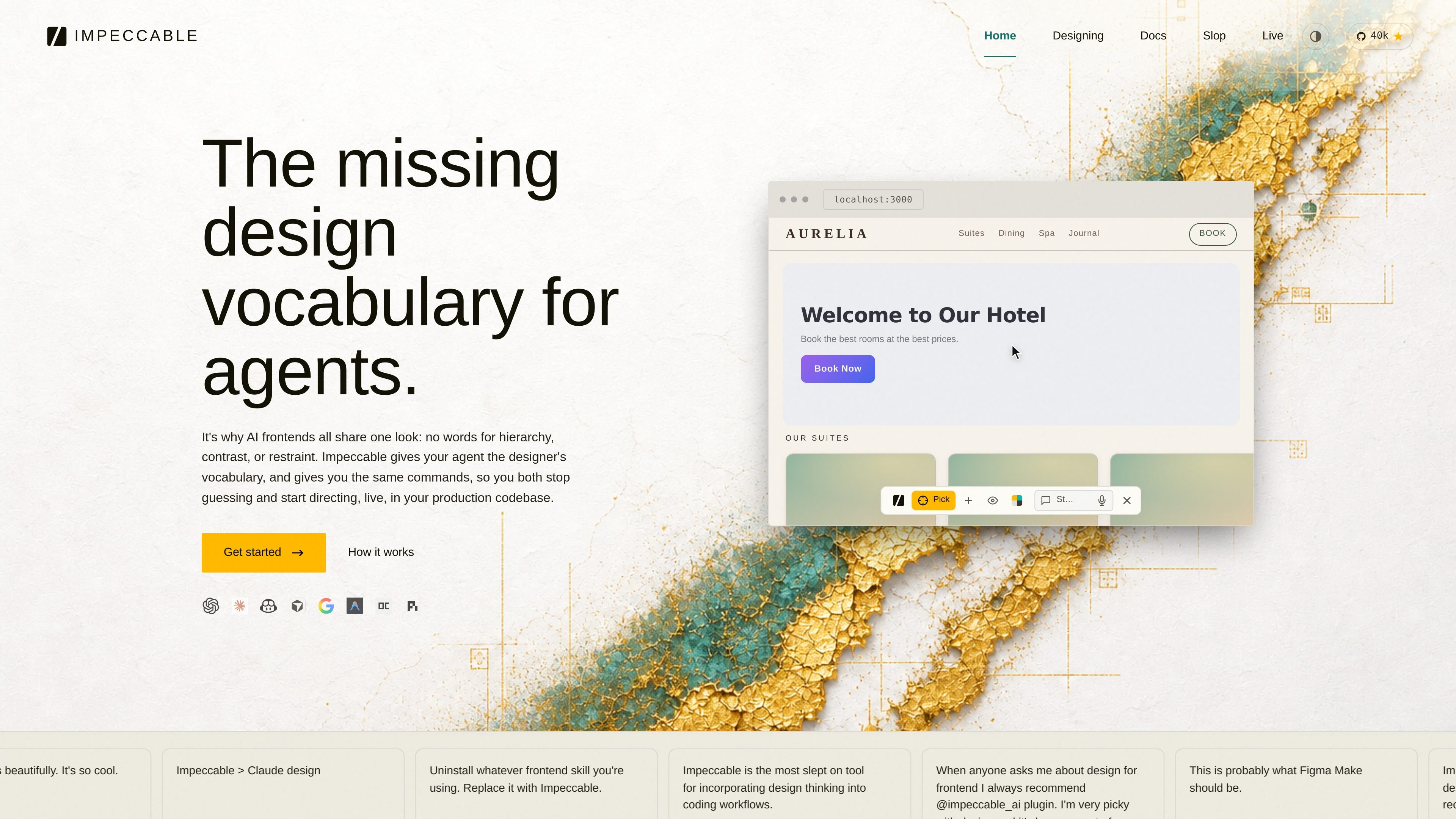
The `/impeccable live` flow adds a picker on a running dev server so you can point at an element, draw or type a change, and write variants back to source.
The docs describe scoring and review steps for accessibility, performance, theming, responsive behavior, and anti-patterns before ship.
The source references curated anti-patterns and “desloppification,” meaning the system is meant to strip common AI design defaults out of type, motion, and copy.
Start from a brief, capture voice and anti-references, and generate a design direction that is specific enough for the rest of the workflow to follow.
Refine a feature in place by using named commands for typography, layout, color, motion, or copy instead of rewriting the whole prompt.
Open `/impeccable live` on a running dev server to inspect an element, draw or type the change you want, and accept one of the generated variants back into source.
Run the audit, clarify, and harden steps before shipping to catch accessibility, performance, theming, responsive, and anti-pattern issues.
Use the maintain loop to identify repeated patterns and turn them into tokens or primitives before design debt becomes harder to unwind.
Impeccable is designed to work with Cursor, Claude Code, GitHub Copilot, Gemini CLI, and Codex CLI. The docs also show it can be used in-browser through a live mode that points at a running dev server.
The source describes an init step that asks about audience, brand or product lane, voice, and anti-references, then writes `PRODUCT.md` and optionally `DESIGN.md`. Later commands read those files before generating output.
The workflow is organized around start, iterate, polish, and maintain. It supports blank-slate work, in-place refinement, pre-ship auditing, and ongoing design debt cleanup.
Impeccable can generate design direction, implement a page, and support browser-based iteration. The docs mention live builds that produce semantic markup, assets, responsive fixes, navigation state, and browser-verified polish.
The site does not spell out team features, account controls, or permissioning. The available evidence mainly covers individual and local workflow usage across supported AI harnesses.
Les données de trafic sont fournies à titre indicatif uniquement.

agent3.replit.com
Agent 4 est l’agent IA web de Replit pour créer des apps, sites, présentations et projets dans un espace unique, avec édition visuelle, coordination des tâches et exécution parallèle.

alloy.app
Alloy est un outil de prototypage IA pour créer des démos interactives à partir de produits existants, avec capture du navigateur, connexion au code, partage cloud et transfert vers les workflows GitHub, MCP ou Figma.

flowmuse.ai
FlowMuse AI est une plateforme visuelle de workflows IA qui relie la génération d’images, de vidéos, d’audio et de texte sur un canevas à nœuds, avec abonnements, crédits Pay As You Go et plusieurs modèles majeurs dans un même espace de travail.

getprojekt.com
Projekt est un espace de travail visuel pour les ingénieurs design, réunissant agents de codage IA, aperçu en direct et édition en ligne. Disponible en alpha sur macOS, avec téléchargement gratuit et offre fondateur limitée.

tastemaker-skill.online
Tastemaker est une compétence de workflow destinée aux agents de programmation. Elle transforme le contexte produit et les références visuelles en écrans d’interface, ressources, systèmes de couleurs dont le contraste a été vérifié et décisions de conception locales. Elle s’adresse à des agents tels que Claude Code, Windsurf et Gemini CLI.

flux.ai
Plateforme de conception de PCB avec IA dans le navigateur, de la planification à la fabrication.