
Capture multiple input types
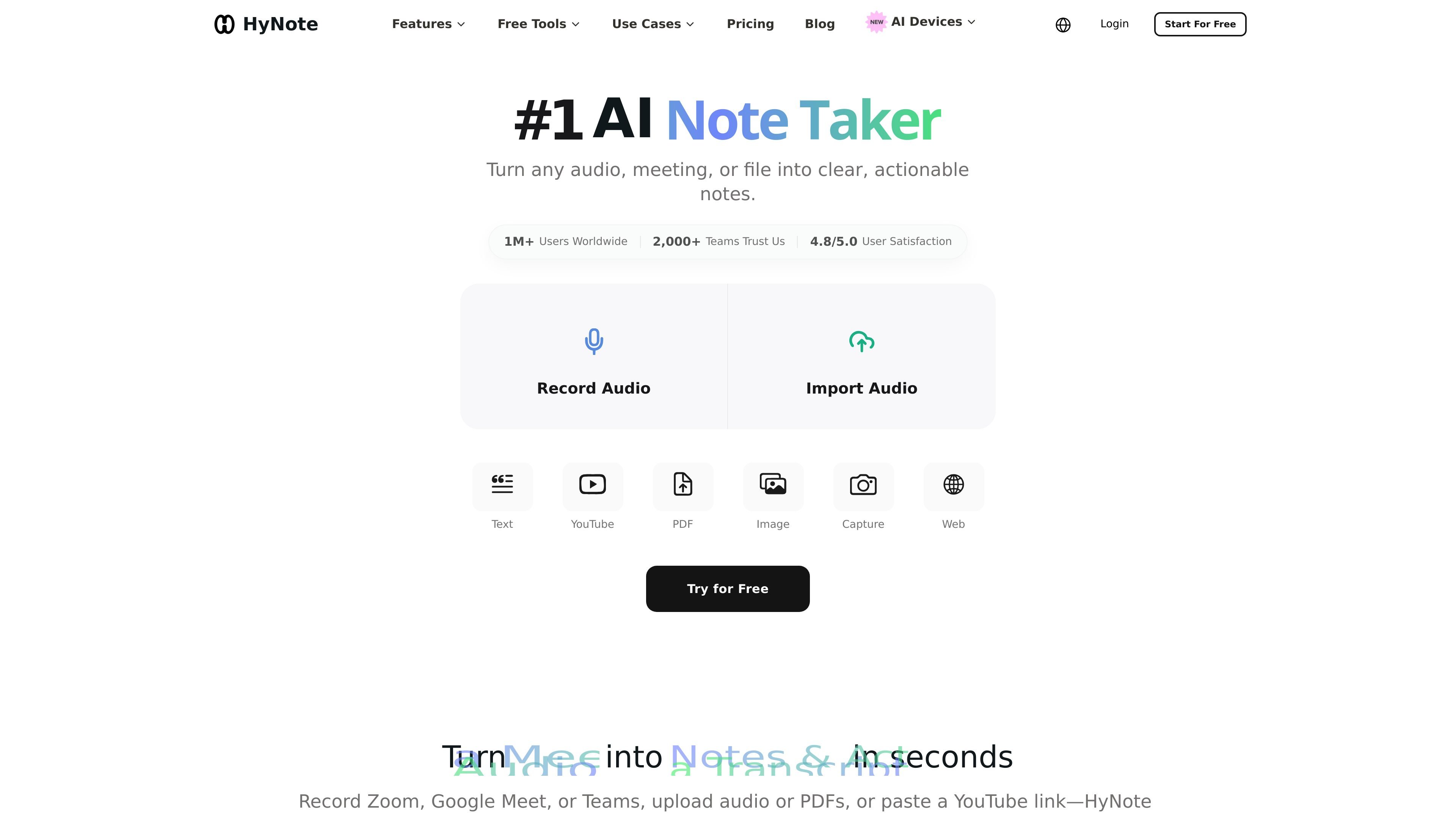
Record live audio or upload files, then turn them into searchable notes and summaries. The product supports audio, video, PDFs, images, text, web pages, phone calls, and YouTube links as inputs.

Prise de notes IA pour réunions, audios, PDF et plus
HyNote is an AI note taker for meetings, audio, PDFs, and other captured content, turning them into searchable notes, summaries, and action items. It records, transcribes, and summarizes inputs into searchable notes, then organizes the output with templates, tags, folders, snippets, and chat across notes.
The product is positioned for students, professionals, and teams that want to turn live meetings, uploaded audio, and documents into summaries, action items, and other structured notes. The site also shows support for cross-device sync, calendar connections, and exports to common work tools such as Google Docs and Notion.
Record live audio or upload files, then turn them into searchable notes and summaries. The product supports audio, video, PDFs, images, text, web pages, phone calls, and YouTube links as inputs.
Generate abstractive summaries, key points, action items, and meeting minutes from transcripts or documents. The site also highlights 30+ professional templates for different note-taking and study workflows.
Transcribe meetings from Zoom, Google Meet, Microsoft Teams, and Webex without a meeting bot. Speaker identification, timestamps, and support for 50+ languages are listed on the product site.
Upload or record audio in common formats such as MP3, WAV, M4A, and AAC, with searchable transcripts and AI summaries. The page describes live and uploaded audio workflows for note capture.
Export and transfer notes to Google Docs, Notion, PDF, TXT, and other connected tools. The site also mentions sharing through the mobile share sheet and syncing with Google Calendar and Apple Calendar.
Keep notes synchronized across web, iPhone, Android, iPad, Apple Watch, and Chrome. The site presents HyNote as a cross-device hub for capture, processing, sharing, and connection.
Capture a live meeting from Zoom, Google Meet, Microsoft Teams, or Webex and turn it into notes with speaker identification, timestamps, and action items.
Upload lectures, interviews, podcasts, or other recordings and generate searchable transcripts and summaries for review or editing.
Import PDFs, screenshots, images, or web pages and convert them into structured summaries or study notes using the template library.
Organize ongoing work by storing notes in folders, tags, and snippets, then chat with all notes to find details across captured content.
Use the Teams plan for shared templates, admin controls, and priority support when multiple people need a common note-taking workflow.
HyNote offers a free plan with audio recording and transcription, professional templates, file uploads, note sync across web, mobile, and tablet apps, calendar integration, and private secured storage. Paid plans add higher transcription limits and additional export or transfer options, and the Pro, Plus, and Unlimited plans include a 7-day free trial.
HyNote can record or upload audio, transcribe meetings and other speech into searchable notes, and generate summaries, key points, action items, and meeting minutes from transcripts and documents.
The source materials show exports to Google Docs, Notion, PDF, and TXT, plus note transfer to Google Docs, Notion, and other platforms on Plus and above. Mobile sharing is also available through the native share sheet.
The Teams plan starts at 2 seats and includes the advanced features in the Unlimited plan, plus team templates, admin controls, and priority support.
HyNote says it does not use customer content to train its models, and the security page states that data is encrypted in transit and at rest with AES-256 and TLS 1.2+.
Les données de trafic sont fournies à titre indicatif uniquement.

amie.so
Prise de notes IA pour réunions, résumés et suivis

poised.com
Poised est un coach en communication basé sur l’IA pour les réunions et présentations en ligne. Il vous aide à vous exprimer plus clairement grâce à des retours en temps réel, des notes en direct et des résumés de réunion.

bluedothq.com
Bluedot est un assistant IA de prise de notes sans bot pour vos réunions en ligne, par téléphone et en personne. Il génère des transcriptions, des notes et des actions à suivre, et peut synchroniser les résultats avec des outils comme les CRM, ATS, Slack, Notion et Google Drive.

recordmeeting.com
RecordMeeting est un outil accessible depuis le navigateur pour enregistrer et transcrire les réunions dans Google Meet, avec une prise en charge de Zoom et Microsoft Teams. Il crée des notes IA et permet de partager et d’organiser les enregistrements dans un espace de travail privé.

myminutes.ai
Application de prise de notes et transcription IA pour réunions, cours et enregistrements

tactiq.io
Prise de notes de réunion par IA pour Google Meet, Zoom et Teams