
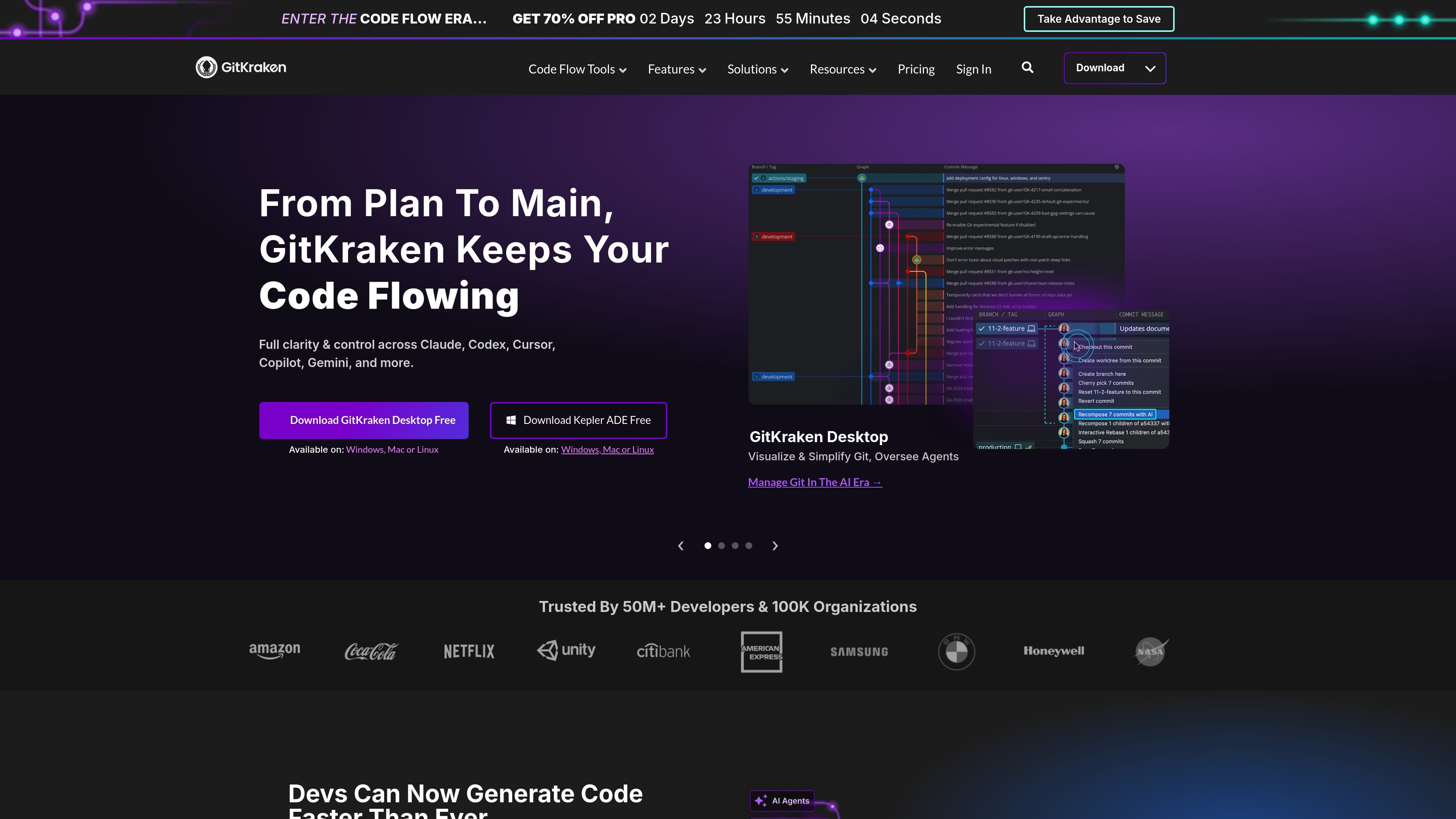
Visual Git workflow
See branches, commits, and conflicts in a single visual interface so you can understand repo activity without switching between tools.

Outils Git pour workflows visuels, planification Jira et développement assisté par IA
GitKraken is a set of Git tools and developer workflow products built around GitKraken Desktop, GitLens for VS Code, GitKraken CLI, Kepler, GitKraken Insights, and Git Integration for Jira. The site positions the platform around helping developers and teams move code from planning to main with more visual control and less context switching.
GitKraken Desktop is the desktop Git client at the center of the lineup. The broader platform also includes tools for IDE-based Git context, agent oversight, analytics, Jira-Git connection, and AI-assisted workflows, with platform support that includes Windows, Mac, and Linux for the desktop products.
See branches, commits, and conflicts in a single visual interface so you can understand repo activity without switching between tools.
Work across local repos and public remotes on the free tier, with private remotes supported on paid plans.
Resolve merge issues with a visual three-panel merge tool and conflict-detection guidance on paid plans.
Track pull requests, issues, and work in progress in one view with Launchpad-style workspace and planning visibility.
Connect GitKraken to cloud, self-hosted, and enterprise environments, including providers such as GitHub, GitLab, Bitbucket, Azure DevOps, and Jira where supported by plan.
Use AI-assisted actions such as commit messages, merge conflict resolution, stash messages, PR title and description generation, and commit explanations where enabled by plan.
Use GitKraken Desktop when you want a visual Git client for inspecting branches, commits, and conflicts while working directly with repositories.
Use GitLens in VS Code when you want code history, authorship, and context available inside your editor rather than in a separate app.
Use GitKraken CLI and GitKraken MCP when AI tools need secure access to repo context, branches, issues, and pull requests.
Use Git Integration for Jira when teams want commits, branches, and pull requests surfaced back into Jira issues for shared delivery visibility.
Use GitKraken Insights when engineering leaders need visibility into development activity, AI usage, costs, and delivery impact across teams.
GitKraken Desktop is available on Windows, Mac, and Linux. The site also says GitLens is for VS Code, and GitKraken CLI is included in some plans.
The pricing page shows a free Community plan, 14-day free trials for Advanced plan products, and paid Pro, Advanced, Business, and Enterprise tiers.
Yes. The pricing page lists integrations with cloud providers such as GitHub, GitLab, and Bitbucket on lower tiers, plus self-hosted and enterprise integrations on higher tiers.
GitKraken Desktop is positioned for repo-level Git work, GitLens for IDE-based work, Kepler for agent orchestration, and Git Integration for Jira for connecting Jira planning to Git activity.
The source highlights GitKraken Desktop, GitLens, GitKraken CLI, Kepler, GitKraken Insights, GitKraken MCP, and Git Integration for Jira across the site and pricing pages.
Les données de trafic sont fournies à titre indicatif uniquement.

githubnext.com
Site de recherche de GitHub pour prototyper les futurs outils et workflows de développement

gitbutler.com
GitButler est une plateforme basée sur Git pour les workflows de développement assistés par IA.

lambdatest.com
TestMu AI, anciennement LambdaTest, est un cloud de test à IA agentique pour les équipes qualité, réunissant planification assistée par IA, tests web et mobiles, orchestration et analytique.

liveblocks.io
Infrastructure temps réel pour apps collaboratives et workflows assistés par IA

sapling.ai
Sapling est une boîte à outils et un assistant de modèles de langage pour développeurs et entreprises, avec accès API/SDK et intégrations pour l’aide à l’écriture, l’analyse de texte et les workflows métier.

getunblocked.com
Unblocked transforme le code, les documents, les tickets et les conversations en contexte exploitable pour les revues de code, les Q&R et les workflows de développement avec AI.