
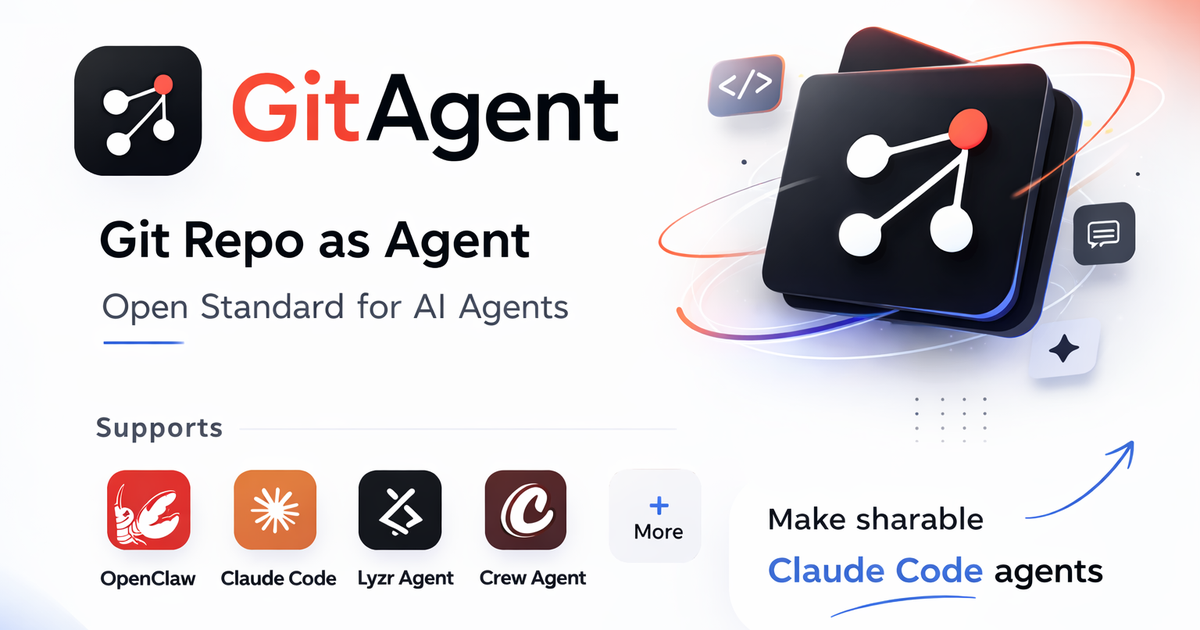
Git-native agent state
Store identity, memory, rules, tools, and skills as plain files in a git repository so the agent can be branched, diffed, reviewed, and rolled back like code.

GitAgentProtocol est un harness d’agents IA natif de Git pour gérer identité, mémoire, règles et compétences comme fichiers versionnés via CLI, Node.js SDK ou interface web.
GitAgentProtocol (GAP) is a git-native AI agent harness built in TypeScript. Its core idea is that an agent’s identity, memory, rules, tools, and skills live as plain files inside a repository, so the whole agent can be read, versioned, branched, diffed, and rolled back with standard git workflows.
The product is designed for developers who want to run and manage agents through code, a terminal REPL, an SDK, or a browser interface. The site emphasizes auditability, human-in-the-loop review, and reversible changes, and it positions GitAgent as a focused system for autonomous coding and project work rather than a general life assistant.
Store identity, memory, rules, tools, and skills as plain files in a git repository so the agent can be branched, diffed, reviewed, and rolled back like code.
Run the primary terminal interface as an interactive REPL, with options for single prompts, remote repositories, sandboxed execution, and launching the web UI from the CLI.
Embed GitAgent in a Node.js app through the SDK and call `query()` from code to automate prompts and workflows programmatically.
Serve a browser UI on port 3333 with chat, voice, skills, integrations, communication channels, a scheduler, and a visual skill-flow builder.
Use git branches, commits, logs, diffs, tags, and revert operations to inspect agent history and recover earlier states.
Define deterministic workflows in YAML and support hooks, skills, and lifecycle files such as `bootstrap.md` and `teardown.md` for agent behavior.
Run an agent from the terminal when you want a fast interactive session, a single prompt, or a local workflow that stays close to your repository.
Embed GitAgent in a Node.js application to automate prompts and integrate agent behavior directly into product code.
Use the browser interface for chat, voice, scheduler-driven runs, skills, and integrations when a graphical workflow is easier than the terminal.
Manage agent changes like software changes by branching, diffing, committing, and reverting agent files during review or experimentation.
Connect messaging channels or third-party services when you need the agent to respond outside the repository through Telegram, WhatsApp, phone, or Composio-backed integrations.
GitAgent runs as a git-native agent harness. The docs describe the CLI, SDK, and browser UI as different ways to interact with the same agent repository.
The source describes GitAgent as framework-agnostic and says it works with providers including Claude, OpenAI, CrewAI, and Lyzr. The docs also mention OpenAI Realtime and Gemini Live for voice mode.
The CLI starts an interactive terminal REPL by default. It also supports a single-prompt mode, remote repo work, sandboxed runs, and a flag to start the web UI with voice.
The web UI runs on port 3333. It provides chat, skills, integrations, communication channels, a visual skill flow builder, scheduler, settings, and voice mode.
The site positions GitAgent as a developer-focused agent system built around version control, branching, diffs, and rollback. The homepage also says it is not a general-purpose life assistant.
Les données de trafic sont fournies à titre indicatif uniquement.

tessl.io
Tessl est une plateforme d’habilitation des agents qui fournit aux agents de programmation un contexte structuré et versionné ainsi qu’une couche de compétences gouvernée. Elle aide les équipes à créer et gérer des logiciels natifs de l’IA avec les offres Free, Team et Enterprise.

blaxel.ai
Agent Drive est le système de fichiers cloud distribué de Blaxel pour les agents IA. Il se monte dans les environnements sandbox comme un chemin classique, permettant à plusieurs agents de partager simultanément des fichiers et le contexte de session.

happycapy.ai
Plateforme d’agents dans le navigateur pour exécuter Claude Code, gérer les compétences et déléguer des tâches en toute sécurité.

www.agentconnect.md
AgentConnect permet aux équipes d’intégrer des agents ACP comme Claude Code, Codex et Gemini CLI à Slack, Telegram, Discord et GitHub, afin qu’ils puissent prendre en charge des tâches dans les canaux où les équipes collaborent déjà. La solution est open source et auto-hébergeable, avec des rôles, des outils, une mémoire et des déclencheurs configurables pour les workflows des agents.

deerflow.tech
DeerFlow est un framework open source basé sur LangChain pour créer des super-agents capables de rechercher, coder et créer avec des outils en sandbox, une mémoire et des sous-agents. Il convient aux tâches longues et multi-étapes, comme la recherche approfondie, l’analyse et la génération de contenu.

agents.craft.do
Craft Agents est une application de bureau open source pour travailler avec des agents IA, en connectant modèles, API, serveurs MCP, fichiers locaux et navigateur intégré.