
Brief-first product setup
Start with audience, jobs, references, constraints, and product mood before code is generated. This lets users capture intent in plain language before moving into implementation.

Framekind est un studio Flutter basé sur l’IA qui accompagne en continu le cadrage, la conception, l’inspection et l’export de projets Flutter réels. Il aide les équipes produit à transformer une première idée en code Flutter lisible, écrans, modèles et contrats d’API dans un espace de travail unique.
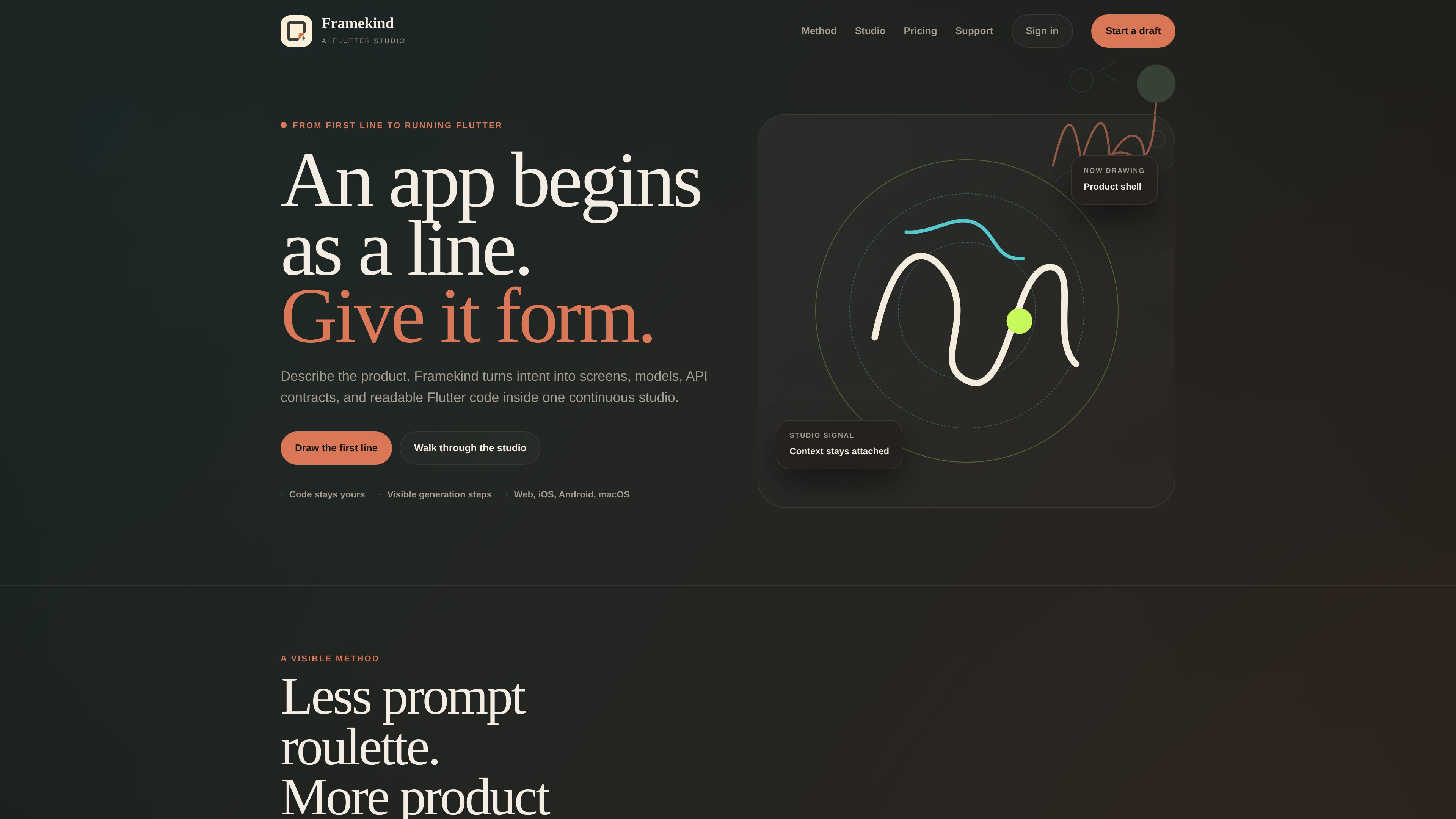
Framekind is an AI Flutter studio that turns an initial product brief into screens, models, API contracts, and readable Flutter code. Its workflow is organized around a single studio where you can describe the product, shape it visually, inspect generation output, and export the result.
The site positions Framekind as a workspace with visible generation steps instead of a black-box “AI magic” flow. It supports a brief-to-ship process that keeps context attached as you move between preview, source, API contracts, feedback, build history, and export.
Start with audience, jobs, references, constraints, and product mood before code is generated. This lets users capture intent in plain language before moving into implementation.
Move between a visual canvas, Flutter source, API contracts, and feedback in the same room. The product is designed to keep context attached instead of forcing a reset between steps.
The studio shows the brief, draft, generation state, source, API room, and export decision. That makes the build process inspectable rather than hidden behind a spinner.
Framekind generates real Flutter projects and readable Flutter code, with the site explicitly saying the code stays yours. This makes the output useful for inspection and further development.
The homepage lists web, iOS, Android, and macOS, indicating that the workflow targets Flutter’s cross-platform output rather than a single device.
The product room combines preview, layers, style, source, APIs, feedback, and export in one place. That layout is meant to support both design inspection and implementation review.
Useful when a builder has only a concept and needs to capture who the product is for, what it should do, and what constraints matter before generating code.
Helpful for product work that needs visual refinement alongside source review, so design changes and Flutter code stay in the same flow.
Appropriate when the team wants to see API contracts and build status as part of the workflow, rather than receiving a finished bundle without context.
Relevant for teams or solo builders working toward web, iOS, Android, or macOS output from a shared Flutter project.
The pricing page includes a free tier for proving a small product idea, which makes the product fit early experimentation before a larger shipping cadence.
Framekind is an AI Flutter studio that helps users brief, shape, inspect, and export a real Flutter project from one workspace.
The site says it turns intent into screens, models, API contracts, and readable Flutter code.
The homepage lists web, iOS, Android, and macOS.
No. The product description emphasizes visible generation steps, including the brief, draft, generation state, source, API room, and export decision.
Yes. The pricing page shows a free tier for proving a small product idea, alongside paid plans.
Les données de trafic sont fournies à titre indicatif uniquement.

taskade.com
Taskade est un créateur d’applications métier par IA pour créer des CRM, des tableaux de bord, des portails clients et d’autres outils opérationnels à partir de prompts ou de modèles. Il aide les équipes à publier des applications fonctionnelles réunissant agents, automatisations, mémoire et contrôles de partage dans un même espace de travail.

modaal.dev
Modaal est un environnement de développement IA pour Mac qui transforme des idées de produit, des PRD, des designs et des spécifications fonctionnelles en applications natives iOS et Android. Il s’adresse aux designers, responsables produit et équipes qui veulent obtenir des projets Swift et Kotlin compilables sans écrire le code eux-mêmes.

www.wand.dance
Wand est un environnement de travail génératif où vous pouvez parler naturellement, concrétiser vos idées, autoriser une génération et en examiner le résultat, le tout dans un seul espace de travail.

appaca.ai
Appaca est un espace de travail IA sans code pour créer des outils internes, des collègues IA et des automatisations.

getbind.co
Bind AI est un IDE d’IA et un créateur de sites web dans le navigateur pour créer et modifier des applications web à partir de prompts, d’images et de bases de code.

appypie.com
Appy Pie est un créateur d’applications mobiles avec IA et sans code pour Android et iOS, qui aide les entreprises à créer des applications natives et à les publier via des parcours de publication adaptés à leur forfait.