
One-button recording
Start recording with a single press, with a quick buzz confirming capture has begun. The pen is designed so you can keep writing without opening an app or changing your workflow.

Flowtica Scribe est un stylo enregistreur doté d’IA qui capture les conversations pendant l’écriture et les transforme en résumés structurés et actions à suivre pour revoir réunions, entretiens, cours ou consultations.
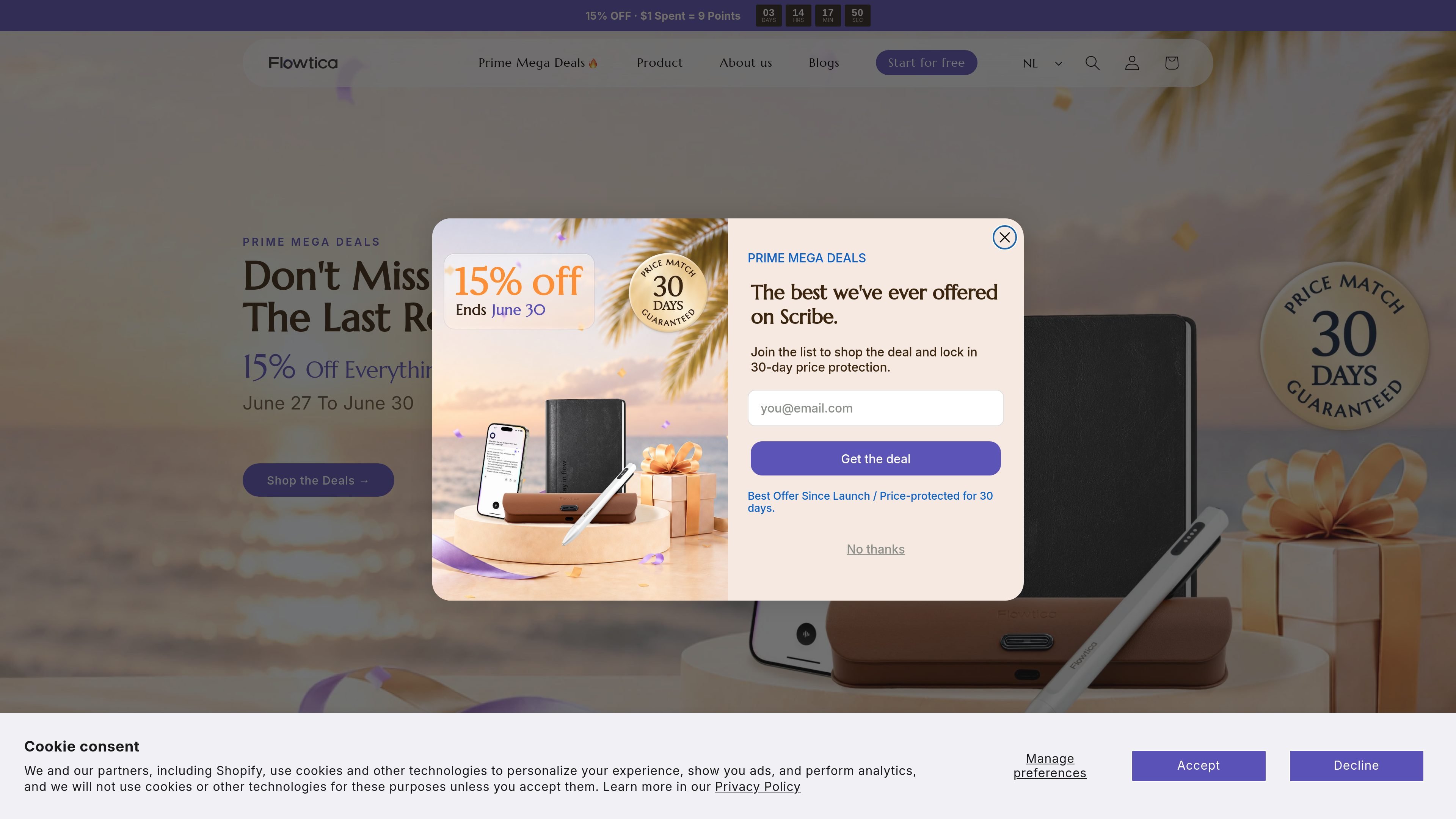
Flowtica Scribe is an AI recording pen for note-taking while you write on paper. The product is designed to capture meetings, interviews, consultations, lectures, and other conversations, then turn the recording into a structured summary with action items instead of a long transcript.
The site presents the pen as a natural writing tool that works without special paper and without needing a screen or app during the conversation. It also says recorded audio can be paired with handwritten notes and photos, and that standard AI transcription is free for as long as you own the pen, with optional paid memberships for additional features.
Start recording with a single press, with a quick buzz confirming capture has begun. The pen is designed so you can keep writing without opening an app or changing your workflow.
The pen records while you write, then Flowtica turns the conversation into a structured summary and action items. The product page positions this as an alternative to reviewing a long transcript later.
A studio-grade MEMS microphone is described as capturing up to 15 speakers within 16.4 ft and supporting 39 languages. The page also says each speaker is labeled by name.
FlowMark lets you flag an important moment during the recording. The site also says handwritten notes, audio, and images can be captured together.
The product page says FlowTran moves audio to your phone over local wireless after you finish, with no screen or cable needed at that step.
The pen is described as Apple MFi certified, compatible with iPhone, and also working with Android. The site also states it uses Bluetooth Classic and BLE.
Executives and managers can keep their attention on the conversation while the pen captures decisions and follow-ups automatically.
Lawyers and client-facing advisors can review exact phrasing later when wording and nuance matter in the discussion.
Clinicians and patient educators can listen more naturally during consultations while preserving the record for later review.
Students, lecturers, and researchers can record lectures or discussions and return to organized notes afterward.
Journalists and other freelancers can turn interviews into organized quotes and summaries without replaying the audio repeatedly.
The source indicates Flowtica Scribe records while you write, then produces structured summaries and action items rather than a raw transcript. It also says you can snap a photo of handwritten notes to fold them into the result.
The product page says one press starts recording and a quick buzz confirms it. The page also describes FlowTran moving audio to your phone over local wireless after you finish.
The product page says Flowtica Scribe works with iPhone through Apple MFi certification and also works with Android.
The source says the complete set includes a charging case, and the tech specs list 30 hours of continuous recording on the pen plus up to 100 hours total with the case.
The site states there is no subscription required to record and that standard AI transcription is free for as long as you own the pen. It also shows optional annual Premium and Unlimited memberships.
Les données de trafic sont fournies à titre indicatif uniquement.

tovel.ai
Tovel est un enregistreur IA pour les appels, les réunions et les conversations en personne. Il transforme les enregistrements en transcriptions, résumés et tâches de suivi, et prépare des actions, événements de calendrier, mises à jour CRM et autres étapes à vérifier avant tout envoi.
store.comu.com
Comu Action Pro est un enregistreur vocal IA de poche et un assistant de travail qui transforme demandes orales, conversations et enregistrements en documents, diapositives, e-mails, résumés et actions à mener. Capturez vos réunions et obtenez des livrables utiles sans retaper vos notes.

shadow.do
Shadow est une interface IA pour Mac qui capture les réunions et le contexte à l’écran, puis les transforme en notes, réponses, résumés et autres contenus grâce à des Skills personnalisées. Un forfait gratuit et un forfait payant avec fonctions IA illimitées sont proposés.

www.meetkin.com
Kin Health enregistre les consultations médicales, les transforme en résumés clairs et en prochaines étapes, et aide les patients et leurs aidants à rester coordonnés. Il s’adresse à ceux qui veulent garder une trace simple des échanges et des actions à suivre après un rendez-vous.

bluedothq.com
Bluedot est un assistant IA de prise de notes sans bot pour vos réunions en ligne, par téléphone et en personne. Il génère des transcriptions, des notes et des actions à suivre, et peut synchroniser les résultats avec des outils comme les CRM, ATS, Slack, Notion et Google Drive.

just-head-760316.framer.app
Kairn est une app iPhone qui transforme les conversations et les idées spontanées en personnes, tâches et dates à vérifier. Modifiez les suggestions de l’IA avant d’enregistrer sur votre iPhone les contacts, rappels et événements de calendrier approuvés, pour passer à l’action.