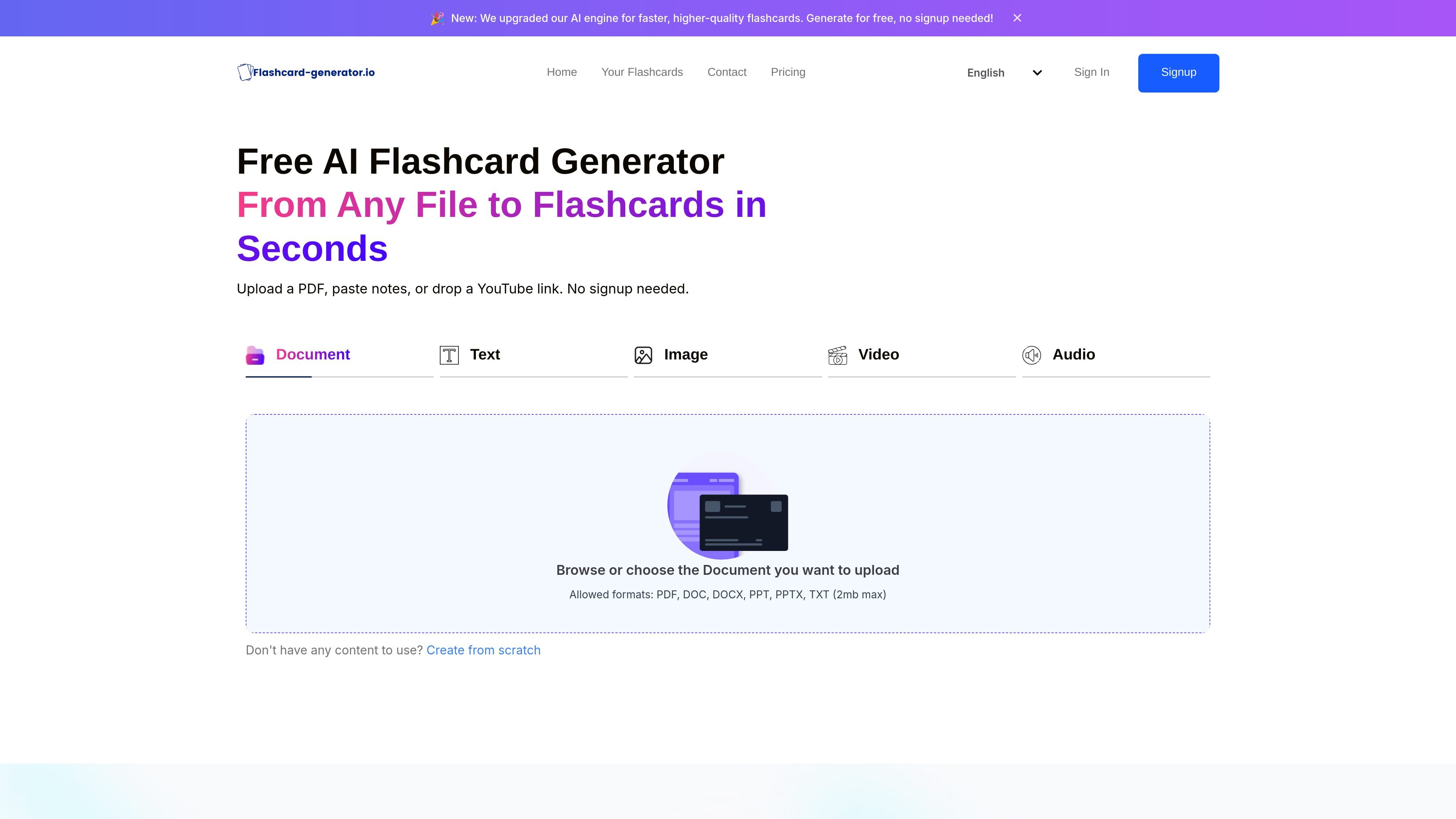
Multi-format input
Upload PDFs, Word documents, PowerPoint files, text, images, audio, or video to generate flashcards from the same tool.

Créateur de flashcards IA transformant documents, médias et liens YouTube en fiches d’étude
Flashcard Generator is an AI flashcard tool that turns study materials into question-and-answer cards. It accepts files, pasted text, images, audio, and video, and the home page says it can also work from a YouTube link or handwritten notes captured in a photo.
The product is positioned for fast study prep: the site says flashcards can be generated in seconds, cards can be edited after creation, and decks can be shared by link. A free plan is available, and the pricing page shows paid plans for heavier use and premium support.
Upload PDFs, Word documents, PowerPoint files, text, images, audio, or video to generate flashcards from the same tool.
Paste notes, drop a YouTube link, or start from scratch when you do not have a prepared file to upload.
AI reads the material and builds question-and-answer flashcards automatically, including from handwritten notes shown in a photo.
Review and change cards after generation by adding, removing, or rewording questions to match your study goals.
Share a deck with a link so classmates can study the same flashcards without recreating them.
The pricing page states the product supports 8 languages and offers audio uploads on paid plans.
Turn lecture slides, PDFs, or notes into Q&A cards before an exam so you can focus on active recall instead of re-reading large documents.
Snap a photo of handwritten notes and convert them into flashcards when you need a digital study set from paper notes.
Use YouTube videos, audio, or pasted text to create cards from material that is not already in a clean document format.
Share a deck with classmates so a group can study the same set of cards and refine the wording together.
Start on the free plan for lightweight use, then move to a paid plan if you need unlimited generations, audio uploads, or higher limits.
Yes. The pricing page lists a Free Forever plan with 10 generations per day, along with paid monthly and yearly options for higher limits.
The site says you can upload documents, paste notes, or use a YouTube link, and the product also supports images, videos, and audio files.
The generator creates Q&A flashcards automatically from your content, and you can edit cards after generation to add, remove, or reword questions.
Yes. The site says you can share custom flashcard decks with a link so classmates or other learners can study them.
The contact page says the fastest way to get help is by emailing `support@flashcard-generator.io`.
Les données de trafic sont fournies à titre indicatif uniquement.