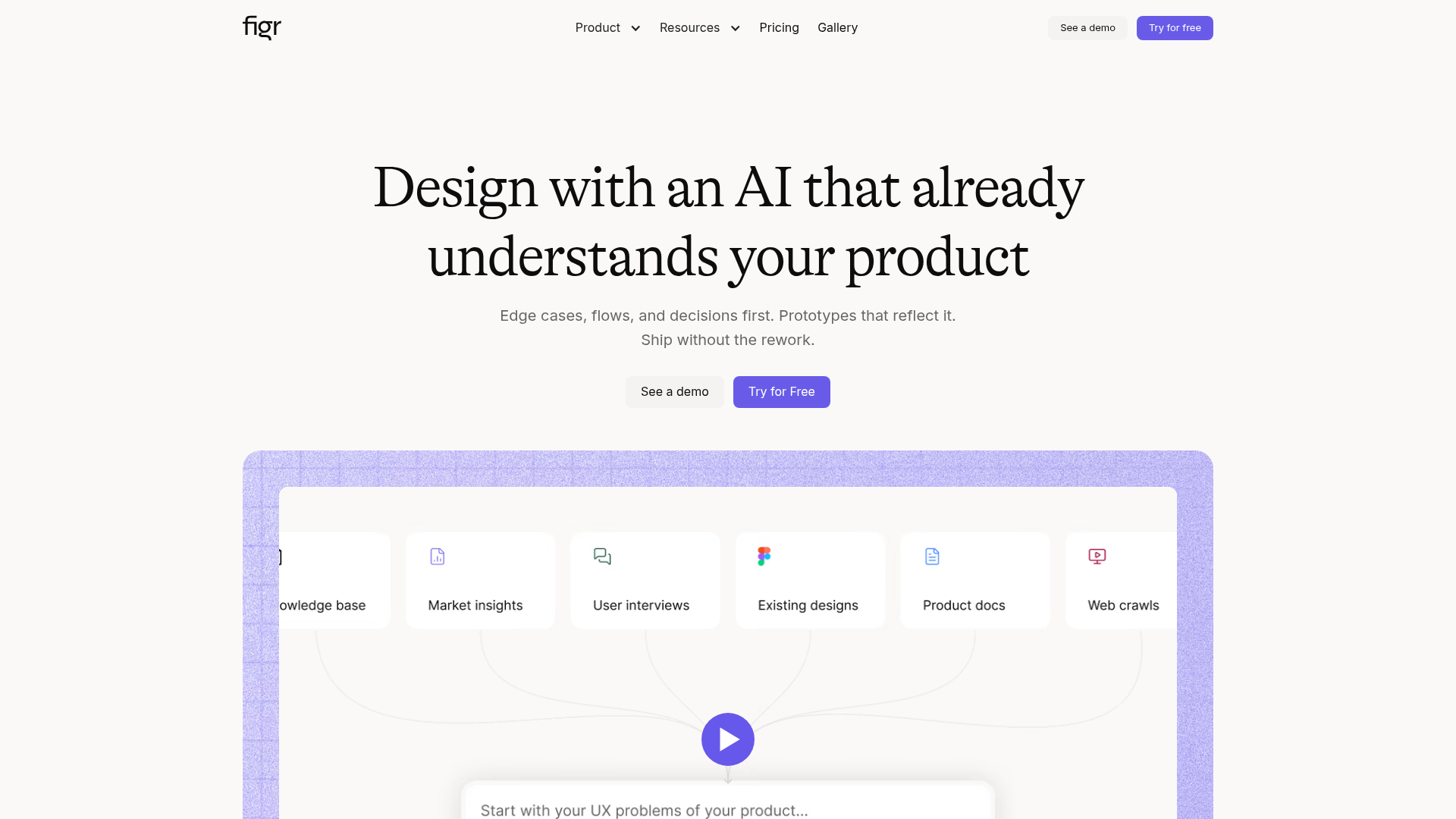
Figr is an AI design agent for product teams that need UX decisions grounded in real product context rather than a single prompt. The site positions it as a tool for designing flows, reviewing edge cases, and generating prototypes or screens that reflect an existing product’s patterns and constraints.
Instead of treating documents and folders as enough context, Figr builds a living understanding of the product from sources such as PRDs, design systems, analytics, recordings, docs, screenshots, and product walkthroughs. The result is aimed at teams that want more structured product thinking before they move into production-ready design work.
Que peut faire Figr ?
01
Product context mapping
Figr builds a living product context map from files and visual inputs so it can work from more than a text prompt. The site says it considers flows, edge cases, components, analytics, docs, and code constraints when generating output.
02
Product-thinking workflows
The product is designed to think through UX questions before generating screens, including brainstorms, UX reviews, flows, and edge cases. This helps teams evaluate decisions before they commit to a design direction.
03
Context Pods
The pricing page lists Context Pods for organizing PRDs, docs, research, recordings, analytics files, and walkthroughs. These pods scale by plan and are used to give Figr the product knowledge it needs.
04
Design system grounding
Figr supports design-system grounding so outputs can follow product patterns, components, tokens, and visual rules instead of looking generic. Paid plans expand the available design-system and custom MCP capabilities.
05
Figma export and workflow
The pricing page includes export to Figma, and the home page says Figr works with Figma. This makes it possible to carry generated work into a design handoff workflow.
06
Team collaboration and governance
Higher tiers add collaboration features such as comments, real-time co-editing, shared credits, and workspace controls. Enterprise adds SSO, audit logs, RBAC, and custom integrations.
Cas d'utilisation
“Feature design inside an existing product”
Use Figr when a team needs to design a new feature with the product’s existing patterns, components, and constraints in mind. The site highlights that it can work from live product context rather than starting from a blank prompt.
“UX review and decision support”
Use it to review flows and edge cases before the team commits to a direction. The home page emphasizes that Figr thinks through decisions first, including edge cases and UX tradeoffs.
“Brainstorming and prototyping”
Use the tool for early concepting when product managers and designers want to brainstorm, map a flow, and produce a prototype in one workspace. Testimonials and product copy point to fast iteration for concept development.
“Building shared product context”
Use Figr to collect scattered product knowledge into one working context for a specific project. The pricing and home pages describe PRDs, docs, research, recordings, analytics, and walkthroughs as the inputs it can use.
“Team collaboration and governance”
Use higher tiers when multiple teammates need comments, shared context, real-time collaboration, or admin controls. Enterprise adds SSO, audit logs, RBAC, and custom integrations for larger teams.
Questions fréquentes
How do teams get started with Figr?
Figr is set up around a workspace where you add product context such as PRDs, docs, research, recordings, analytics files, screenshots, and product walkthroughs. The pricing page also describes Context Pods, which are used to organize that context for specific product work.
What kinds of outputs does Figr produce?
The site shows Figr generating UX reviews, flows, edge cases, prototypes, and production-ready screens, with outputs that can be exported to Figma. It also supports shared collaboration features on paid plans, including comments and real-time co-editing on higher tiers.
Is Figr meant for individuals or teams?
The pricing page lists a free plan, paid Starter and Max plans, and an Enterprise plan with custom pricing. Starter is positioned for individuals, Max for small teams, and Enterprise for larger teams that need SSO, audit logs, RBAC, and custom integrations.
What integrations are supported?
Figr’s source pages describe integrations with Figma and MCP-based tools, plus custom MCPs on higher plans. The Enterprise plan also mentions custom integrations such as Storybook and GitHub.
Does Figr offer self-hosted deployment?
The security page describes hosted infrastructure, encryption in transit and at rest, access controls, and security reviews. The product pages do not describe on-premise deployment or self-hosting options.
Informations rapides
Category
AI design agent
Primary users
Product teams, designers, and product managers
Source domain
figr.design
Key workflow
Uses product context to generate and review UX, flows, edge cases, and prototypes
Export
Figma
Pricing model
Free plan plus paid plans and custom enterprise pricing
Analyse du trafic de Figr
Les données de trafic sont fournies à titre indicatif uniquement.
Évaluation du domaine
50
Alternatives à Figr
星
星流
xingliu.art
星流 est un agent de design qui transforme les idées en moodboards, visuels de marque, affiches, illustrations et designs de produits.
V
vizGPT
vizgpt.ai
vizGPT transforme des prompts en langage naturel en graphiques Lottie, SVG, GIF et data éditables pour les équipes produit, design, marketing et frontend.
A
Anima
animaapp.com
Plateforme d’IA sensible au design qui transforme fichiers Figma, URL, prompts et clones de sites en applications et code prêts pour la production, avec intégration API et SDK.
L
Lovart
lovart.ai
Agent de design IA pour créer et affiner des ressources visuelles
S
Superdesign
superdesign.dev
Superdesign est une plateforme de design alimentée par l’IA pour créer des interfaces et des expériences avec des prompts, des imports et un workflow d’agent de design basé sur un IDE.
Q
QuiverAI
quiver.ai
QuiverAI est une plateforme de design vectoriel avec IA pour créer, modifier et animer des ressources SVG éditables pour les équipes produit, marque et marketing.