
Share-sheet capture
Save links, notes, photos, and files from supported apps such as Safari, Photos, Maps, and Files. FaveNest saves the item before returning you to the source app and can capture while offline.

FaveNest est une bibliothèque privée pour enregistrer et organiser liens, notes, photos et fichiers sur iPhone, iPad et Mac. Votre bibliothèque est stockée dans votre iCloud et propose la recherche, la lecture hors ligne et l’exportation. FaveNest Pro permet aussi d’organiser avec l’IA, sur l’appareil ou avec votre propre clé.
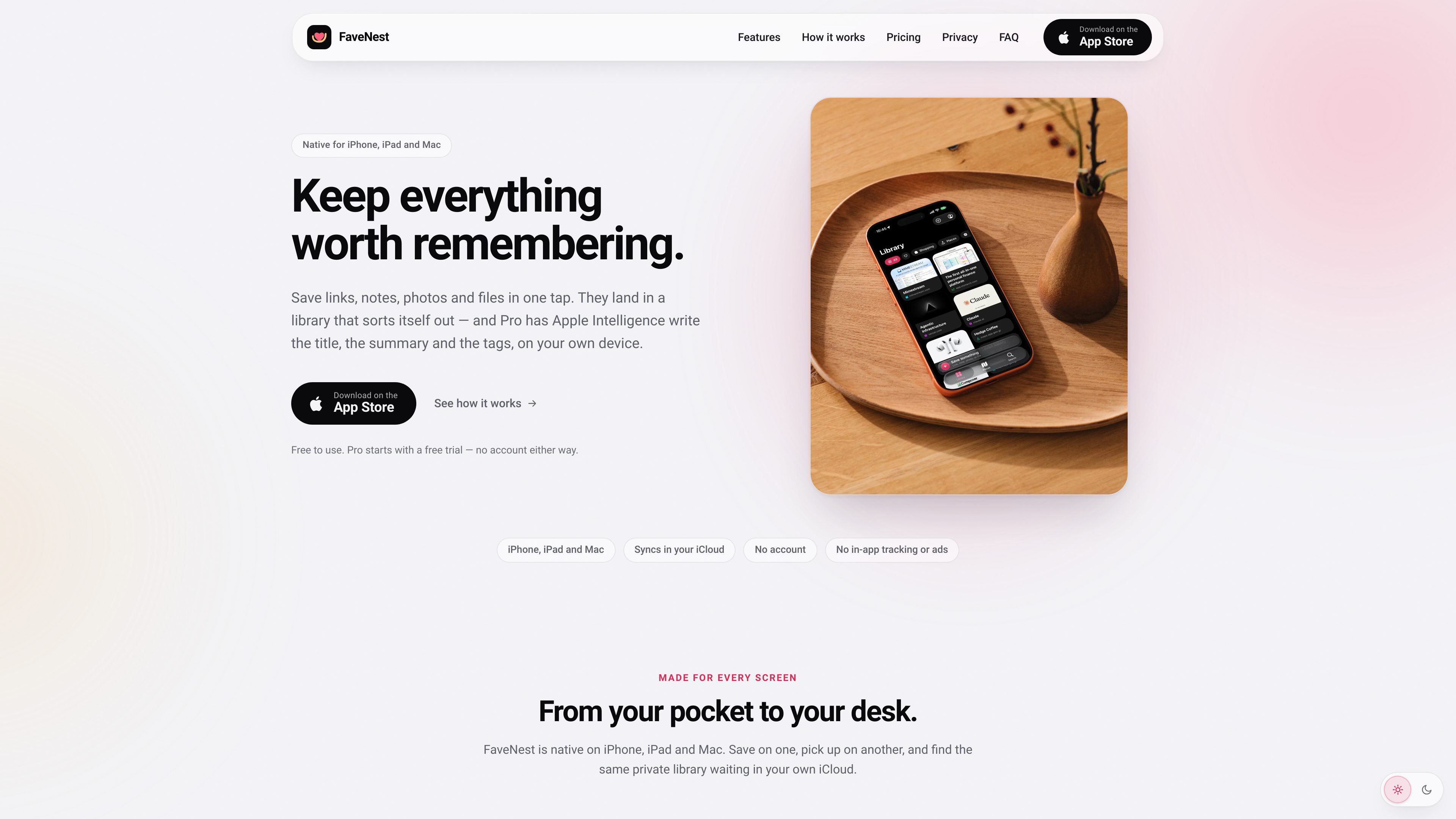
FaveNest is a personal library for saving links, notes, photos, and files from iPhone, iPad, and Mac. Items can be captured through the Apple share sheet and are stored in a library that syncs through the user’s own iCloud account, without a FaveNest account or in-app tracking.
The app is designed to make saved material easier to retrieve than an unstructured bookmark list. It supports browsing by category and tag, in-app and Spotlight search, offline reading for saved pages, and export of the whole library. FaveNest Pro adds written titles, summaries, and tags using Apple Intelligence on the device or a cloud model accessed with the user’s own OpenAI, Anthropic, or compatible API key.
Save links, notes, photos, and files from supported apps such as Safari, Photos, Maps, and Files. FaveNest saves the item before returning you to the source app and can capture while offline.
Use the same library on iPhone, iPad, and Mac through the iCloud account already configured on the devices. FaveNest does not require a separate account.
Search titles, summaries, tags, and notes inside the app or from Spotlight. Browse the grid, filter by category or tag, and use custom categories where available.
Saved Apple Maps and Google Maps links can become places with map display, city filtering, and Look Around imagery when location information can be read from the link.
Read saved pages without a connection and export the complete library to a single backup file that can be kept and loaded later.
FaveNest Pro can use Apple Intelligence on the device to write titles, summaries, and tags. Users can instead configure their own OpenAI, Anthropic, or OpenAI-compatible key; without either option, the app uses a plain title and the page’s own description.
Save pages from Safari as you encounter them, then use titles, tags, categories, and search to retrieve related material later instead of relying on a long browser bookmark list.
Save pages before travel or when connectivity is uncertain, then open the stored pages from FaveNest without a network connection.
Save map links while planning trips or recording places to revisit. The Places view can bring supported locations together on a map and filter them by city.
Capture something on an iPhone, browse the collection on an iPad, and continue from a Mac through the same iCloud-synced library.
Export the whole library to one file for backup or later loading, while keeping saved notes, media, and links organized in one app.
The core app is free and includes saving, syncing, search, offline reading, and export. FaveNest Pro is a paid upgrade that adds AI-written titles, summaries, and tags, as well as Places, unlimited custom categories, and all accent colors. The site lists monthly, yearly, and lifetime options; prices can vary by region.
No. FaveNest has no separate sign-up or password. Synchronization uses the iCloud account already signed in on the devices, and both devices need iCloud Drive enabled for the library to sync.
Apple Intelligence processing runs on the device. If the user adds an OpenAI, Anthropic, or OpenAI-compatible key, the text of a save is sent directly from the device to that provider under the user’s account; FaveNest says there is no FaveNest server in between.
Saving still works without waiting for AI processing. FaveNest uses a plain title and the page’s own description instead. Pro features such as Places, categories, and colors remain available on supported FaveNest devices.
The app can export the whole library to a single file for backup and later loading. Pro subscriptions can be managed or canceled through the Apple Account subscription settings; content already written by Pro remains in the library after cancellation, while new AI writing stops.
Les données de trafic sont fournies à titre indicatif uniquement.

premast.com
Premast est une plateforme de ressources et de workflows de présentation qui aide les équipes à créer, organiser et partager leurs supports, avec la création de présentations par IA annoncée comme prochaine fonctionnalité. Elle propose des ressources de marque, des bibliothèques de présentations et des extensions pour PowerPoint et Google Slides.

isheji.com
爱设计 est une plateforme de création de modèles dans le navigateur pour affiches, visuels sociaux, e-commerce et autres formats courants, avec édition en ligne, sauvegarde cloud et abonnements distincts pour les téléchargements et l’usage commercial.

www.conscioussai.com
ConscioussAI est un assistant d’exécution IA pour macOS, Windows, iOS et Android. Avec votre autorisation, il aide à utiliser des applications, navigateurs, fichiers, messages et processus, et transforme instructions et conversations en tâches accomplies sur téléphone et ordinateur.

chacha.so.com
360智图 est une plateforme de vérification des droits d’auteur d’images pour le marketing, la publicité, les opérations et le design, avec recherche et recommandations similaires.

browser.arunbrahma.com
Nook est un navigateur web minimaliste pour macOS qui bloque les publicités et les traqueurs, propose des modes lecture et concentration, et conserve par défaut les données de navigation en local. Il offre une lecture plus sereine, sans extensions, compte ni synchronisation.

crocoblock.com
JetPlugins WordPress pour créer des sites dynamiques avec Elementor, Gutenberg, Bricks et Divi