
Layout-preserving translation
Translate decks while keeping layout, fonts, animations, charts, SmartArt, and tables in place. The product also supports Keynote round-trip output and automatic spacing adjustments for translated text.

Espace de travail de présentation avec IA pour traduire, créer et remanier des decks dans plus de 30 langues, en préservant mises en page, formules, graphiques et identité de marque.
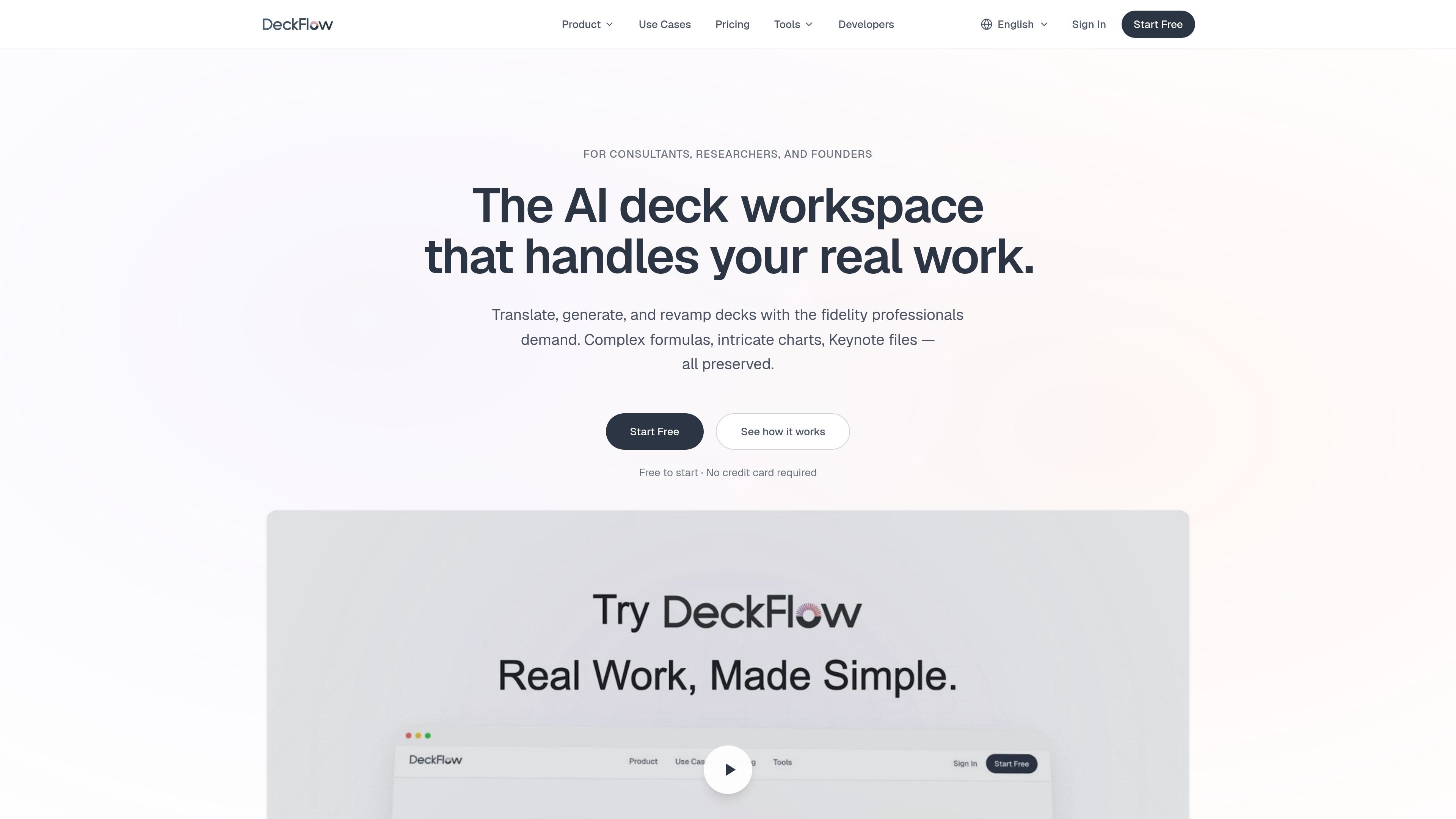
DeckFlow is an AI presentation workspace for translating, generating, and revamping slide decks while preserving the structure that professional work depends on. The product is aimed at consultants, researchers, founders, and teams that need slide content to stay usable after automation, rather than requiring manual cleanup.
The site emphasizes fidelity across real-world presentation materials: PPTX, Keynote, PDF, Word, and Excel files can be handled in translation workflows, while generation workflows support source inputs such as PDF, Word, Markdown, URLs, and plain text. DeckFlow also uses Brand DNA to carry colors, fonts, logos, and layout rules across decks, and it offers revamp options for updating older slides without rebuilding their content.
Translate decks while keeping layout, fonts, animations, charts, SmartArt, and tables in place. The product also supports Keynote round-trip output and automatic spacing adjustments for translated text.
Generate decks from PDFs, Word files, Markdown, URLs, or plain text. DeckFlow says it preserves formulas, charts, diagrams, and embedded images at the structural level instead of flattening them.
Apply saved colors, fonts, logos, and layout rules across new decks, translations, and revamps. Brand DNA can be personal or shared across a team.
Modernize older decks without rebuilding them from scratch. Users can choose a professional template or apply Brand DNA while keeping the original content intact.
Export output in the format needed for delivery, including PPTX, PDF, HTML, and Image from generation workflows. Translation workflows return the same deck format where supported.
Use team-oriented and advanced plan features such as custom glossaries, priority processing, API and MCP support, and larger file uploads. The pricing page also lists credits and sparks as the usage model.
Translate investor decks, sales pitches, and client presentations into another language while keeping charts, layouts, and Keynote files intact.
Turn research papers, technical reports, and long-form documents into a presentation that keeps formulas, charts, and images structurally intact.
Refresh older decks by applying a professional template or Brand DNA so the content stays the same while the visual design changes.
Keep proposals, reports, and recurring client decks visually consistent by applying saved brand settings across every new output.
Translate and update work in environments that depend on custom terminology, using glossaries to keep key terms consistent across runs.
Yes. DeckFlow can translate PPTX, Keynote, PDF, Word, and Excel files, and the translated file is returned in the same format where applicable. The product pages specifically call out full round-trip support for Keynote files.
DeckFlow says its translation workflow preserves fonts, sizes, colors, animations, charts, tables, SmartArt, and layout elements. It also adjusts font size and spacing automatically so translated text fits without manual reformatting.
DeckFlow supports over 30 languages, with deeper accuracy called out for English↔Chinese, English↔Japanese, English↔Spanish, and English↔German.
The pricing page says free credits are available for newly registered users, and the subscription model includes both translation and generation capabilities. It also lists API and MCP support for advanced plan users.
Yes. Uploaded files are encrypted with AES-256 and deleted after processing, and the pages state that source material is not used to train models.
Les données de trafic sont fournies à titre indicatif uniquement.

www.tryaidiy.com
ai.diy est un espace de travail IA open source géré depuis le navigateur, avec chat BYOK, outils locaux et changement de fournisseur. Il conserve l’état de l’espace de travail dans le navigateur et se connecte à plus de 20 fournisseurs d’IA cloud et locaux via un relais auto-hébergé.

invisionapp.com
Miro est une plateforme de collaboration visuelle basée sur l’IA qui aide les équipes à transformer idées et recherches en plans structurés et en actions dans un espace de travail partagé, avec IA collaborative, canevas multijoueur, formats structurés et intégrations.

deta.surf
Espace de travail local pour naviguer, prendre des notes et rechercher avec l’IA

www.omnivibe.me
OmniVibe réunit une marketplace d’agents IA, un espace de travail et un studio. Découvrez des agents spécialisés, exécutez-les dans des fils partagés et créez les vôtres pour la recherche, les projets créatifs, les tâches professionnelles et d’autres workflows ciblés.

sshly.app
Sshly est un client SSH natif pour Mac qui regroupe les connexions, les clés SSH, la gestion des fichiers et la redirection de ports dans une seule app. Il propose un flux de travail SSH local avec une licence à paiement unique, sans abonnement.

fx.sh
fx est un agent de programmation natif, léger et ouvert, doté d’une CLI pour travailler sur du code depuis le terminal. Conçu pour la recherche, l’intégration et l’utilisation au sein de systèmes plus vastes, il prend en charge l’inférence locale ou dans le cloud.