
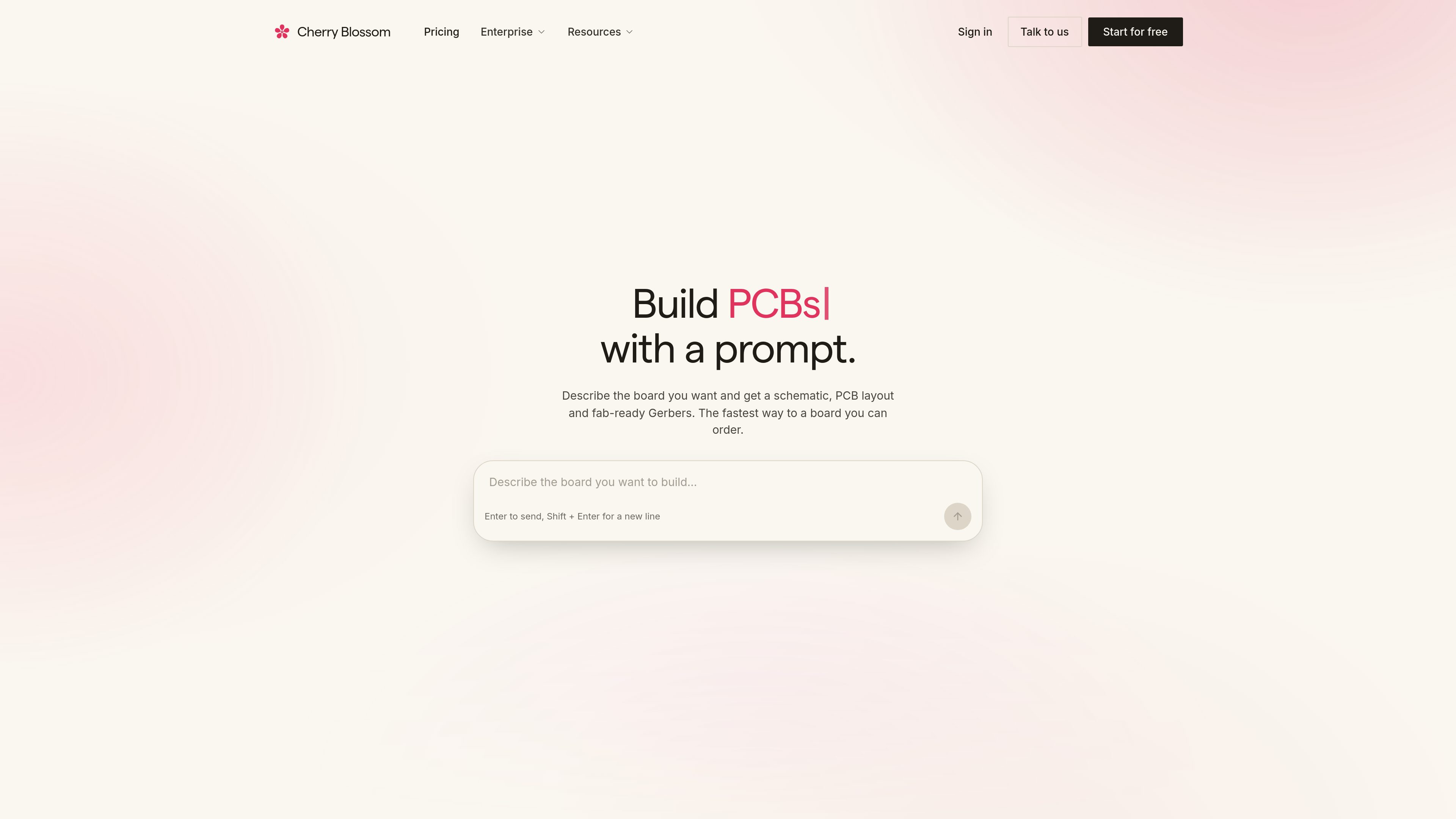
Natural-language board creation
Users describe the board they want in plain English and the AI drafts the circuit from that prompt, rather than starting from a blank schematic.

Cherry Blossom est un outil de conception de PCB dans le navigateur qui transforme des instructions en anglais courant en schémas modifiables, en routages de PCB et en fichiers de fabrication. Il aide les ingénieurs à passer d’une idée de carte à une conception exportable sans repartir de zéro.
Cherry Blossom is a browser-based PCB editor that uses AI to turn a natural-language description into an editable circuit design. The core workflow is to describe the board, let the assistant generate or revise the schematic and PCB layout, and then export fabrication-ready outputs such as Gerbers, BOMs, or KiCad projects.
The product is built around a verification step that checks AI edits before export, surfacing issues such as missing footprints, unconnected pins, power problems, and manufacturability concerns. It also emphasizes open formats and portability, with exports designed to let users continue work in KiCad or hand the design off for fabrication.
Users describe the board they want in plain English and the AI drafts the circuit from that prompt, rather than starting from a blank schematic.
The output is not just a generated sketch; it includes an editable schematic and PCB layout that can be inspected and refined in the editor.
Each AI edit is checked for concrete issues such as missing footprints, unconnected pins, power or decoupling problems, and manufacturability concerns.
Cherry Blossom runs in the browser with no installation, so users can open the editor and begin working from a cloud workspace.
Projects can be exported as KiCad files, Gerbers, BOM CSVs, and Circuit JSON, which supports handoff and later editing in other tools.
The service includes managed AI without requiring users to connect a third-party model account or provide an API key.
Useful when you know the behavior the board needs but do not want to start by drafting every symbol, footprint, and connection manually.
Suitable for engineers who want to describe a change in plain language, inspect the result, and ask the assistant to refine specific parts of the design.
Helpful when the main goal is to catch missing parts, footprint mismatches, power errors, or other manufacturability issues before sending a board to fab.
A fit for teams that want AI-assisted design while still retaining the option to open the project in KiCad or export files for external manufacturing tools.
The site highlights example boards such as an ESP32 dev board and a USB-C PD trigger, showing the tool can be used for small practical circuits and teaching examples.
No. The editor runs in the browser, and the quickstart says you can open the app and begin without an install.
The documented export options include KiCad projects, Circuit JSON, Gerbers, and BOM CSV files.
No. Managed AI is included, and the pricing page says there is no API key to connect.
Yes. The site says you can export .kicad_sch and .kicad_pcb files for use in KiCad.
Yes. After each AI edit, the verification gate reports either a validated circuit or a specific issue that needs attention.
Les données de trafic sont fournies à titre indicatif uniquement.

claudewatermark.xyz
Claude Watermark est un outil accessible dans le navigateur qui détecte les traces repérables dans le texte collé depuis Claude ou ChatGPT et aide à les nettoyer. Supprimez la mise en forme masquée, les caractères invisibles et autres résidus de collage sans téléverser le texte vérifié.

costlogic.co
CostLogic est un outil d’estimation de travaux de construction accessible depuis un navigateur, conçu pour le métré sur plans, les devis et les factures. Importez des plans PDF, mesurez directement sur les dessins et passez du métré à la facturation dans un même flux de travail.

genfuseai.com
GenFuse AI transforme des instructions en langage naturel en workflows visuels pour automatiser les tâches répétitives dans Gmail, Google Sheets, HubSpot et Google Calendar.

text2infographic.com
Générateur d’infographies IA qui transforme textes, blogs ou fichiers en visuels, sans compétences en design.

sshly.app
Sshly est un client SSH natif pour Mac qui regroupe les connexions, les clés SSH, la gestion des fichiers et la redirection de ports dans une seule app. Il propose un flux de travail SSH local avec une licence à paiement unique, sans abonnement.

invisionapp.com
Miro est une plateforme de collaboration visuelle basée sur l’IA qui aide les équipes à transformer idées et recherches en plans structurés et en actions dans un espace de travail partagé, avec IA collaborative, canevas multijoueur, formats structurés et intégrations.