
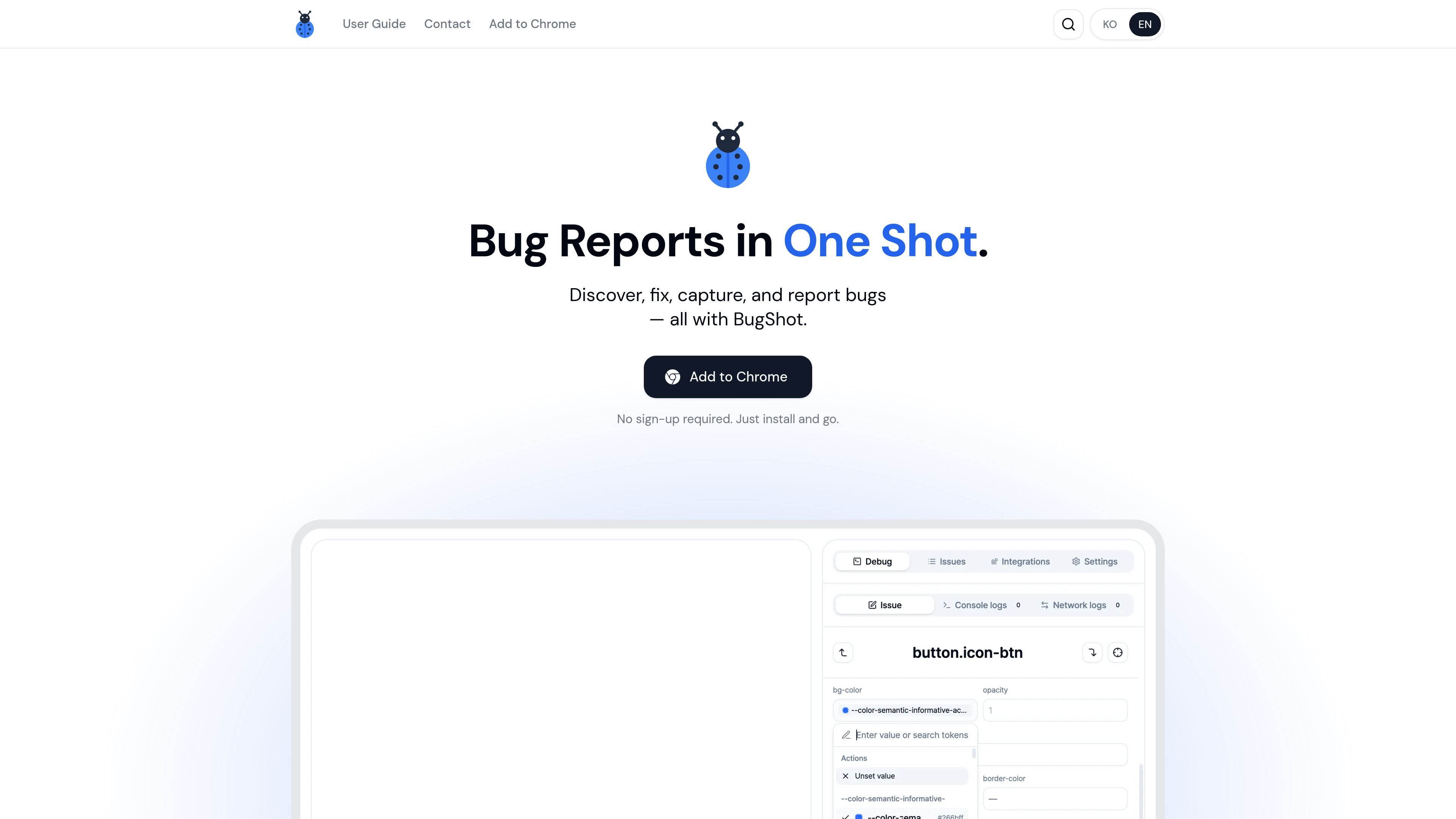
Inspect and edit styles in the browser
Inspect any element on the page to see its applied styles and attributes, then use the visual editor to change styles directly in context.

BugShot est un outil de signalement de bugs basé sur Chrome, qui permet d’inspecter, modifier, capturer et signaler les problèmes depuis le navigateur. Les équipes QA, design et ingénierie peuvent y ajouter du contexte et envoyer leurs rapports à Jira, GitHub, Linear et Notion.
BugShot is a Chrome-based bug reporting tool that combines inspection, style editing, capture, replay, and issue filing in one browser workflow. The product is positioned for people who need to review UI changes, document bugs, and hand them off with enough context for developers to act on them.
From the collected pages, BugShot focuses on reducing the handoff between discovery and reporting. Users can click an element to inspect styles and attributes, edit CSS visually or with AI assistance, record interactions or replay the last 30 seconds, and generate a structured report before sending it to an external tracker.
Inspect any element on the page to see its applied styles and attributes, then use the visual editor to change styles directly in context.
Describe a design or UI change in plain language and BugShot uses AI to rewrite the CSS, with before-and-after comparison on the page.
Record a live session or capture the last 30 seconds from always-on replay so a bug can be documented even after it was noticed.
Turn captured evidence into a structured bug report with steps, expected behavior, and actual behavior.
Bundle browser, resolution, DOM context, console errors, network activity, and action logs with the report so the issue is easier to reproduce.
Send the captured report and attachments to Jira, GitHub, Linear, Notion, GitLab, Asana, ClickUp, and Slack from the integrations flow.
Designers and product reviewers can click elements, inspect the current styles, and make quick visual edits before sharing the issue with the team.
When a bug is intermittent or already happened, a user can rely on live recording or the last-30-seconds replay to preserve what occurred.
Developers can file reports with console errors, network activity, DOM context, and action logs attached so the likely cause is visible sooner.
Teams that work in Jira, GitHub, Linear, Notion, GitLab, Asana, or ClickUp can send captured issues into their existing tracker without switching tools.
QA and support teams can draft a report with expected and actual behavior already structured, then submit or share it as needed.
Yes. The homepage says BugShot is completely free and requires no sign-up; users install it from the Chrome Web Store and start reporting immediately.
The homepage presents BugShot as a Chrome add-on and says to add it to Chrome, so Chrome is the supported browser shown in the source. The site does not list other browsers in the collected text.
BugShot can draft reports with AI after you capture a bug. The homepage does not spell out the exact inputs required beyond captured data and the report draft flow.
The integration docs explicitly mention Jira, GitHub, Linear, Notion, GitLab, Asana, ClickUp, and Slack. The homepage also references Jira, GitHub, Linear, and Notion.
The collected pages mention capturing browser, resolution, DOM context, logs, video, and issue data, but they do not provide a detailed policy on retention or handling. For that, the source points to documentation, which was not fully available in the collected text.
Les données de trafic sont fournies à titre indicatif uniquement.

readpdfoutloud.com
Read PDF Out Loud est un lecteur PDF accessible depuis le navigateur, qui lit les documents avec une voix naturelle tout en surlignant chaque mot. Il convient aux articles de recherche, rapports, livres et PDF contenant équations, figures, tableaux ou mise en page sur deux colonnes.

premast.com
Premast est une plateforme de ressources et de workflows de présentation qui aide les équipes à créer, organiser et partager leurs supports, avec la création de présentations par IA annoncée comme prochaine fonctionnalité. Elle propose des ressources de marque, des bibliothèques de présentations et des extensions pour PowerPoint et Google Slides.

www.holavoicemail.com
Hola AI est une application de messagerie vocale avec IA qui répond aux appels manqués, échange avec les appelants, filtre le spam et envoie des résumés concis via l’application, SMS ou e-mail. Elle s’adresse aux particuliers et aux entreprises qui veulent connaître le contexte des appels auxquels ils ne peuvent pas répondre.

dofott.com
Ajoute automatiquement des blocs de temps de trajet Google Maps avant et après les événements Google Calendar associés à un lieu. Les personnes qui se rendent à des réunions peuvent ainsi prévoir un temps de déplacement réaliste dans leurs calendriers, pages de prise de rendez-vous et applications de planification.