
Natural skin retouching
Use natural smoothing, blemish cleanup, dark circle correction, and wrinkle correction while keeping skin texture believable instead of over-processed.

Aperty est un éditeur de portraits par IA pour retouches naturelles et traitement par lots sur Mac et Windows.
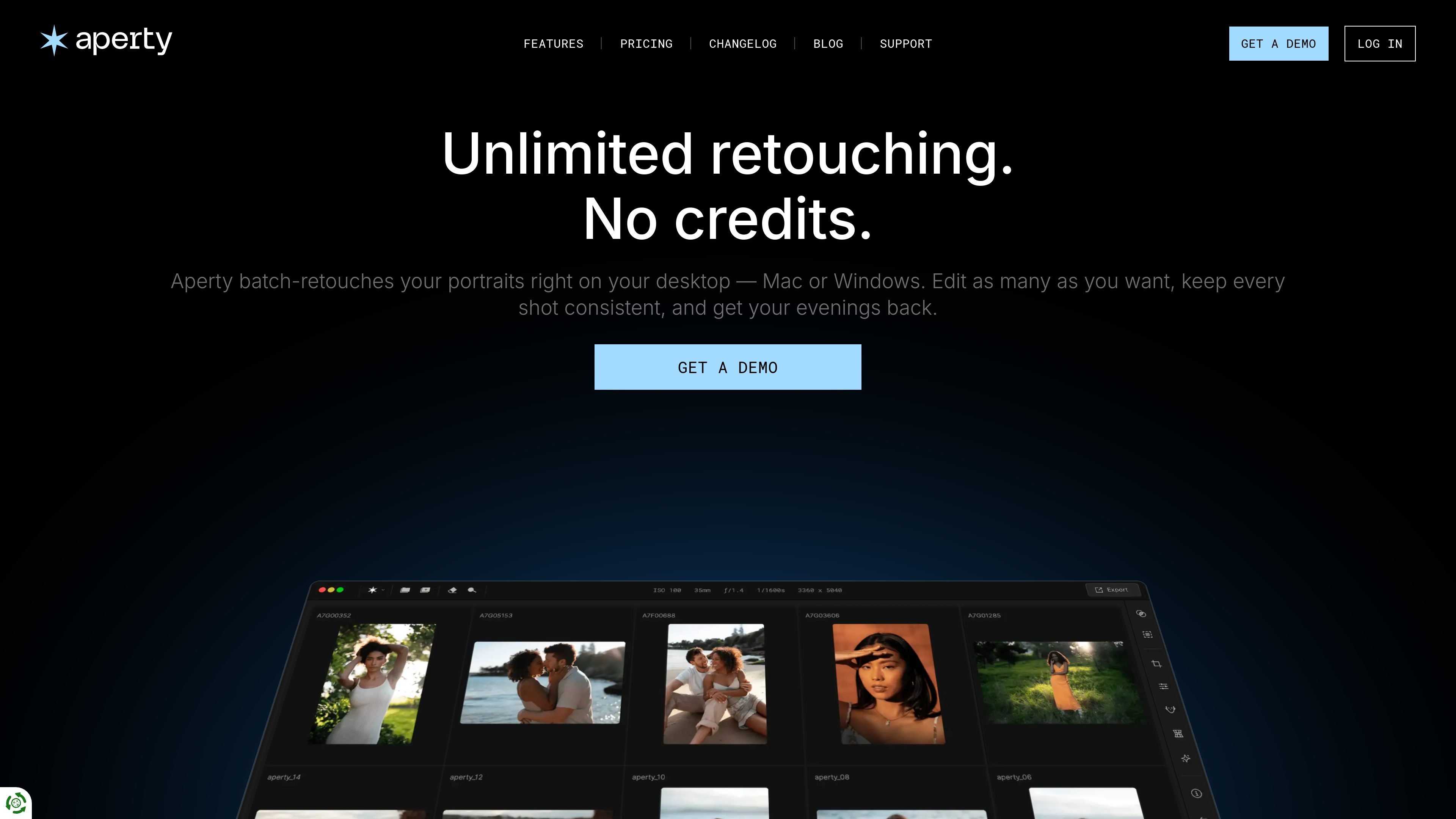
Aperty is a desktop AI portrait photo editor for photographers who want to retouch portraits faster without sending images through a cloud service. It runs on Mac or Windows, works as a standalone app and as a plug-in for Photoshop, macOS Photos, and Lightroom, and is positioned around natural-looking portrait edits rather than generic image manipulation.
The product focuses on repeatable portrait workflows: skin smoothing, blemish cleanup, wrinkle and shine reduction, eye and face adjustments, reshaping, and batch retouching. Aperty also emphasizes keeping edits consistent across a full set, with presets, batch sync, and local processing so photographers can move from import to delivery with fewer manual steps.
Use natural smoothing, blemish cleanup, dark circle correction, and wrinkle correction while keeping skin texture believable instead of over-processed.
Retouch inside Photoshop or Lightroom without round-tripping or exporting files between apps, and use Aperty either as a plug-in or a standalone desktop app.
Run edits locally on Mac or Windows with unlimited retouching, no per-image credits, and no uploads, so files stay on your machine.
Apply edits across a whole set and update portraits consistently in seconds, which is useful for keeping a series aligned after one adjustment.
Start from professional retouch presets, then fine-tune amounts and add your own style during the edit.
Edit eyes, skin tone, shine, reshaping, makeup, and lighting with tools described for portraits, headshots, weddings, schools, and studio work.
Retouch wedding galleries with a consistent look across many images, then update similar portraits in bulk with batch sync instead of editing each frame separately.
Clean up headshots by smoothing skin, correcting shine, and refining facial details while keeping skin texture and expression natural for client-ready results.
Edit family portraits with gentle retouching that improves skin and small distractions without making the image look heavily altered.
Speed up studio workflows by starting from presets, fine-tuning retouch amounts, and exporting a finished project ready for clients.
Use the Lightroom or Photoshop plug-in when portraits already live in an existing catalog or retouching workflow and you want to avoid round-tripping files.
Aperty is a desktop portrait editor that works as a standalone app and as a plug-in for Photoshop, macOS Photos, and Lightroom. The source describes it as an AI portrait editor for photographers, with tools for retouching, reshaping, blemish removal, skin tone adjustment, and eye editing.
Yes. The home page says Aperty runs on your own computer on Mac or Windows, and the pricing page lists plugin support for Photoshop and Lightroom. The features page also mentions Lightroom and Photoshop plug-ins.
The source says Aperty uses unlimited editing on your own computer with no per-image credits and no monthly caps. The pricing page also shows monthly, annual, and lifetime plans, plus a 3-day free trial and a 14-day money-back guarantee.
Aperty is built for portrait photography workflows. The source explicitly highlights wedding, family, portrait, corporate headshots, studio, events, school and graduation, outdoor portrait, and fashion editing scenarios.
The source describes Aperty as supporting retouch presets, fine-tuning, and exporting a project ready for clients. It also says edits can be applied consistently across a set and updated in seconds using batch sync.
Les données de trafic sont fournies à titre indicatif uniquement.

upscalepics.com
Upscaler et éditeur d’images IA pour agrandir et améliorer les images en ligne, avec réglages d’impression, traitement par lots et extension de navigateur.

skylum.com
Skylum propose la gamme de logiciels de retouche photo Luminar pour ordinateur et appareils mobiles, dont Luminar Neo, Luminar Mobile et Aperty. Ces outils offrent une retouche assistée par l’IA sur Mac, Windows, iPhone, iPad, Android et ChromeOS, avec des options multiappareils selon les formules.

airbrush.com
Airbrush est un éditeur photo IA pour retoucher les portraits et améliorer les images : retouche, suppression d’objets, modification de l’arrière-plan et optimisation. Disponible sur le web, ordinateur et mobile, avec une tarification au crédit.

lensa.app
Lensa est un éditeur photo mobile avec IA pour les portraits, les arrière-plans et les avatars IA.

swapfaces.ai
Outil d’échange de visages par IA dans le navigateur pour photos, vidéos et GIF, avec prise en charge de plusieurs visages et du traitement par lots.

pixcakeai.com
Retouche photo IA pour la photographie commerciale : colorimétrie RAW, lissage, liquify, réparation des arrière-plans et traitement par lots sur ordinateur et mobile.