
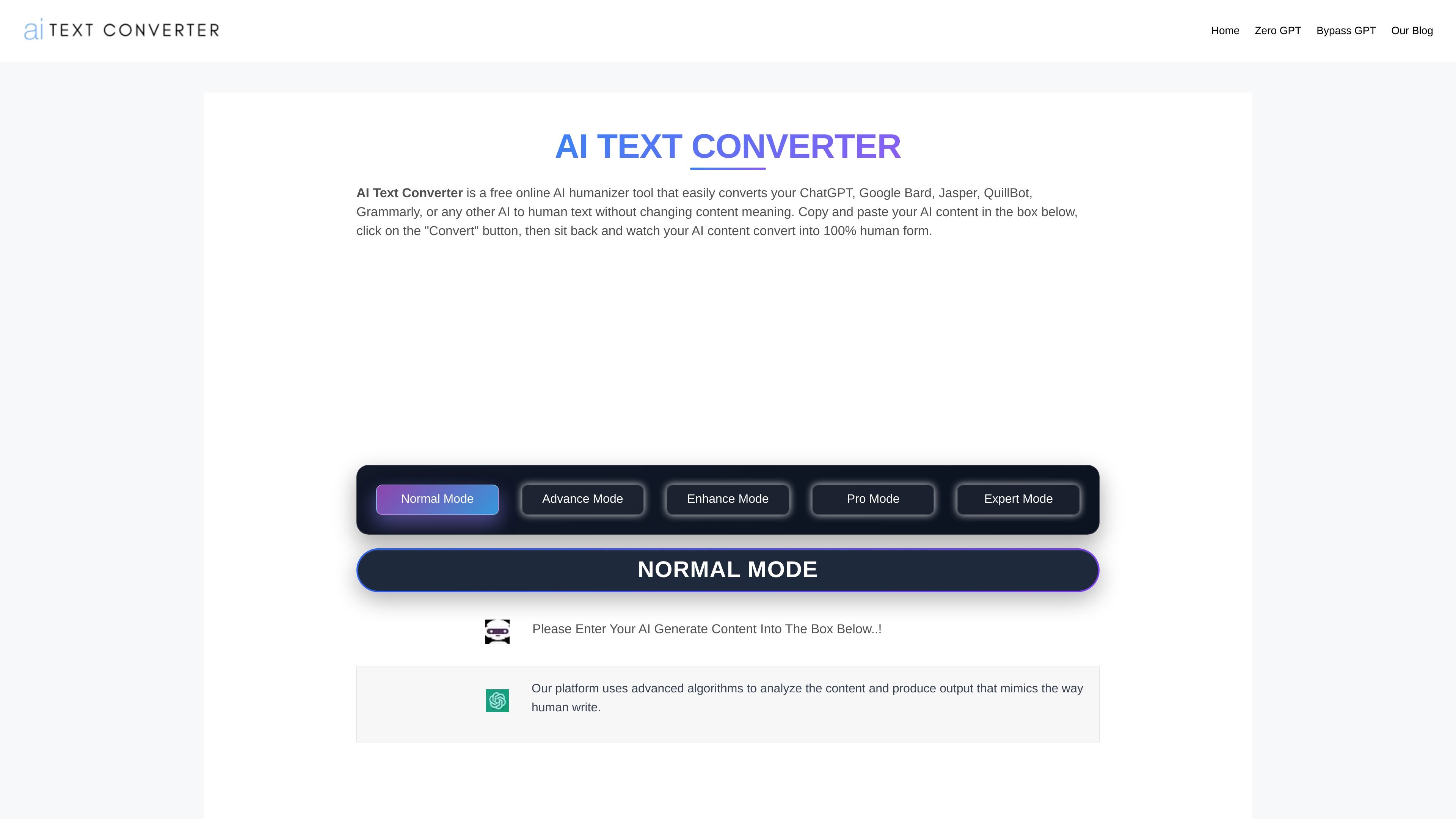
Mode selection
Choose from the visible Normal, Advance, Enhance, Pro and Expert processing modes.

A browser-based tool for rewriting AI-generated text into more natural-sounding prose.
AI Text Converter is a browser-based text humanizer for revising AI-generated drafts. Paste text into the editor, choose a mode, enter the verification code and select Convert. Copy the result from the output area or run it through another conversion.
The tool is offered free for rewriting wording and flow. Its visible modes are Normal, Advance, Enhance, Pro and Expert. Review the output against your original message, including facts, numbers, references and tone, before using it.
Choose from the visible Normal, Advance, Enhance, Pro and Expert processing modes.
Enter a draft in the text box, supply the verification code and select Convert to produce a revised version.
Use the tool to revise stiff or repetitive AI-generated phrasing. Check the result to make sure your intended meaning is retained.
Copy the converted text from the result area or use the repeat-conversion control for another pass.
A blogger can submit a generated draft to adjust stiff phrasing and improve flow before reviewing and editing it for publication.
A business user can process an AI-written email or report when the initial wording feels formal or repetitive, then check the result against the intended message.
A content creator can rewrite AI-generated social copy into wording that reads more naturally before adapting it to the intended audience.
A student can use the tool to revise an AI-assisted draft for readability, while retaining responsibility for accuracy, originality, and applicable academic rules.
Paste your draft into the input area, choose a mode, enter the verification code and select Convert. Review and copy the text from the output area.
The browser converter is offered as a free tool that can be used repeatedly.
The tool aims to keep the original meaning while revising phrasing. Compare the output with your draft and correct any changes to facts, numbers, references or intended emphasis.
Check factual accuracy, citations and originality yourself, and follow applicable workplace or academic rules. Rewriting alone does not establish authorship or guarantee search performance or a detector result.
Les données de trafic sont fournies à titre indicatif uniquement.

lattice.aryy.in
Rewrite text through multiple language paths for more natural wording while preserving the original meaning.

www.theloqua.ai
Loqua is a voice-first desktop productivity app for macOS and Windows that turns natural speech into polished text, edits selected content, translates dictation, and answers questions about user-selected screen content. It is designed for hands-free writing and supported voice workflows across desktop apps.