
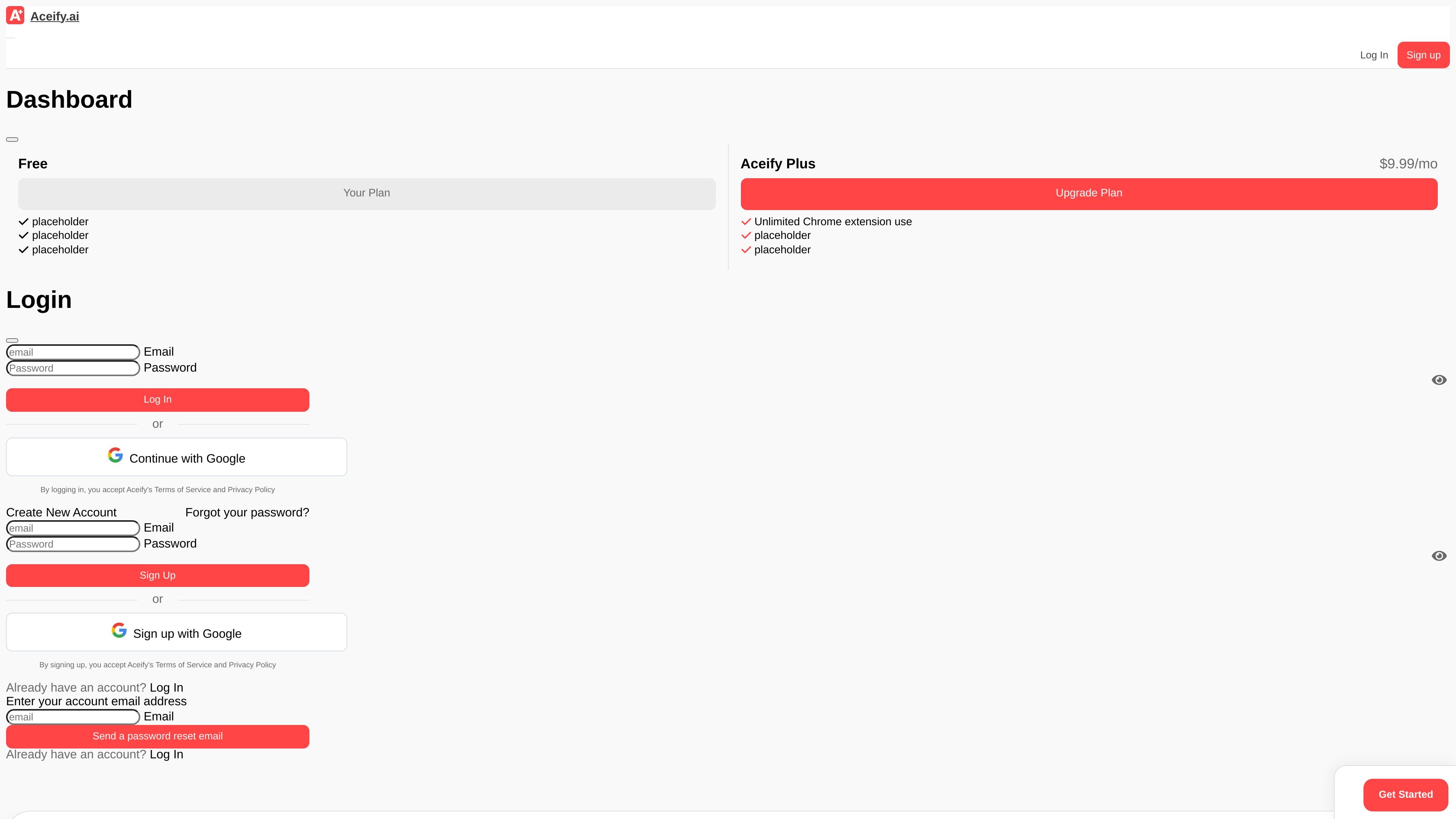
Screenshot-based homework help
Capture a question, diagram, graph, or other visual content and get help directly in the browser.

Aceify est un outil d’étude IA accessible depuis un navigateur pour les devoirs, quiz, diagrammes, graphiques et résumés YouTube, avec une offre gratuite et Aceify+ à 9,99 $/mois.
Aceify is an AI study tool that helps students answer homework questions, quizzes, diagrams, and graphs in the browser. Its main workflow is to let users capture a question with a screenshot tool or use the Aceify button on supported sites to get guided help.
The site also includes a separate YouTube video summarizer for turning video transcripts into concise summaries. Aceify offers a free plan, with an Aceify+ paid plan shown on the site for $9.99 per month.
Capture a question, diagram, graph, or other visual content and get help directly in the browser.
Use the Aceify button on supported sites to guide you toward an answer without switching tools.
Summarize YouTube videos with the dedicated video summarizer page.
Access the product from a Chrome extension and browser-based workflows.
Use it for homework questions, quizzes, diagrams, and graphs, according to the homepage copy.
Works on most platforms for screenshots and text selection, while site-specific autoselect support is limited to Canvas, Original Blackboard, and MoodleCloud.
Upload or capture a homework problem from the browser when you need help with a question, graph, or diagram.
Use the supported-site button on Canvas, Original Blackboard, or MoodleCloud to get help without leaving the assignment page.
Summarize a long YouTube lesson or tutorial into the main points before reviewing it again.
Check your own work and compare it with a generated answer before submitting, using the tool as a study aid rather than a shortcut.
Aceify is a browser-based homework helper that can answer questions from screenshots or, on supported sites, through the Aceify button. It also offers a YouTube video summarizer.
Yes. The site says Aceify has a free plan, but also notes that some question types have restrictions on the free plan.
Aceify says you can cancel Aceify+ from your account page. The plan remains active until the next billing date, then the account switches to the free plan.
The FAQ states that refunds are available if you contact [email protected] within 30 days of your most recent charge.
Aceify says Autoselect is currently compatible with Canvas, Original Blackboard, and MoodleCloud, and that the screenshot tool works on most websites.
Les données de trafic sont fournies à titre indicatif uniquement.

costlogic.co
CostLogic est un outil d’estimation de travaux de construction accessible depuis un navigateur, conçu pour le métré sur plans, les devis et les factures. Importez des plans PDF, mesurez directement sur les dessins et passez du métré à la facturation dans un même flux de travail.
claudewatermark.xyz
Claude Watermark est un outil accessible dans le navigateur qui détecte les traces repérables dans le texte collé depuis Claude ou ChatGPT et aide à les nettoyer. Supprimez la mise en forme masquée, les caractères invisibles et autres résidus de collage sans téléverser le texte vérifié.

sigmabrowser.com
Navigateur privé avec chat IA, agent de navigateur et IA locale pour la recherche et l’automatisation

timeskip.io
Extension Chrome et outil web pour générer des chapitres et horodatages YouTube optimisés pour le SEO.

soundeffectgenerator.org
Outil d’IA pour créer des effets sonores personnalisés à partir de texte ou de vidéos, avec un accès quotidien gratuit et des forfaits payants pour une génération privée, de haute qualité et commerciale.

grainient.supply
Grainient propose des dégradés, dégradés animés, textures et arrière-plans générés par IA pour l’UI, le web, le branding et le motion design, avec téléchargements illimités et outil de shaders personnalisés.