
Technical dialogue
Provides technical Q&A and AI-assisted help for coding problems, based on the Hunyuan code model described on the homepage.

Herramienta de programación asistida por IA con diálogo, completado, diagnóstico y optimización
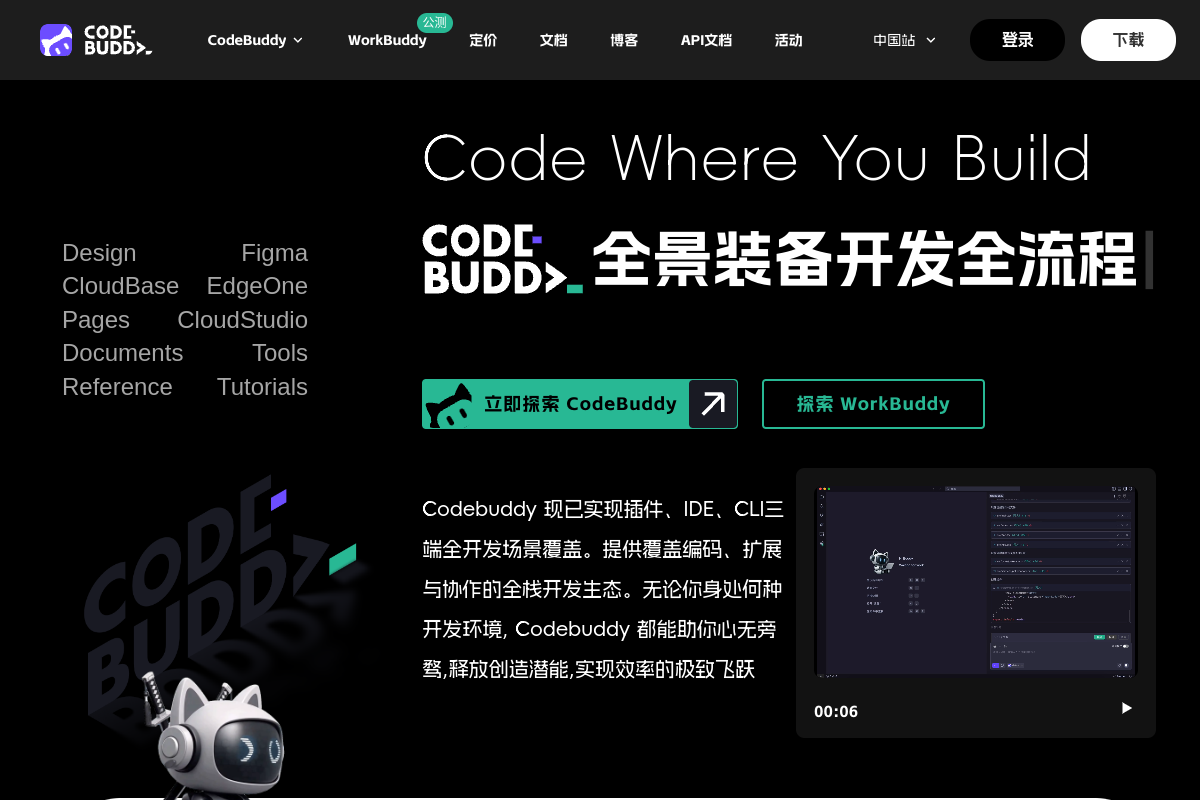
腾讯云代码助手 CodeBuddy is an AI-assisted coding tool for developers and teams. The homepage describes it as being based on the Hunyuan code model and focused on technical dialogue, code completion, code diagnosis, and optimization.
The pricing page shows that the product is offered through multiple plans, including a limited-time free personal plan, a limited-time free enterprise flagship plan, and an enterprise dedicated plan. The setup page adds that CodeBuddy can be used as a plugin in popular editors and development environments, with installation paths for Visual Studio Code, JetBrains IDEs, Visual Studio, WeChat Developer Tools, and Xcode.
Provides technical Q&A and AI-assisted help for coding problems, based on the Hunyuan code model described on the homepage.
Offers code completion and code continuation to help developers move through implementation faster inside their editor.
Supports code diagnosis, checking, repair, and optimization, giving suggestions when code needs review or cleanup.
Includes cross-file understanding and comment generation, helping the assistant work with broader project context instead of isolated snippets.
The setup page describes CodeBuddy Craft as an AI agent that can autonomously generate and rewrite multi-file code, and says it can generate commit messages and support batch code review.
The setup page says the plugin supports MCP integration, enabling connections to external tools and more standardized end-to-end workflows.
Use CodeBuddy while implementing features in your editor when you want inline completion, cross-file context, and technical answers without leaving the development environment.
Use the plugin during code cleanup or debugging to ask for explanations, identify issues, and request repair or optimization suggestions.
Use the Craft agent when a task spans multiple files and you want the assistant to generate or rewrite code across the project.
Use the team and enterprise plans when you need shared usage, member statistics, authorization management, or knowledge-base support for a group.
Use the editor-specific installation paths when your team works in different environments such as VS Code, JetBrains IDEs, Visual Studio, WeChat Developer Tools, or Xcode.
The source pages indicate that CodeBuddy can be installed as a plugin in supported editors, including Visual Studio Code, Visual Studio, JetBrains IDEs, and other editors mentioned in the installation FAQ such as Vim/Neovim. The setup page provides separate installation steps for VS Code, JetBrains IDEs, WeChat Developer Tools, Xcode, and Visual Studio.
The pricing page shows multiple plans, including a limited-time free personal plan and paid business-oriented options. It also presents contact-sales flows for enterprise plans, so teams should review the plan details on the pricing page before choosing.
The setup page says the plugin needs network access to reach AI services. It also notes that fully offline mode is not currently supported.
The setup page says configuration options are available in the editor settings, including API key and model selection. It also says updates are checked automatically, with manual updates available from the editor’s extension management page.
Los datos de tráfico son solo como referencia.
| jul | 926579 |
|---|---|
| ago | 1003870 |
| sept | 842733 |
Las analíticas de tráfico aún no están disponibles.

aider.chat
Aider es una herramienta de programación en pareja con IA que permite editar un proyecto local mediante conversaciones en la terminal. Elige los archivos y el modelo, describe el cambio y revisa las modificaciones propuestas.

kilo.ai
Kilo Code es un plugin de programación con IA multiagente para JetBrains IDEs. Permite ejecutar y gestionar agentes de programación con IA, revisar cambios en worktrees aislados y elegir entre un amplio catálogo de modelos sin salir del IDE.

blackbox.ai
Plataforma para desarrolladores que ofrece programación asistida por IA en el terminal, el editor y las API, con herramientas unificadas para planificar cambios, generar código y acceder a modelos.

morphllm.com
Herramienta para agentes de programación que combina modelos generales con servicios especializados para buscar, aplicar ediciones, compactar contexto y analizar trazas semánticas mediante una API compatible con OpenAI.

traycer.ai
Traycer AI es una herramienta de desarrollo basada en especificaciones para flujos de trabajo de programación con IA: planifica cambios, transfiere contexto a agentes de código y verifica sus resultados.

aicodeconvert.com
Herramienta web para traducir código entre lenguajes, generar código a partir de indicaciones y obtener ayuda con código, depuración, optimización, explicaciones y utilidades Base64.