
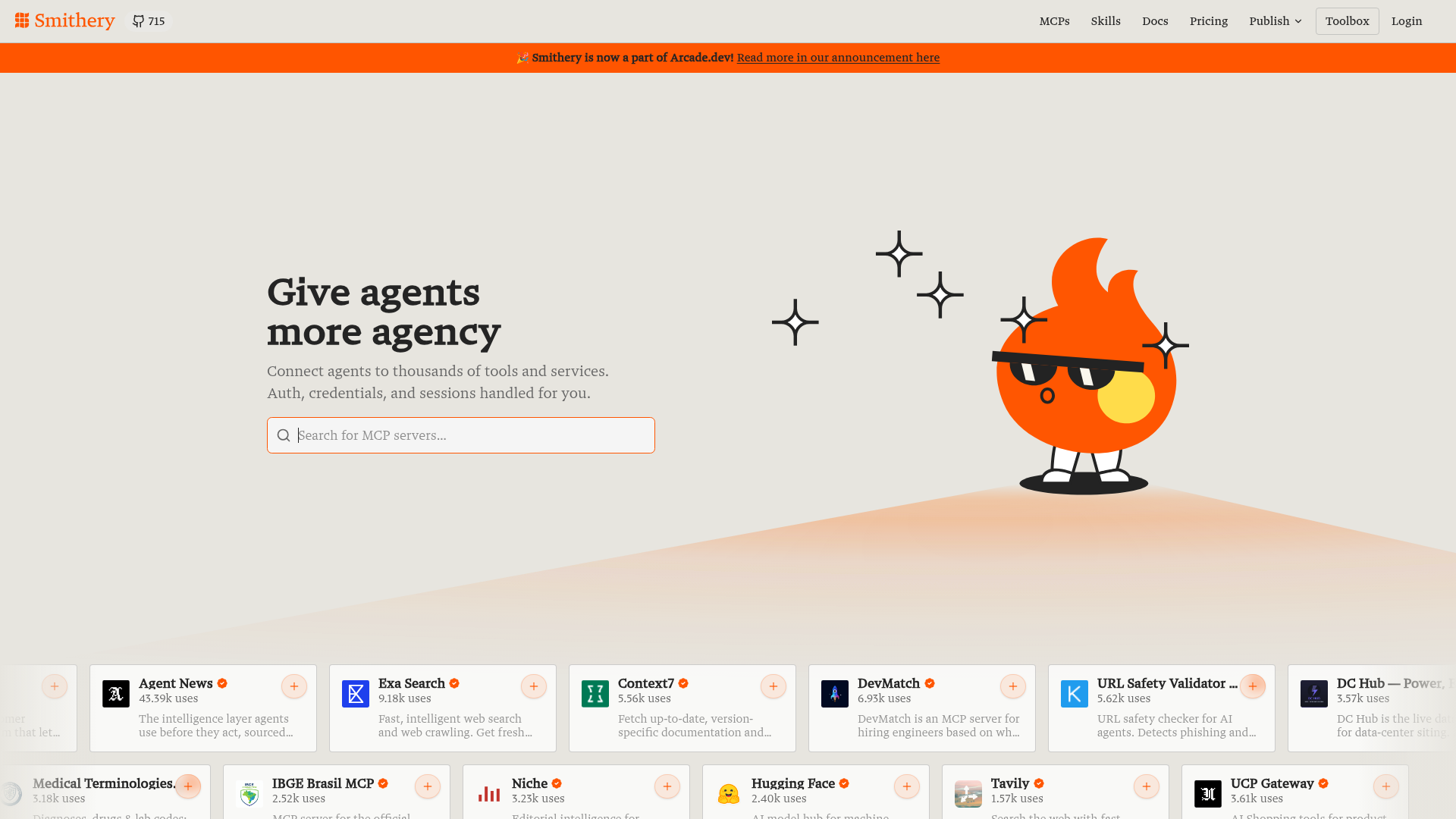
Marketplace search
Search the marketplace for MCP servers by name or keyword, then choose the server you want to connect to.

CLI y marketplace para descubrir servidores MCP y usar sus herramientas
Smithery is a marketplace and CLI for finding, connecting to, and using MCP tools and skills. The homepage describes it as a way to connect to 100K+ tools and skills, and the example workflow shows search, add, list, inspect, and call operations from one command-line interface.
The product is built around MCP connections, namespaces, and token scoping. That makes it useful for developers and teams that need to discover external services, connect them with managed credentials, and interact with tool APIs in a controlled way.
Search the marketplace for MCP servers by name or keyword, then choose the server you want to connect to.
Add a server by URL or qualified name and manage it as a connection with an ID and metadata.
List available tools in a tree view, including nested tool groups such as `issues` under a connected server.
Inspect each tool's input and output JSON schema before calling it, which helps confirm expected parameters.
Call tools from the CLI with structured JSON arguments after a connection is set up.
Use namespaces, token policies, and request-level restrictions to separate environments and control access.
Search for MCP servers by keyword, compare options, and connect to the one that matches a task or integration need.
Add a server connection, handle authorization in the browser, and keep the connection available for later tool use.
List a server's tools, inspect their schemas, and call them with structured JSON when building or testing workflows.
Create namespaces for different apps or environments so development, staging, and production resources stay separated.
Generate scoped tokens or request restrictions when a browser, mobile app, or agent needs limited access to connections.
Smithery provides a CLI and marketplace for finding MCP servers, connecting to them, and using their tools from one workflow. The source shows search, add, list, inspect, and call commands, plus authentication and namespace management.
The quick-start flow shows installation with `npm install -g @smithery/cli`, then `smithery auth login`, followed by searching for MCP servers and adding a connection. The CLI also supports listing tools, inspecting tool schemas, and calling tools once connected.
The homepage shows outputs such as search results, tool listings, and JSON schema inspection, and it notes that piped output is emitted as JSONL. That makes the CLI useful for scripting and for reading structured tool data.
Smithery supports namespaces for separating resources by app or environment, and it supports managed connections with OAuth flow, credential storage, token refresh, and session lifecycle.
The pricing page is blocked by a Vercel security checkpoint, so the source does not reveal plan names, limits, or whether there is a free tier. Pricing details are therefore not available from the provided evidence.
Los datos de tráfico son solo como referencia.

flowgpt.com
Biblioteca web de prompts y personajes de IA para descubrir, explorar, compartir y conversar sobre interacciones listas para usar.

aistudio.google.com
Entorno de desarrollo en el navegador para experimentar con los modelos generativos de Google y convertir prompts en aplicaciones mediante la API de Gemini, con herramientas para crear experiencias de texto, imagen, vídeo, audio y agentes.

openai.github.io
SDK para desarrolladores que crean agentes con modelos de lenguaje, herramientas y flujos en TypeScript. Permite crear experiencias de texto, trabajar en espacios aislados y ofrecer interacciones de voz en tiempo real.

skills.sh
Skills.sh es un directorio para descubrir e instalar habilidades para agentes de IA. Permite explorar listados clasificados, consultar páginas de habilidades e instalar paquetes seleccionados.

langflow.org
Constructor de bajo código para desarrolladores que crean agentes de IA, aplicaciones RAG y servidores MCP mediante flujos visuales personalizables con Python.

sintra.ai
Mercado de empleados de IA para contratar asistentes especializados, conectarlos a tus herramientas diarias y gestionar el trabajo con datos en tiempo real.