
Metal-native playback engine
The editor is tuned for Apple Silicon and supports real-time playback of 8K ProRes and RAW footage without requiring proxies unless you choose to use them.

ShootClip es un editor de vídeo para macOS con herramientas profesionales de línea de tiempo, subtítulos con IA y un servidor MCP integrado para que un asistente de IA trabaje contigo mientras editas.
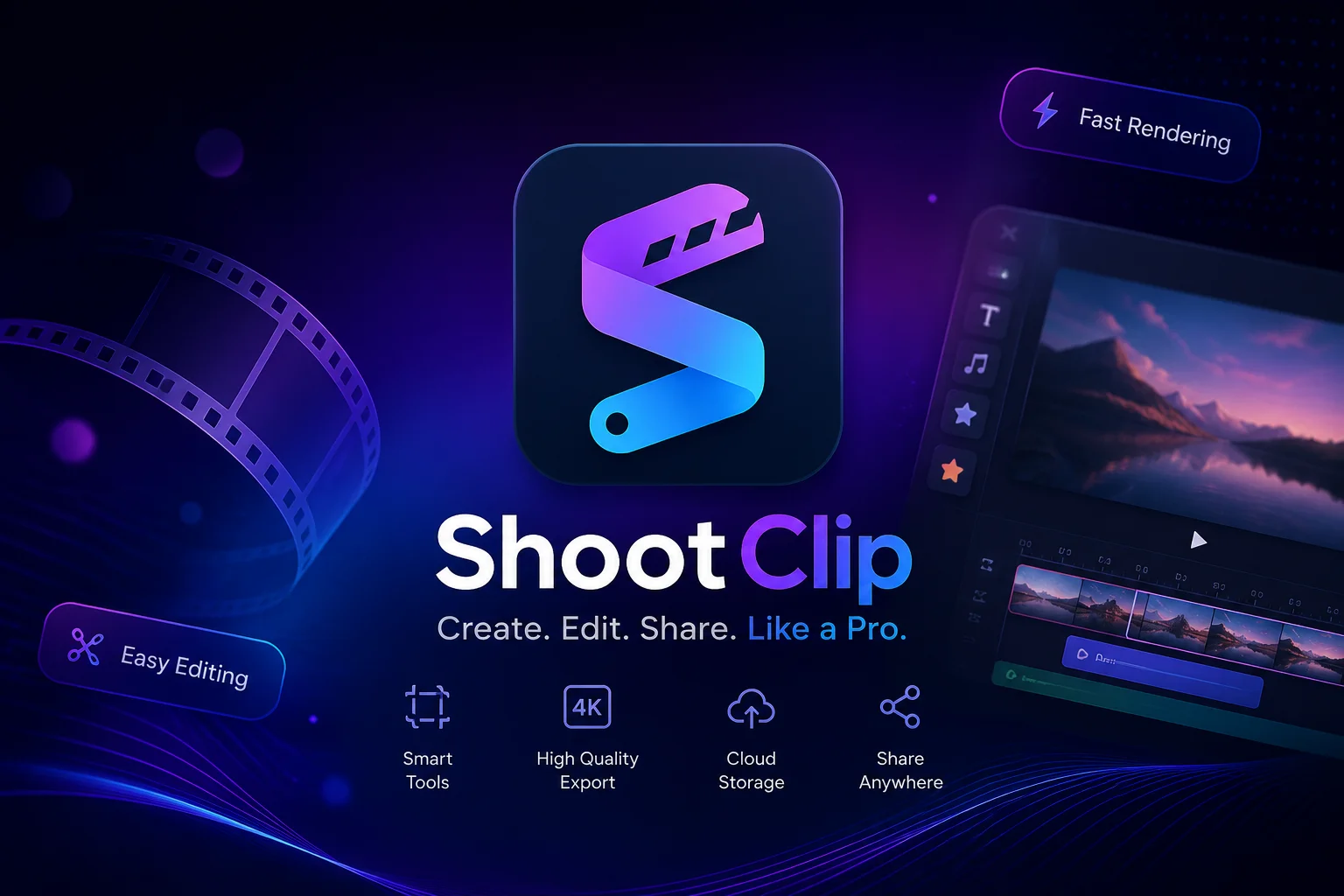
ShootClip is a macOS video editor built around a pro timeline, keyboard-driven trimming, text overlays, censor layers, and export tools. The site positions it as “pro editing made simple,” with support for Apple Silicon performance and playback of 8K ProRes and RAW media.
It also includes AI-oriented features such as auto captions and a built-in MCP server. That server lets compatible AI assistants read a project, perform edits, apply grades, and export work with actions that remain reviewable and undoable.
The editor is tuned for Apple Silicon and supports real-time playback of 8K ProRes and RAW footage without requiring proxies unless you choose to use them.
ShootClip includes ripple, roll, slip, and slide edits, along with frame-accurate keyboard control and instant audio waveforms for timeline work.
A built-in MCP server exposes the project to Claude or any MCP client so an assistant can read the timeline and perform editing actions.
One click turns speech into styled, frame-accurate captions. The site says transcription is built in and does not require an API key.
Editors can place censor layers directly on the timeline to cover faces, objects, or any other area for a chosen duration.
ShootClip exports H.264, HEVC, and ProRes, with social aspect presets and background rendering so editing can continue while export runs.
Use the magnetic timeline, keyboard trims, and waveform display to cut interviews, tutorials, or other multi-clip projects without leaving the editor.
Apply blur, mosaic, or black-box layers, or use the AI object tracker when the subject moves across the frame and the censor needs to follow them.
Create standalone text tracks with the built-in animations when you want titles, callouts, or motion text layered into the scene.
Use the built-in transcription and caption styling for videos that need readable subtitles without setting up an external captioning service.
Connect Claude or another MCP client when you want to inspect a timeline, remove silences, make scripted edits, or export a review copy with actions that can be reviewed before finalizing.
The site describes ShootClip as a complete video editor for macOS.
Yes. The homepage says one click can generate styled, frame-accurate captions from speech, and that transcription is built in with no API key required.
ShootClip includes a built-in MCP server that can be connected to Claude or any MCP client so an AI assistant can read the timeline and perform editing actions.
Yes. The site says actions through the MCP workflow are reviewable and undoable.
The homepage lists H.264, HEVC, and ProRes exports, along with social aspect presets.
Los datos de tráfico son solo como referencia.
| may | 0 |
|---|---|
| jun | 0 |
| jul | 0 |
Las analíticas de tráfico aún no están disponibles.
Las analíticas de tráfico aún no están disponibles.

wisecut.ai
Editor de vídeo con IA que transforma vídeos largos en clips cortos y añade subtítulos, eliminación de silencios y edición basada en guion gráfico para Reels, YouTube Shorts y TikTok.

zapcap.ai
Generador de subtítulos de video con IA en el navegador, con B-roll, transiciones y herramientas para publicar contenido en redes.

snapvid.ai
Editor de vídeo web con IA para convertir tus grabaciones en vídeos cortos para Instagram, TikTok y YouTube Shorts, con subtítulos, vídeos de stock y edición asistida por IA.

transyncai.com
Herramienta de traducción con IA en tiempo real para reuniones y conversaciones multilingües, con subtítulos bilingües, voz traducida y notas de reunión.

submagic.co
Submagic es un editor de video con IA que convierte grabaciones largas en clips cortos con subtítulos, recortes, B-roll y publicación programada.

rendercut.io
Convierte videos o audio en clips cortos con subtítulos personalizados, B-roll, GIFs y opciones de exportación para TikTok, Reels y YouTube.