
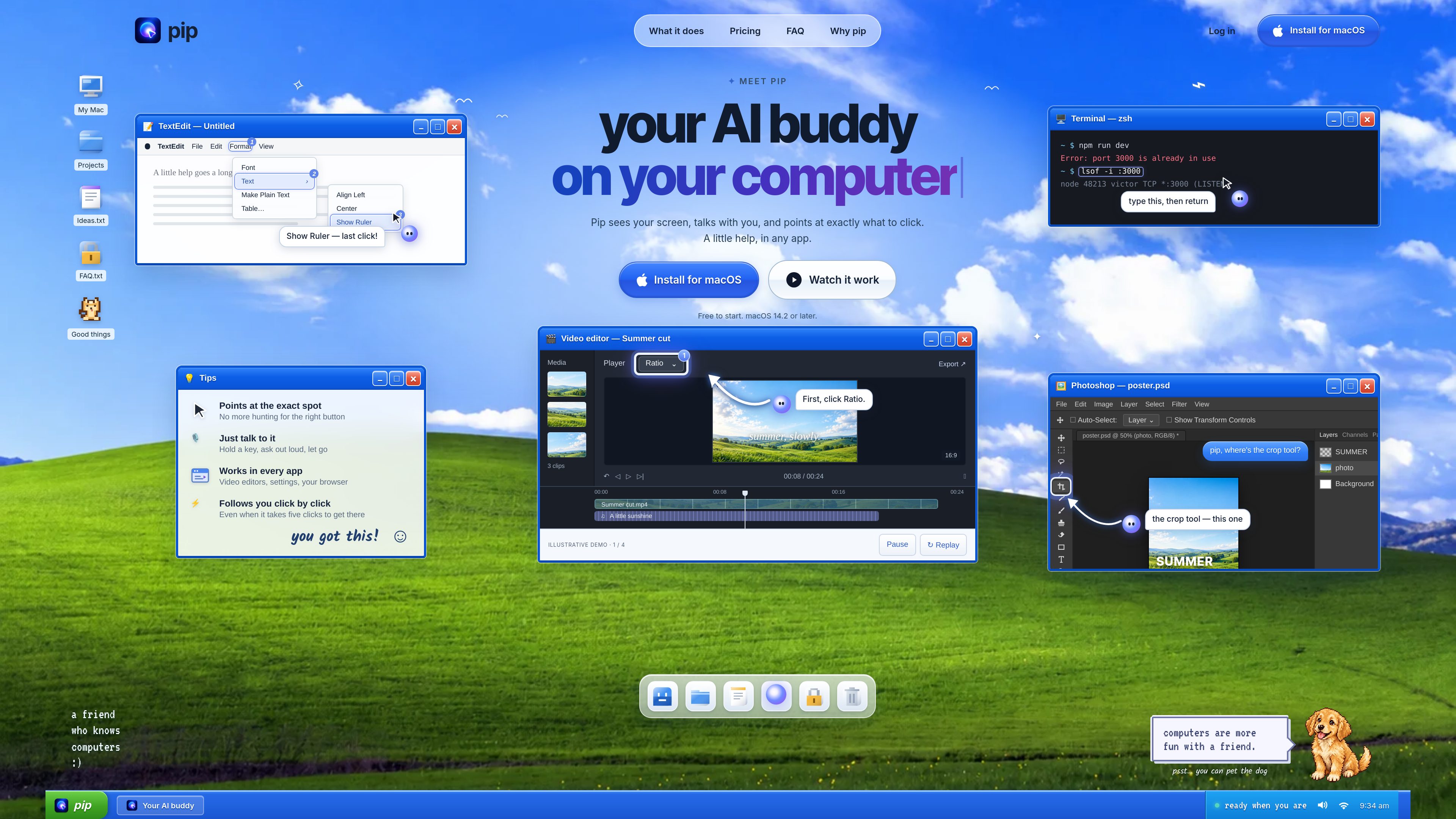
Screen-aware guidance
Pip uses a screenshot from an active interaction to understand the visible interface and identify the relevant control.

Pip es un asistente de IA para Mac que, cuando se lo pides, mira tu pantalla, te explica qué hacer y señala los controles exactos que debes usar. Permite trabajar con guía en cualquier app de Mac; Pro también incluye algunas acciones por voz y dictado por voz en la terminal.
Pip is an AI assistant for Mac that looks at the screen when asked, answers questions about what is visible, and points to the exact control the user should select. It is designed to help people work through unfamiliar interfaces without managing a separate chat window.
The assistant supports both single-control questions and longer workflows. It can follow the user through several clicks across menus and panels, while the user remains responsible for operating the computer.
Pip uses a screenshot from an active interaction to understand the visible interface and identify the relevant control.
It circles or points to the button, menu, panel, or field the user needs, helping them avoid searching through an interface.
Users can hold a key and speak, double-press the hotkey, or type a question to receive a concise answer and visual guidance.
Pip follows the workflow click by click and indicates the next step when a task spans several controls.
When requested, Pip can perform supported actions such as changing volume, arranging windows, setting timers, and managing reminders. Actions that send or delete information require confirmation.
The Pro plan supports voice typing in Terminal for Claude Code and Codex, and this usage does not count as a question.
Users can ask for help in video editors, design tools, or image editors and receive directions to the relevant panel, effect, or control.
Pip can explain visible command-line errors, show a command to enter, and describe what it will do before the user presses Return.
In apps such as Figma, browsers, or spreadsheets, Pip can identify actions like exporting a file or finding a setting.
For tasks that require several clicks, Pip continues pointing to each next control as the user progresses.
Users can ask Pip to perform supported system and productivity actions, with confirmation for operations that send or delete information.
Pip is an AI assistant that lives next to the cursor on a Mac. It answers questions about the current screen and points to the exact location of a relevant control.
No. It looks at the screen when the user holds the hotkey, asks after double-pressing it, or types a question. After a double-press interaction, it stops after eight quiet seconds or at most one minute. Screenshots are not stored.
No. Pip points to controls and explains them while the user performs the clicks. Supported Mac actions can be carried out when requested, but actions that send or delete information require confirmation.
Pip is described as working in any Mac app, including system settings, browsers, video editors, spreadsheets, and design tools. It reads the visible screen rather than requiring a plug-in for each application.
Free includes 30 questions per month. Pro is $15 per month with up to 300 questions and terminal voice typing for Claude Code and Codex. Max is $69.99 per month with up to 1,000 questions. Plans can be upgraded, switched, or canceled from the Pip menu.
Los datos de tráfico son solo como referencia.

zaboj.app
Záboj es un asistente de voz con IA para el coche que permite a los conductores decir sus solicitudes en voz alta y ejecutarlas mediante herramientas conectadas. Funciona en el navegador, iPhone y CarPlay, admite más de 30 idiomas y se centra en tareas administrativas sin usar las manos.

wajo.ai
Wajo es una plataforma de agentes de IA que permite delegar tareas del mundo real, como programar citas, hacer pedidos y coordinar actividades, además de otros trabajos prácticos. Se puede usar por chat, correo electrónico, mensajes, voz o Slack, con planes personales y empresariales.

yabai-app.pages.dev
Diccionario de jerga japonesa para entender el significado, el tono, el contexto cultural y quién puede usar cada expresión.

ancbuddy.com
Utilidad para la barra de menús de macOS que controla los modos de escucha, las fuentes de audio, la batería y la conexión de auriculares y auriculares intrauditivos Bose QC Ultra compatibles, sin necesidad de usar la app móvil de Bose a diario.