
Automatic tiling
New and moved windows settle into tidy positions automatically, filling the available space without manual edge resizing.

Un gestor de ventanas en mosaico para Mac que organiza automáticamente las ventanas abiertas y admite diseños, atajos de aplicaciones, perfiles y movimiento de ventanas con el ratón. Mantén el escritorio ordenado sin cambiar manualmente el tamaño y la posición de cada ventana.
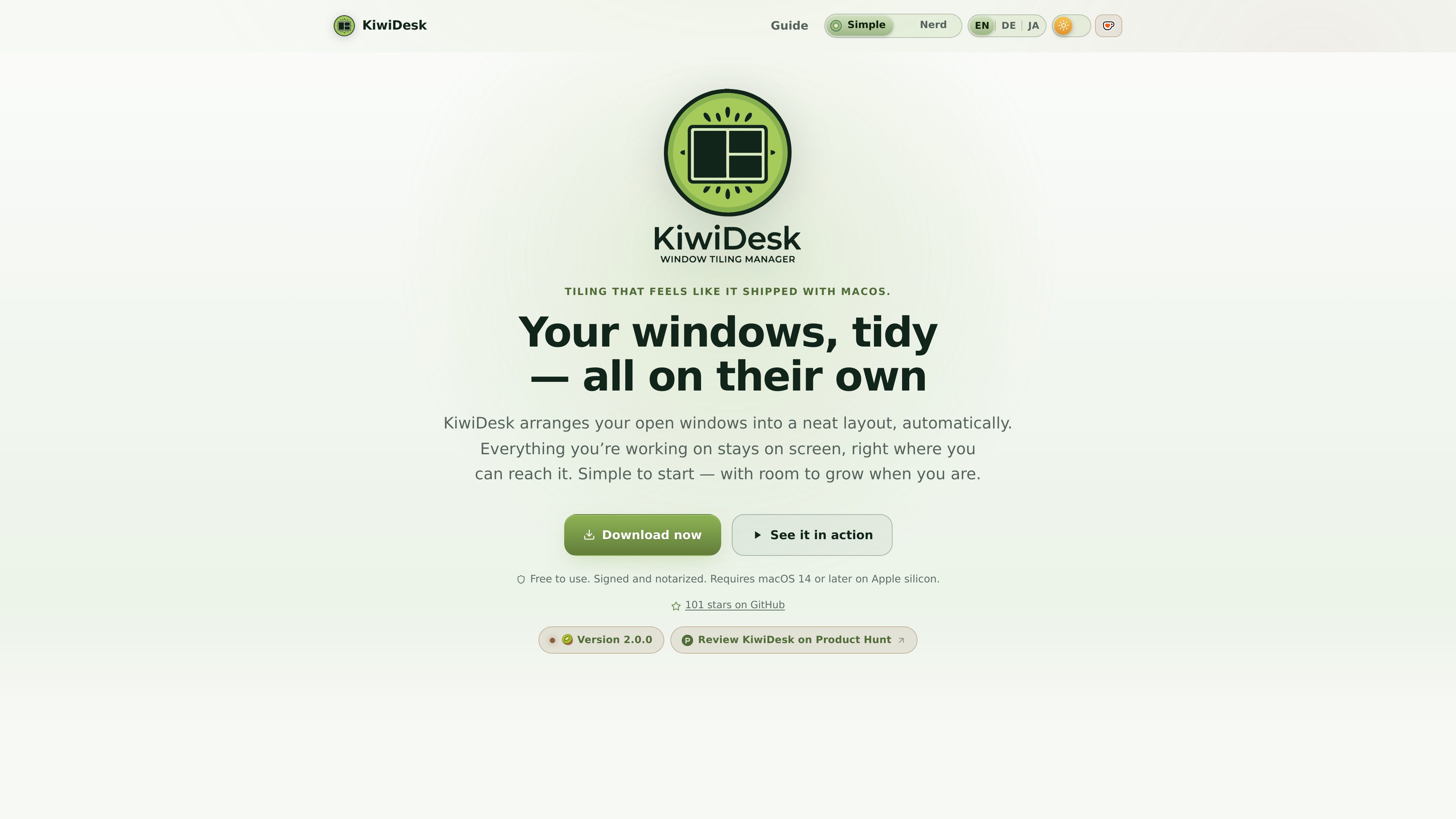
KiwiDesk is a tiling window manager for macOS. It places open windows into tidy, edge-to-edge layouts as you work, so you do not have to repeatedly drag and resize each window. A Floating layout is available when you want windows to behave in the usual macOS style.
The product is intended for Mac users who want a more organized desktop without adopting a configuration-file-first workflow. It provides a Settings app for visual changes, while Lua, the CLI, and a JSON event stream expose deeper controls for layouts, app rules, shortcuts, profiles, and automation.
New and moved windows settle into tidy positions automatically, filling the available space without manual edge resizing.
Choose from Stack, BSP, Scrolling, Monocle, Grid, Track, and Floating layouts for different arrangements, from focused work to broad multi-window views.
Assign keys to applications and use shortcut modes to control the layout or bring an app window forward, including windows that were minimized.
Drag windows with live drop targets, use the Space Bar overlay to send a window to another space, and navigate through the App Bar and focus ring.
Associate a profile with a native macOS Desktop and mark selected windows as sticky so they remain available across spaces.
Use the Settings app or go deeper with a sandboxed Lua environment, the KiwiDesk CLI, and a JSON event stream.
Keep a browser, editor, terminal, and reference material visible while KiwiDesk recalculates their positions as windows are opened or moved.
Use native macOS Desktops for different projects or activities and assign each one a profile with its own setup.
Use Monocle for a single-window focus session, Stack for a primary window with secondary windows nearby, or Grid and Scrolling when several windows need to remain accessible.
Use drag targets, the Space Bar, and the App Bar when mouse-based interaction is more convenient than memorizing or relying on hotkeys.
Make a music player, notes panel, calculator, or similar utility sticky so it follows you across spaces.
KiwiDesk requires macOS 14 or later on Apple silicon and Accessibility access. Its documentation says it does not require Input Monitoring, Screen Recording, or disabling System Integrity Protection.
Yes. Download the signed and notarized disk image, drag KiwiDesk into Applications, and let it check for updates. The Homebrew cask is optional and additionally places the KiwiDesk CLI on your PATH.
No. KiwiDesk includes mouse controls such as drag-and-drop placement with visible targets, a Space Bar overlay for moving windows between spaces, and an App Bar for visual navigation.
Yes. It works with native macOS Desktops and can associate profiles with individual Desktops. Sticky windows can follow you across spaces.
Los datos de tráfico son solo como referencia.

pixelfreestudio.com
Crea interfaces visualmente o importa proyectos de Figma y expórtalos como código editable para web y aplicaciones de escritorio Windows.

readpdfoutloud.com
Read PDF Out Loud es un lector de PDF basado en el navegador que narra los documentos con una voz natural y resalta cada palabra. Está pensado para artículos de investigación, informes, libros y PDF con ecuaciones, figuras, tablas o diseño a dos columnas.

dofott.com
Añade automáticamente bloques de tiempo de desplazamiento de Google Maps antes y después de los eventos de Google Calendar que incluyen una ubicación. Así, quienes viajan a reuniones pueden reservar un tiempo realista en calendarios, páginas de programación y aplicaciones de planificación.

chacha.so.com
Plataforma de consulta de derechos de autor de imágenes para operaciones, marketing, publicidad y diseño, con búsqueda, recomendaciones similares y recursos gratuitos.

crocoblock.com
Crocoblock es un conjunto de JetPlugins para WordPress que permite crear sitios dinámicos en Elementor, Gutenberg, Bricks y Divi, con herramientas para contenido, diseño, WooCommerce y reservas.

spline.design
Plataforma web para diseñar experiencias 2D/3D interactivas y colaborar en tiempo real