
Three text to speech modes
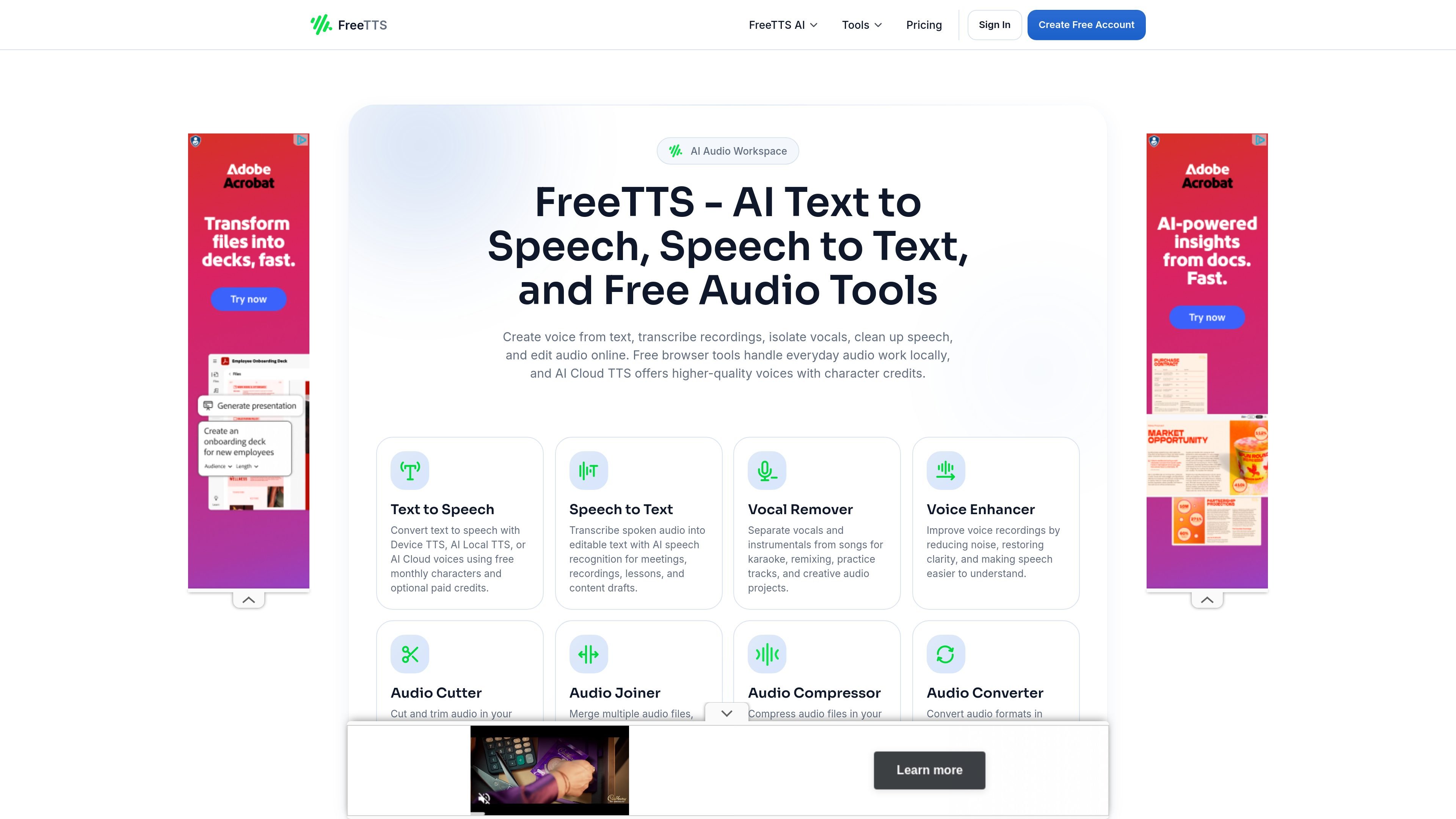
Convert text to speech with Device TTS, AI Local TTS, or AI Cloud voices. The cloud option uses character credits, while local modes support quicker playback and local generation.

Kit de audio en el navegador para voz y edición de audio
FreeTTS is an online audio toolkit for text to speech, speech to text, vocal removal, voice enhancement, and browser-based audio editing. It combines free local tools with AI Cloud TTS for users who need more voice generation capacity.
The site separates browser audio tools from paid AI Cloud Text to Speech usage. That means you can work with transcription and editing tools in the browser, then use monthly characters or top-up credits only when a project needs cloud-generated speech.
Convert text to speech with Device TTS, AI Local TTS, or AI Cloud voices. The cloud option uses character credits, while local modes support quicker playback and local generation.
Transcribe spoken audio into editable text for meetings, recordings, lessons, and drafts using AI speech recognition.
Separate vocals and instrumentals for karaoke, remixing, practice tracks, and creative audio work.
Edit voice recordings by reducing noise and improving clarity so speech is easier to understand.
Cut, join, compress, and convert audio files in the browser with waveform controls, batch processing, and export options such as WAV and common audio formats.
Turn scripts, drafts, or study notes into speech for quick listening, narration, or accessibility support. Users can choose built-in playback, local voice generation, or cloud voices depending on quality and workflow needs.
Convert meeting audio, lessons, interviews, or recordings into editable text for notes and drafting. The speech to text tool is positioned for transcription and everyday text extraction.
Remove vocals from songs to make karaoke tracks, practice versions, remixes, or isolated instrumental stems for creative work.
Clean up voice recordings by reducing noise and improving clarity for podcasts, voiceovers, and spoken content.
Trim, merge, compress, or convert files directly in the browser when you need common audio edits without desktop software.
FreeTTS offers a mix of free browser tools and paid AI Cloud TTS usage. The browser-based audio tools are available as free tools with usage limits, while AI Cloud Text to Speech uses monthly character allowances or one-time top-up credits.
The pricing page says you can cancel your subscription anytime from your account dashboard, and you keep access to remaining credits until the current billing cycle ends.
FreeTTS uses a credit-based model for AI Cloud TTS. You can get more characters through a monthly subscription or by buying a one-time top-up package.
FreeTTS says its browser audio tools process files locally when possible, while cloud AI features use server processing and short retention windows. The site also states uploads are encrypted and sessions are automatically cleared after processing.
The text to speech page describes three modes: Device TTS for built-in playback, AI Local TTS for local voice generation, and AI Cloud TTS for cloud voices that use character credits.
Los datos de tráfico son solo como referencia.

speechgen.io
Convierte texto escrito o archivos en narraciones de audio descargables y transcribe audio desde el navegador. SpeechGen está pensado para creadores, docentes y equipos.

luvvoice.com
Herramienta web de texto a voz para convertir textos y documentos en audio, con descargas MP3, reproducción en el navegador, múltiples idiomas y voces, API y clonación de voz.

texttospeech.im
Herramienta de texto a voz en el navegador para generar y descargar audio a partir de texto escrito, con distintas voces, idiomas y ajustes básicos.

aivoicelab.net
Generador de voz con IA es una herramienta web de texto a voz para crear audio hablado a partir de contenido escrito. También permite subir audio y grabar desde el navegador, con previsualizaciones de voz y controles para ajustar la interpretación.

www.getliso.app
Convierte textos web, newsletters, blogs y texto pegado en audio de sonido natural para escucharlos en lugar de leer en pantalla, con resaltado del navegador, descargas sin conexión y controles de reproducción.
texttovoice.online
Convierte texto escrito en audio hablado desde el navegador, con múltiples idiomas, voces y opciones Gen2 y premium para crear resultados más expresivos.