
Share-sheet capture
Save links, notes, photos, and files from supported apps such as Safari, Photos, Maps, and Files. FaveNest saves the item before returning you to the source app and can capture while offline.

FaveNest es una biblioteca privada para guardar y organizar enlaces, notas, fotos y archivos en iPhone, iPad y Mac. Tu biblioteca se almacena en tu iCloud e incluye búsqueda, lectura sin conexión y exportación. FaveNest Pro ofrece organización opcional con IA en el dispositivo o mediante tu propia clave.
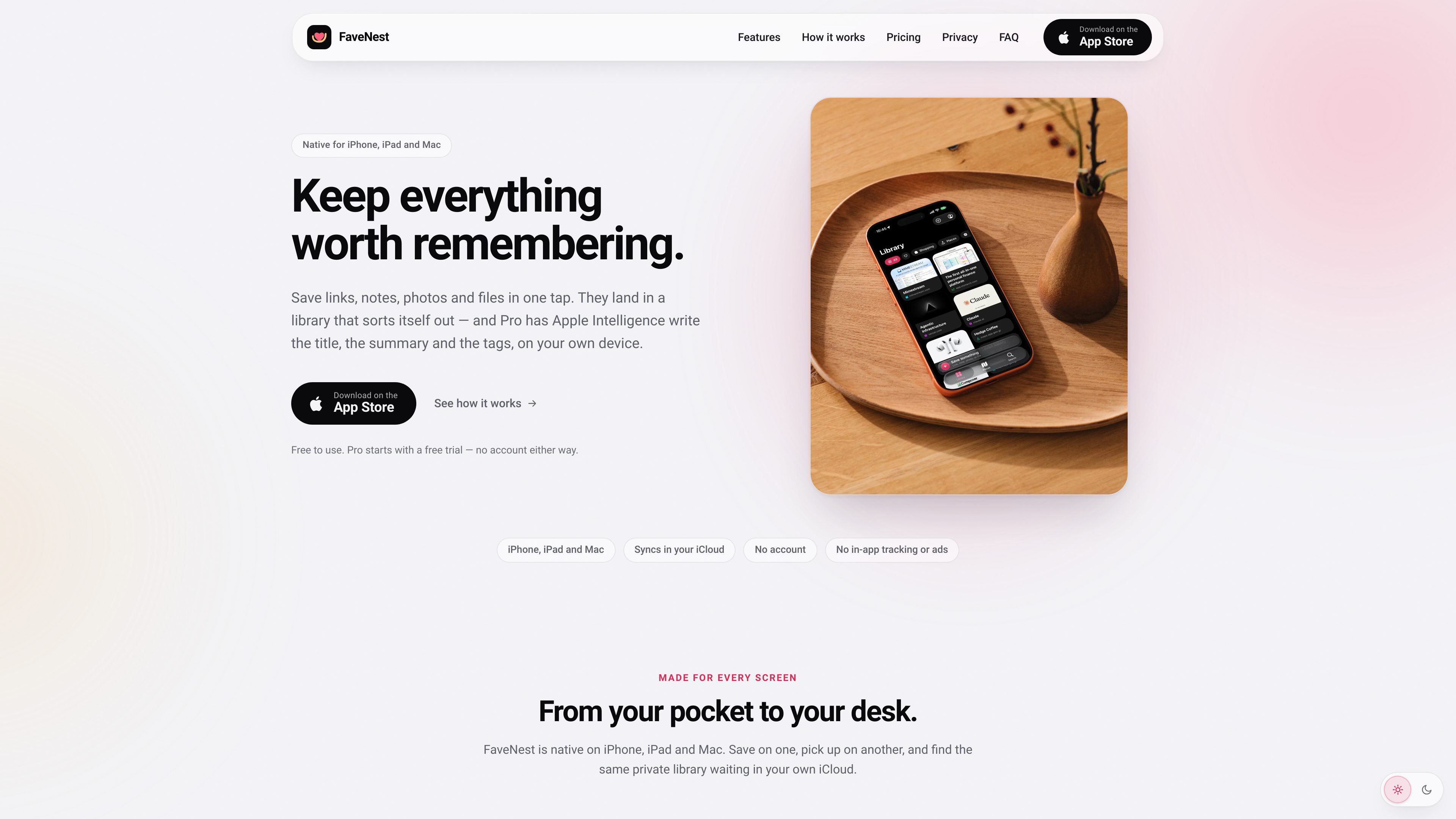
FaveNest is a personal library for saving links, notes, photos, and files from iPhone, iPad, and Mac. Items can be captured through the Apple share sheet and are stored in a library that syncs through the user’s own iCloud account, without a FaveNest account or in-app tracking.
The app is designed to make saved material easier to retrieve than an unstructured bookmark list. It supports browsing by category and tag, in-app and Spotlight search, offline reading for saved pages, and export of the whole library. FaveNest Pro adds written titles, summaries, and tags using Apple Intelligence on the device or a cloud model accessed with the user’s own OpenAI, Anthropic, or compatible API key.
Save links, notes, photos, and files from supported apps such as Safari, Photos, Maps, and Files. FaveNest saves the item before returning you to the source app and can capture while offline.
Use the same library on iPhone, iPad, and Mac through the iCloud account already configured on the devices. FaveNest does not require a separate account.
Search titles, summaries, tags, and notes inside the app or from Spotlight. Browse the grid, filter by category or tag, and use custom categories where available.
Saved Apple Maps and Google Maps links can become places with map display, city filtering, and Look Around imagery when location information can be read from the link.
Read saved pages without a connection and export the complete library to a single backup file that can be kept and loaded later.
FaveNest Pro can use Apple Intelligence on the device to write titles, summaries, and tags. Users can instead configure their own OpenAI, Anthropic, or OpenAI-compatible key; without either option, the app uses a plain title and the page’s own description.
Save pages from Safari as you encounter them, then use titles, tags, categories, and search to retrieve related material later instead of relying on a long browser bookmark list.
Save pages before travel or when connectivity is uncertain, then open the stored pages from FaveNest without a network connection.
Save map links while planning trips or recording places to revisit. The Places view can bring supported locations together on a map and filter them by city.
Capture something on an iPhone, browse the collection on an iPad, and continue from a Mac through the same iCloud-synced library.
Export the whole library to one file for backup or later loading, while keeping saved notes, media, and links organized in one app.
The core app is free and includes saving, syncing, search, offline reading, and export. FaveNest Pro is a paid upgrade that adds AI-written titles, summaries, and tags, as well as Places, unlimited custom categories, and all accent colors. The site lists monthly, yearly, and lifetime options; prices can vary by region.
No. FaveNest has no separate sign-up or password. Synchronization uses the iCloud account already signed in on the devices, and both devices need iCloud Drive enabled for the library to sync.
Apple Intelligence processing runs on the device. If the user adds an OpenAI, Anthropic, or OpenAI-compatible key, the text of a save is sent directly from the device to that provider under the user’s account; FaveNest says there is no FaveNest server in between.
Saving still works without waiting for AI processing. FaveNest uses a plain title and the page’s own description instead. Pro features such as Places, categories, and colors remain available on supported FaveNest devices.
The app can export the whole library to a single file for backup and later loading. Pro subscriptions can be managed or canceled through the Apple Account subscription settings; content already written by Pro remains in the library after cancellation, while new AI writing stops.
Los datos de tráfico son solo como referencia.

playbook.com
Plataforma visual de gestión de recursos para creativos y equipos, con organización asistida por IA, búsqueda, revisión y uso compartido de archivos.

premast.com
Plataforma de recursos y flujos de trabajo para crear, organizar y compartir presentaciones, con borradores de presentaciones mediante IA próximamente.

browser.arunbrahma.com
Nook es un navegador web minimalista para macOS que bloquea anuncios y rastreadores, ofrece modos de lectura y concentración, y guarda los datos de navegación localmente de forma predeterminada. Está pensado para disfrutar de una lectura más tranquila, sin extensiones, cuentas ni sincronización.

chacha.so.com
Plataforma de consulta de derechos de autor de imágenes para operaciones, marketing, publicidad y diseño, con búsqueda, recomendaciones similares y recursos gratuitos.

coohom.com
Plataforma de diseño del hogar en el navegador para crear planos 2D, organizar muebles y visualizar espacios en 3D.

snapmagic.com
Copiloto de diseño electrónico que ayuda a completar circuitos, interactuar con esquemas en lenguaje natural y elegir componentes para la lista de materiales. Disponible mediante lista de espera de acceso anticipado.