
Model flexibility
Build with OpenAI, Anthropic, Google Gemini, Ollama, LM Studio, and other models without being locked to one provider.

Dyad es un creador local y de código abierto de apps con AI, con modelos flexibles, código exportable, flujos full-stack y despliegue sin dependencia de proveedor.
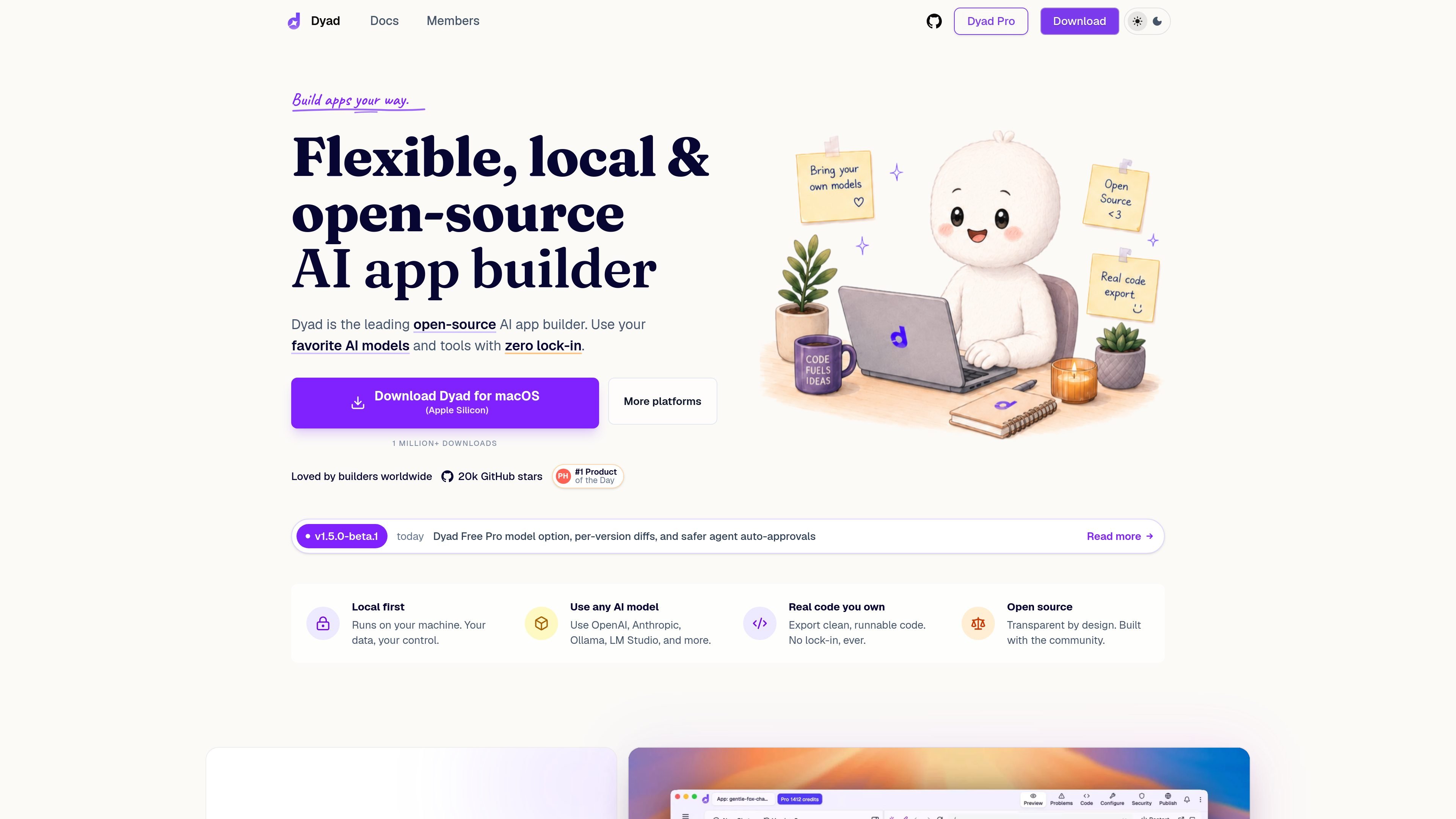
Dyad is a local, open-source AI app builder for building apps on your own machine. It combines an AI-driven chat workflow with code you can inspect, approve, export, and run locally, so the app-building process stays under your control.
The product is designed for people who want flexibility rather than a managed platform. It supports multiple AI models, connects to tools such as Supabase, and includes deployment paths to GitHub and Vercel. The quickstart shows a simple flow: install Dyad, install Node.js, set up AI access, prompt the builder, approve the generated code, and run the app locally.
Build with OpenAI, Anthropic, Google Gemini, Ollama, LM Studio, and other models without being locked to one provider.
Keep generated apps on your own machine and export clean, runnable code instead of working inside a closed system.
Connect Supabase accounts to add database, authentication, and server functions to full-stack apps.
Review generated changes with per-version diffs and inspect the files changed in each app version.
Scan for critical security issues such as SQL injection, XSS, and auth misconfiguration before publishing.
Deploy to GitHub and Vercel in a few clicks, or bring your own cloud and use MCP servers or templates to extend the workflow.
Use Dyad to scaffold a new web app from a chat prompt, then approve the generated code and run it locally on your own machine.
Connect Supabase when you need database storage, authentication, or server functions in a full-stack app.
Review per-version diffs to understand what changed between app versions before you continue editing or revert work.
Run security reviews on generated code to catch issues like SQL injection, XSS, or auth misconfiguration earlier in the process.
Export or deploy the result to GitHub or Vercel when you want to move an app out of the local build environment.
Yes. The home page says Dyad is free, downloadable for macOS and Windows, and requires no sign-up. The paid Pro plan adds exclusive Pro modes, 200 AI credits per month, and full Dyad Academy access.
Dyad is built for creating AI apps locally, including full-stack apps that can connect to Supabase for database, auth, and server functions. The homepage and docs also show deployment to GitHub and Vercel.
The quickstart explains that after installing Dyad, you install Node.js, set up AI access through an API key such as Google Gemini, Anthropic Claude, or OpenAI, then type a prompt and approve the generated code before it runs locally.
The quickstart says Dyad runs on your machine and the homepage describes it as local-first and open-source. It also notes a Windows-specific warning during installation that can be bypassed with 'More info' and 'Run anyway.'
The source materials mention app-building workflows, code export, version diffs, and deployment, but they do not claim native desktop-app output in the material provided. The FAQ item on desktop apps is present on the site, but the collected text does not include its answer, so that capability should not be assumed here.
Los datos de tráfico son solo como referencia.

softgen.ai
Softgen es un creador de aplicaciones web con IA que ayuda a fundadores y desarrolladores a convertir ideas en inglés sencillo en aplicaciones full-stack. Combina selección de modelos, Supabase gestionado, exportación a GitHub y despliegue en Vercel en un solo flujo de trabajo.

vulk.dev
VULK es un creador de aplicaciones de IA multimodal para generar aplicaciones web full-stack, experiencias 3D/WebGL, proyectos móviles, tiendas, imágenes y vídeos a partir de indicaciones y otros contenidos. Está diseñado para creadores y desarrolladores que buscan código fuente editable, servicios de backend, vistas previas y opciones de despliegue en un único flujo de trabajo.

reflex.dev
Reflex es una plataforma de Python para crear aplicaciones web full-stack y herramientas internas, con un framework de código abierto, creación asistida por IA y opciones de implementación alojada para equipos que desarrollan y escalan aplicaciones de producción.

appypie.com
Appy Pie es un creador de aplicaciones con IA y sin código para Android e iOS que ayuda a las empresas a crear apps móviles nativas y publicarlas mediante flujos de publicación según el plan.

firebase.studio
Espacio web para desarrollo full-stack con código asistido por Gemini, previsualizaciones, emuladores y despliegue.

superapp.dev
Superapp es un creador de apps con IA que convierte descripciones en lenguaje natural en aplicaciones Swift nativas para las plataformas de Apple, con compilación en la nube, previsualizaciones, exportación de código y flujos de publicación en App Store.