
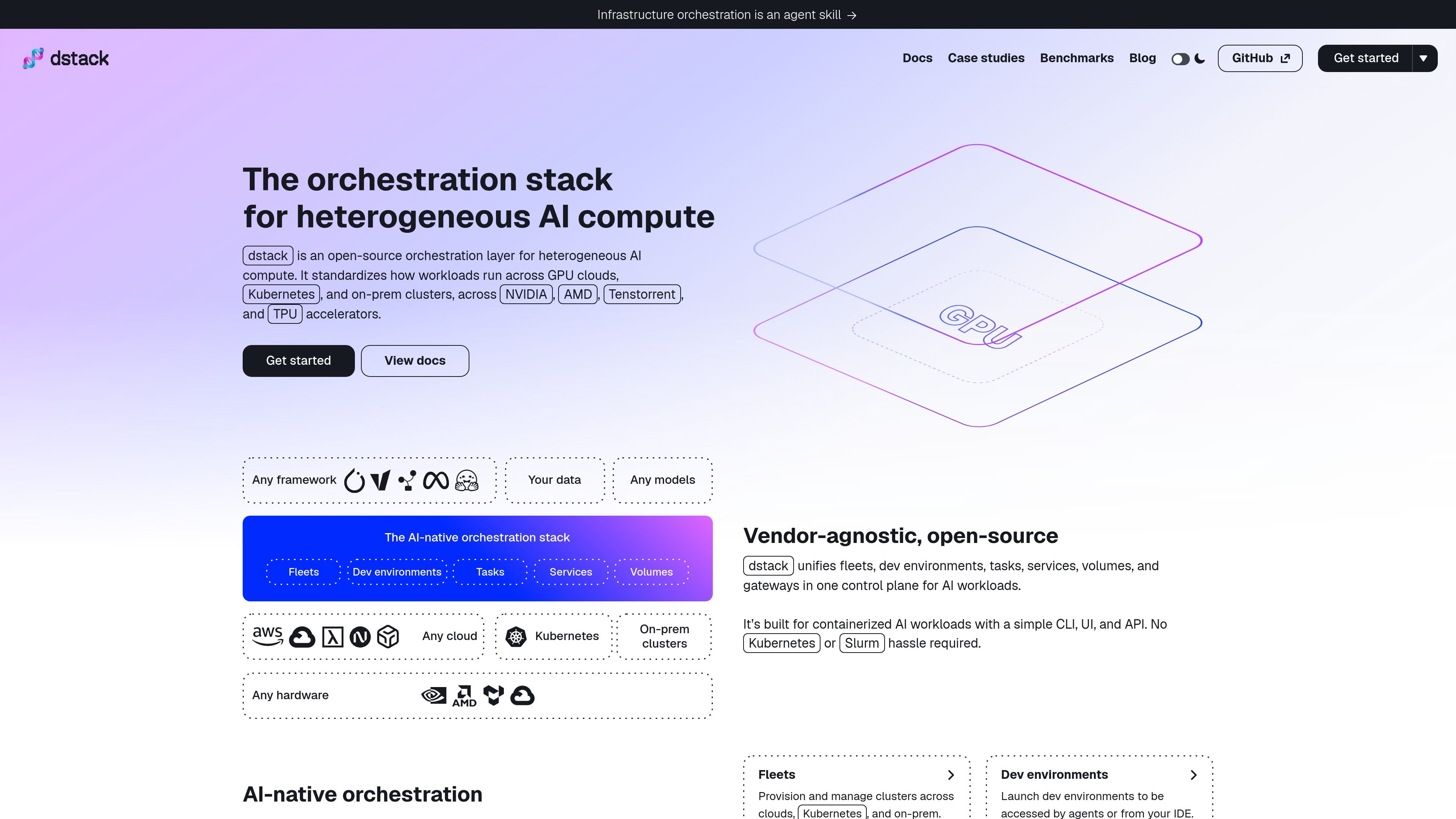
Infrastructure across environments
Configure GPU cloud backends, Kubernetes clusters, or SSH-accessible on-premises hosts, and manage compute through a common control plane.

A control plane for provisioning and orchestrating GPU workloads across cloud, Kubernetes, and on-prem infrastructure.
dstack is a unified control plane for provisioning and orchestrating GPU compute across GPU cloud providers, Kubernetes, and on-premises clusters. It coordinates infrastructure with AI development, training, and inference workflows, and supports NVIDIA, AMD, Google Cloud TPU, and Tenstorrent accelerators.
Users describe fleets and workloads in YAML configuration files stored with their project, then apply them through the dstack CLI or programmatic API. dstack handles infrastructure provisioning and job scheduling, with related capabilities including autoscaling, port forwarding, and ingress. The documented workload types include remote development environments, tasks for training or batch processing, and services that expose models or web applications as endpoints.
Configure GPU cloud backends, Kubernetes clusters, or SSH-accessible on-premises hosts, and manage compute through a common control plane.
Define fleets, development environments, tasks, and services in YAML files, then apply them with the CLI or programmatic API.
dstack provisions infrastructure and schedules submitted workloads. Fleets can be configured with node and GPU ranges, including templates that defer instance provisioning until runs are submitted.
Tasks can run across clusters by specifying nodes or node groups; fleet placement can also be configured for cluster use.
Deploy models or web applications as services. Service replicas can be configured behind a single endpoint.
The documentation lists out-of-the-box support for NVIDIA, AMD, Google Cloud TPU, and Tenstorrent accelerators.
Create a development environment on provisioned compute and connect using a desktop IDE such as VS Code or through SSH.
Submit command-based tasks for model training, batch processing, or other jobs, with configurations for single-node or multi-node execution.
Package a service configuration with its command, port, model identifier where applicable, and resource requirements to deploy an endpoint.
Register SSH-accessible servers as a fleet so workloads can use existing hosts that meet dstack's stated host requirements.
The documentation describes GPU cloud providers, Kubernetes, and on-premises clusters. On-prem hosts can be configured through SSH fleets, subject to the documented host requirements.
Define a workload configuration, commonly as a YAML file, and apply it with the `dstack apply` CLI command. The documentation also describes a programmatic API.
The documented configuration types include development environments, tasks, and services. Fleets define and manage pools of compute instances.
Yes. The quickstart says tasks can run on a cluster by specifying `nodes` or defining multiple node groups.
The documentation says users can install the dstack server or sign up for dstack Sky.
Los datos de tráfico son solo como referencia.

ubiops.com
Model serving and orchestration for AI teams deploying workloads across cloud and private infrastructure.

www.bentoml.com
Bento is an inference platform for packaging, deploying, optimizing, and operating AI and machine-learning models at scale. It supports open and custom models across cloud, on-premises, Kubernetes, and bring-your-own-cloud environments.

www.coreweave.com
CoreWeave is an AI-focused cloud platform that combines GPU infrastructure, storage, networking, orchestration, and operational tooling for training and serving AI workloads. It supports teams moving from model experiments to production systems, including reinforcement-learning and agent-development workflows.

kserve.github.io
KServe is a Kubernetes-based inference platform for deploying distributed generative and predictive AI workloads across multiple model frameworks. It is intended for teams that need a standardized way to run inference services in Kubernetes.

lambda.ai
Lambda provides cloud GPU compute for AI training, fine-tuning, inference, and prototyping. Teams can launch on-demand GPU instances, use production-ready 1-Click Clusters, or discuss reserved and single-tenant infrastructure for larger workloads.

cerebrium.ai
Serverless CPU and GPU infrastructure for teams deploying real-time AI workloads.