
Editors and reusable content
Choose Markdown or Advanced WYSIWYG, use templates, and reuse snippets or variables across articles instead of updating repeated text separately.

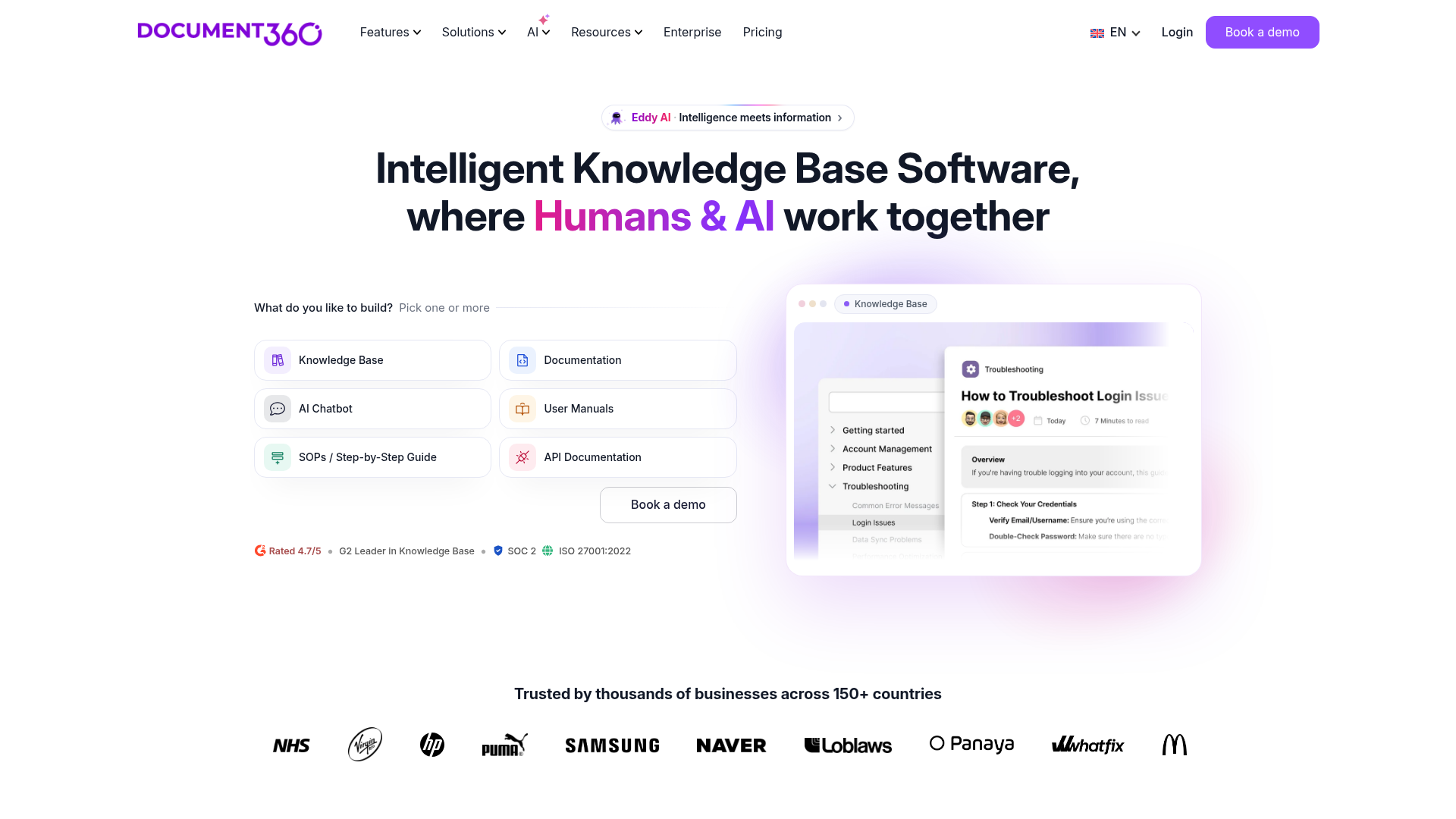
Document360 helps teams draft, review and publish knowledge-base articles, with file/video AI drafts, approval workflows and cited answer search.
Document360 helps teams create and maintain customer documentation, help centers, API docs, SOPs and internal knowledge bases. Contributors work in an authoring portal, while customers or employees read the published knowledge-base site.
Start a public or private project, write in Markdown or the Advanced WYSIWYG editor, and organize articles into categories. Reusable snippets and variables keep shared content consistent. Teams can assign reviews, approve changes and restore earlier article versions before publishing a branded site.
Eddy AI can draft structured documentation from prompts, files, audio or videos. AI Search synthesizes cited answers from published articles, and an optional chatbot can use connected documents and support sources. AI availability and usage depend on the workspace's configuration; drafts can be reviewed before publication and individual capabilities toggled per project.
Choose Markdown or Advanced WYSIWYG, use templates, and reuse snippets or variables across articles instead of updating repeated text separately.
Assign tasks, route articles through approval stages, discuss changes in inline comments, and restore prior versions.
Give the Writing Agent a prompt, file, audio or video to create a structured draft in the Advanced WYSIWYG editor. Other tools draft FAQs and glossary definitions or flag duplicate articles.
Readers can ask questions and receive answers synthesized from knowledge-base articles, with links to the source material.
Manage multiple projects with their own content, domains and branding. Private projects use reader accounts for access after sign-in.
Add the AI Chatbot to answer from knowledge-base articles, websites, files, FAQs and connected Zendesk or Freshdesk tickets; it is listed as an add-on.
Support teams can publish a branded article site, offer cited AI search and use search or feedback analytics to identify content that needs attention.
Technical writers can use Markdown for code-heavy articles, organize documentation by category, and send changes through reviews before publishing.
Operations teams can maintain SOPs in private projects, control editing and publishing roles, and give employees reader access to the current guidance.
For manually created articles, choose Markdown or the Advanced WYSIWYG editor. Articles generated by the AI Writing Agent use the Advanced WYSIWYG editor.
Yes. Projects can be public or private and have their own users, domains and branding. Reader accounts apply to private knowledge bases and let invited readers access content after sign-in.
Document360 quotes a configuration based on team accounts, workspaces, languages, security needs, public/private access and AI usage. Editors and reviewers count as team accounts.
No. AI Chatbot is listed as an add-on, and AI Premium Suite is an optional visual-authoring add-on. AI entitlements and usage depend on the quoted setup; capabilities can be toggled per project.
Los datos de tráfico son solo como referencia.

helpjuice.com
Build a searchable knowledge base for customer support, SOPs and employee onboarding. Helpjuice combines article editing, access controls and analytics, with AI writing, search and chat included in its AI-Knowledge Base plans.

useopyt.com
Opyt turns the bookmarks, follows, likes, and subscriptions you already make into a growing knowledge base for your AI client. It serves that source material through MCP so clients such as Claude, Cursor, Codex, and Windsurf can search, read, and analyze it.

chatbees.ai
Research support tickets and draft replies using ticket history and connected company knowledge.

betterstacks.com
An AI workspace for individuals and teams to save, search, and share digital knowledge.

iki.ai
An AI-powered knowledge workspace for professionals and teams to collect, search, and work with research.

luci.memories.ai
LUCI is a local desktop memory tool for Mac and Windows that captures computer activity and meetings, then makes that context available to search, chat, and connected AI coding agents. It is designed for people and teams that need persistent context across calls, screens, notes, and everyday workflows.