
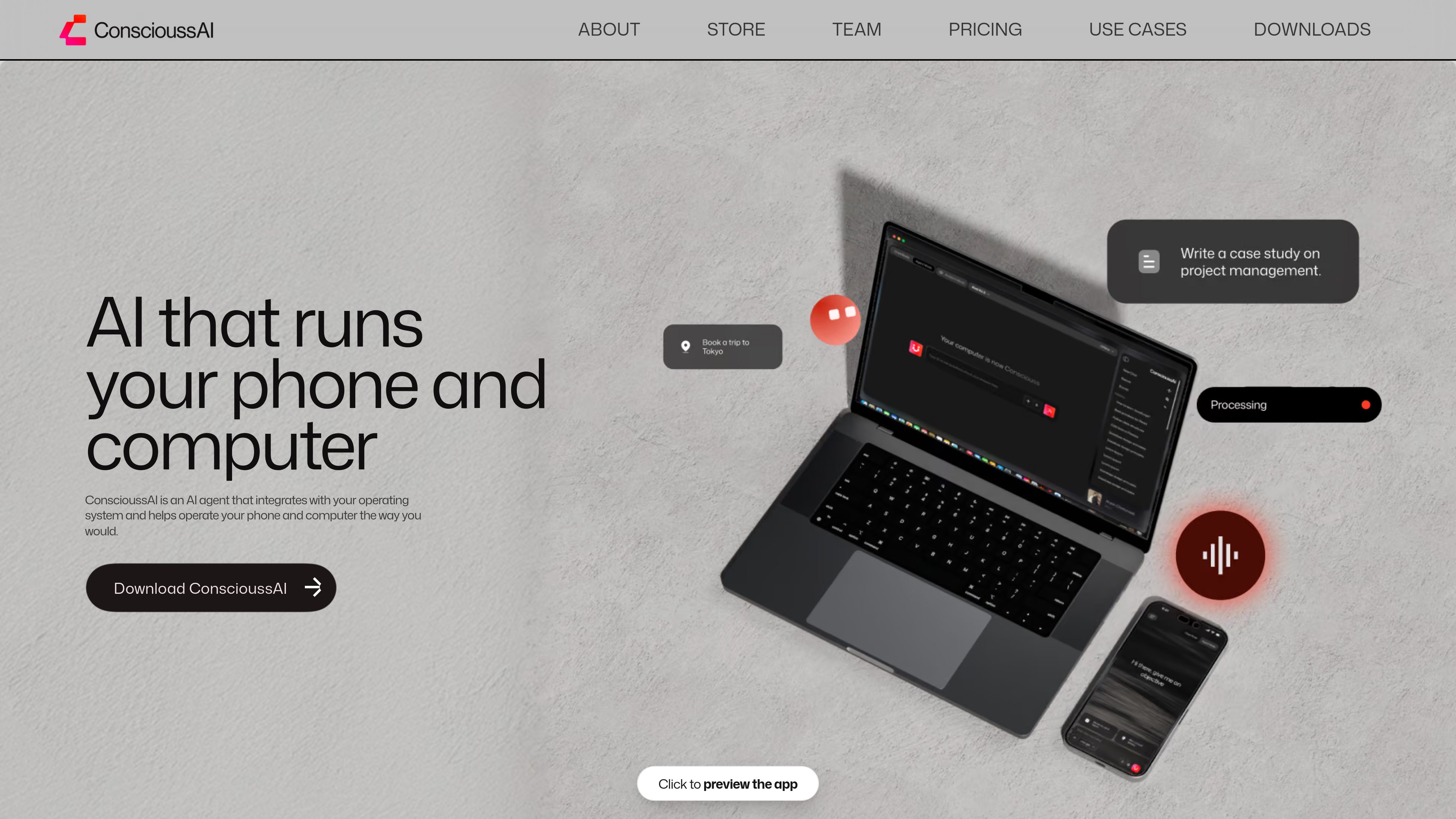
Cross-device task execution
Helps operate apps, files, browsers, messages, and workflows across macOS, Windows, iOS, and Android, subject to platform capabilities and permissions.

ConscioussAI es un asistente de ejecución con IA para macOS, Windows, iOS y Android. Con tu permiso, ayuda a manejar aplicaciones, navegadores, archivos, mensajes y flujos de trabajo, y convierte instrucciones y conversaciones en tareas completadas en el móvil y el ordenador.
ConscioussAI is an AI execution layer for phones and computers rather than a chat interface limited to answers and suggestions. It integrates with the operating system and can use app, browser, screen, message, and workflow context to help carry out tasks with the user’s permission. The product is intended for everyday users as well as students, professionals, creators, developers, founders, and teams who want assistance with practical digital work without building complex automations.
The service supports desktop and mobile use, with different capabilities by platform. On computers, it can control applications, navigate browser-based work, operate through voice, understand permitted screen context, and run recurring workflows. On mobile, SOL provides a text-based interface for prompts, reminders, task triggers, and follow-ups, while Screen Share lets users show the assistant a live view of their screen for guidance and, when authorized, action.
Helps operate apps, files, browsers, messages, and workflows across macOS, Windows, iOS, and Android, subject to platform capabilities and permissions.
Lets users interact with ConscioussAI through regular text messages. SOL can turn messages into reminders, tasks, recommendations, workflows, and follow-ups, and can proactively check in with permission.
Provides voice-driven computer control for opening or closing tabs and applications, typing, running terminal commands, changing system settings, and handling multiple agentic tasks.
A desktop-only awareness layer that can provide timely notifications or suggestions based on computer context the user has allowed it to access.
Runs recurring tasks in the background before a specified time, such as preparing a morning brief from permitted calendar, message, email, and priority information.
Screen Share provides real-time mobile guidance without the screenshot-and-copy loop, while the built-in browser supports web navigation and browser workflows within the same execution flow.
Schedule ConscioussAI to compile a morning brief from a user’s calendar, messages, email, and top priorities before they start work.
Help compare food or ride options, prepare a DoorDash, Uber Eats, Uber, or Lyft request, and ask for confirmation before placing an order or booking a ride.
Use Alfred to make calls, deliver or take messages, answer questions using available context, and navigate reservation, cancellation, appointment, or customer-service processes.
Share a phone screen while viewing an app, form, dashboard, codebase, or workflow and ask for an explanation or next step without taking screenshots.
Use SOL for reminders and follow-up questions after a task, such as checking whether an assignment was completed or whether additional help is needed.
The download page lists iOS, Android, macOS, and Windows. Feature availability differs between desktop and mobile.
Not always. ConscioussAI is designed to operate interfaces it has permission to access, but some deeper or faster actions may require connected accounts, permissions, or integrations depending on the task.
The product says it should ask before sensitive actions, including purchases, payments, sending messages, deleting data, submitting forms, booking rides, making reservations, or sharing private information.
SOL is the mobile texting layer. It lets users send regular text messages to ConscioussAI for questions, reminders, task triggers, proactive check-ins, and follow-ups connected to the broader execution layer.
Scheduled Workflows can run recurring tasks in the background so that deliverables are ready by a specified time. The exact result depends on the workflow, permissions, and available product capabilities.
Los datos de tráfico son solo como referencia.

mastergo.com
Plataforma en línea para diseño de productos y colaboración en UI/UX, prototipado, sistemas de diseño y flujos de trabajo compartidos para equipos.

pixelfreestudio.com
Crea interfaces visualmente o importa proyectos de Figma y expórtalos como código editable para web y aplicaciones de escritorio Windows.

aside.com
Navegador con IA que realiza tareas en sitios web y cuentas con sesión iniciada, historial de navegación y archivos locales, con aprobación humana para acciones sensibles.

toki.com
Asistente de IA que convierte textos, notas de voz, capturas de pantalla y correos electrónicos en eventos del calendario, recordatorios, planes de tareas y coordinación de reuniones.

premast.com
Plataforma de recursos y flujos de trabajo para crear, organizar y compartir presentaciones, con borradores de presentaciones mediante IA próximamente.

blancbrowser.com
Blanc es un navegador de escritorio minimalista para macOS, Windows y Linux, con bloqueo integrado de anuncios y rastreadores, pestañas privadas y navegación centrada en el teclado.