
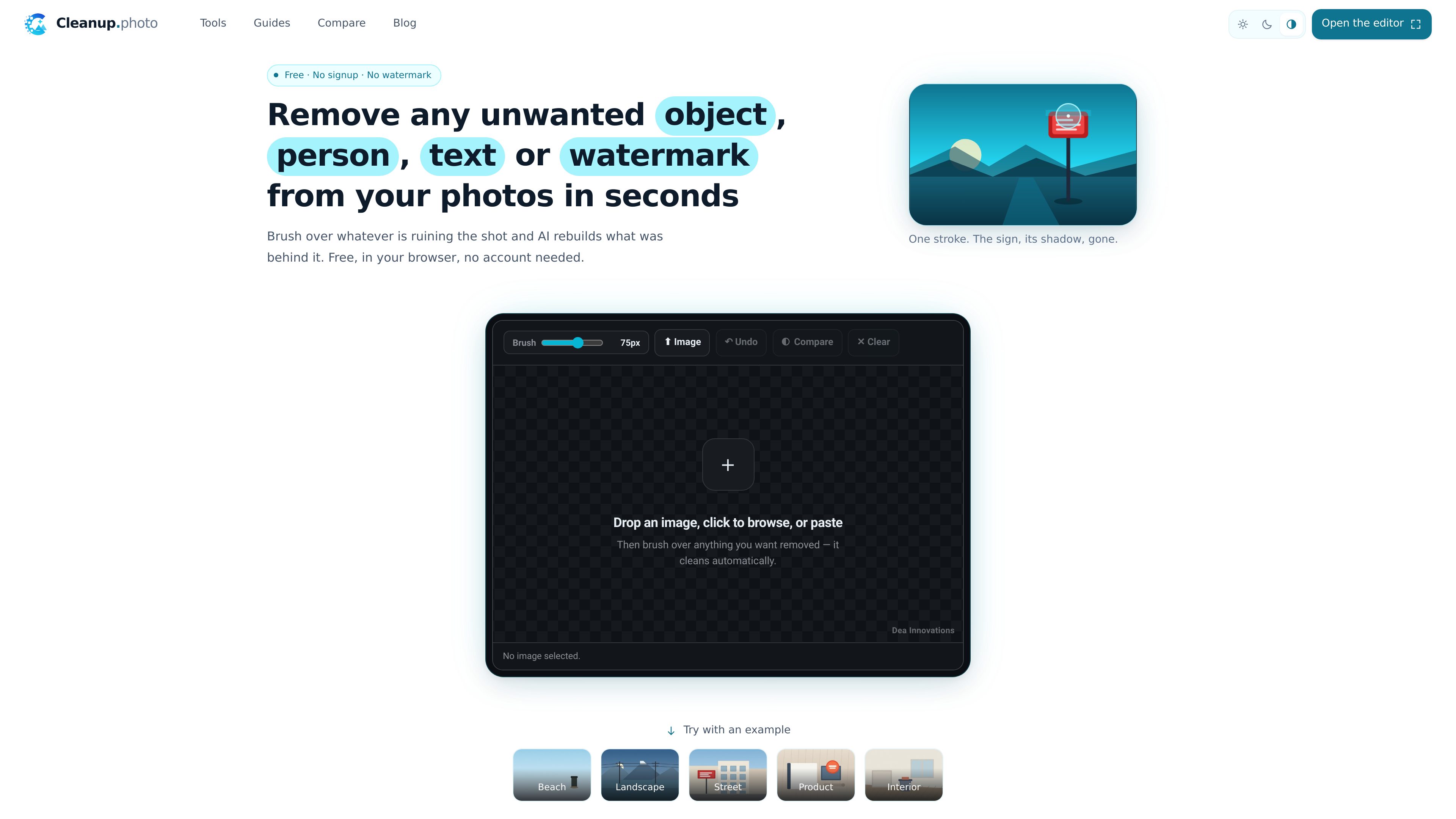
Brush-based removal
Select the area to remove by painting over it with a brush instead of using layers, masks, or a clone stamp.

Cleanup es un editor de fotos basado en el navegador que elimina objetos, personas, texto y marcas de agua no deseados mediante un flujo de trabajo de pincel y reconstrucción. Es gratis, no requiere cuenta y exporta PNG sin marca de agua.
Cleanup is an in-browser photo editor that removes objects, people, text, watermarks, and background clutter from images. You brush over the area you want gone, and the tool reconstructs the missing region from the surrounding scene.
It is designed for straightforward cleanup work rather than broader editing: there are no layers or retouching features, and the site presents the editor as a single workflow that runs free in the browser with no account required.
Select the area to remove by painting over it with a brush instead of using layers, masks, or a clone stamp.
After you brush over an area, the model generates new pixels that fit the surrounding texture, lines, or surfaces.
The same editor is used for removing objects, people, text, watermarks, and general clutter; only the technique changes.
You can step back through strokes and hold a compare view to check the edit against the original before downloading.
The editor works in mobile browsers on iOS and Android, and the brush is intended for both touch and mouse input.
Uploads can be JPG, PNG, or WebP, and the result is downloaded as a PNG. The interface also shows quality and resolution options, including an original 4K option.
Use Cleanup to remove bins, bollards, cables, parked cars, or other objects that break up a scene in a landscape or street photo.
Brush over a person, their shadow, and any reflection to clear tourists, background walkers, or group shots without cutting the subject out.
Remove price stickers, stray objects, or background clutter from product shots and property images where a cleaner frame matters.
Tight strokes over captions, date stamps, signs, or sale badges can remove text while preserving the rest of the photo.
The site specifically positions this for removing your own watermarks or old logos from images you own, especially when you need to reuse older assets.
Yes. The site says photo cleanup is free, with no account, no trial period, and no watermark on the result.
The editor loads JPG, PNG, and WebP files. The edited image is exported as a PNG.
Yes. The site says the editor works in mobile browsers on iOS and Android, and the brush is designed for touch as well as mouse input.
Cleanup generates new pixels that match the surroundings instead of deleting pixels or copying from another part of the same image.
The site recommends brushing over the person plus their shadow and any reflection, since leaving those behind is a common reason an edit looks incomplete.
Los datos de tráfico son solo como referencia.

aiwatermarkremover.io
Herramienta web para eliminar marcas de agua de fotos y vídeos mediante selección manual con pincel y asistencia de IA; uso online gratuito y sin añadir otra marca de agua.

deepfaceswap.ai
Intercambio facial con IA desde el navegador, gratis y sin marcas de agua

cleanup.pictures
Herramienta web de retoque fotográfico para eliminar objetos, personas, texto y defectos de las imágenes, con plan gratuito, opción Pro y API para desarrolladores.

erasebg.org
Elimina fondos de fotos con IA desde el navegador, crea recortes transparentes sin registrarte y cambia el color de fondo para reutilizarlos en tus diseños.

studio.tripo3d.ai
Tripo Studio es un espacio de trabajo 3D con IA basado en la web para crear y editar modelos desde texto o imágenes, dirigido a artistas, desarrolladores de juegos, creadores de VR/AR, cineastas e impresión 3D.

erase.bg
Erase.bg elimina automáticamente fondos de imágenes y vídeos cortos con IA para crear fondos transparentes en personas, animales y objetos.