
Browser-local workspace state
Chats, files, Canvas artifacts, memory, knowledge, usage events, and settings persist in the browser through IndexedDB and localStorage.

ai.diy es un espacio de trabajo de IA de código abierto gestionado desde el navegador, con chat BYOK, herramientas locales y cambio de proveedores. Mantiene el estado en el navegador y conecta con más de 20 proveedores de IA en la nube y locales mediante un relay autoalojado.
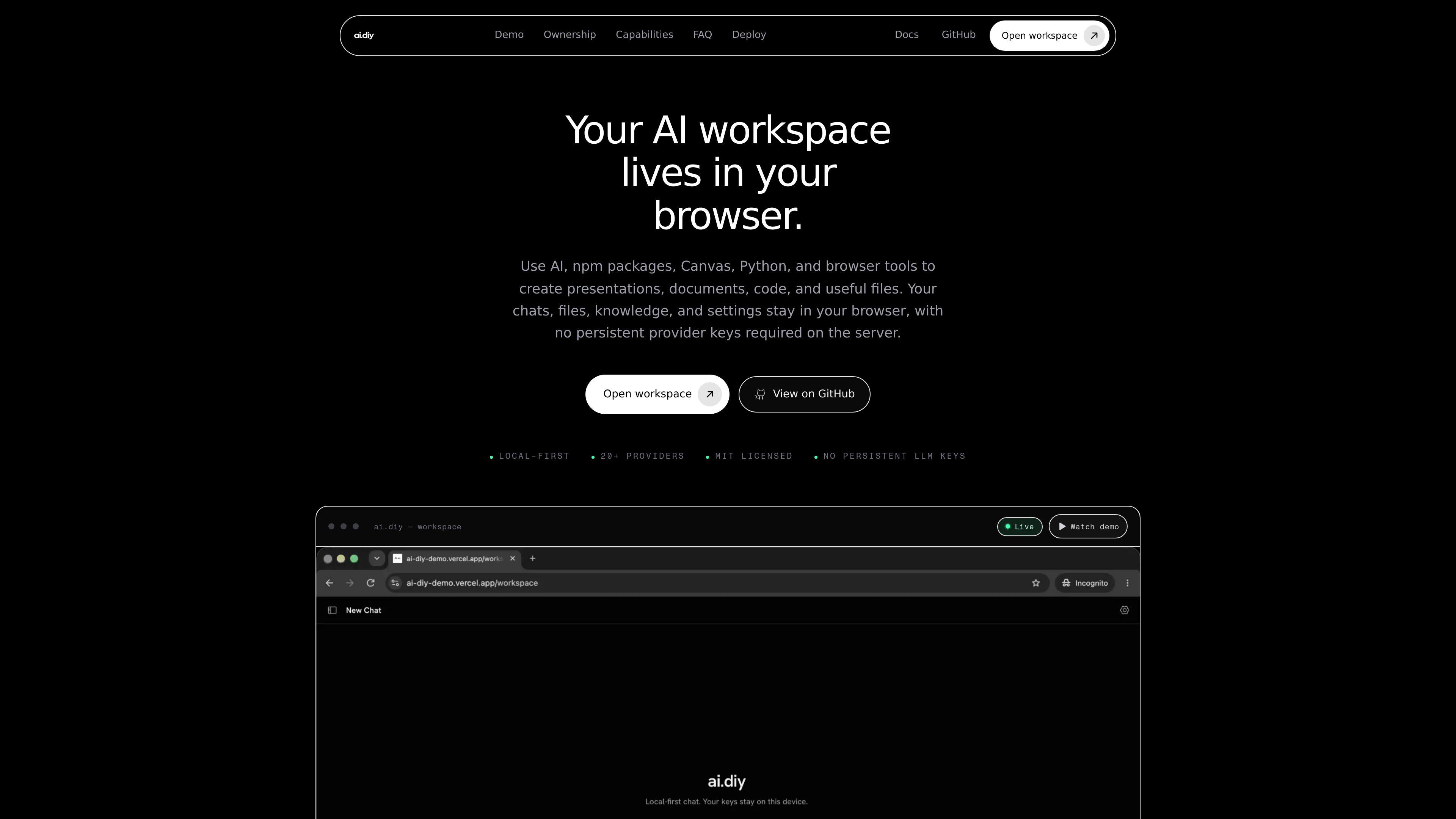
ai.diy is a browser-owned AI workspace built for bring-your-own-key chat, research, and artifact creation. It keeps chats, files, knowledge, settings, and other workspace state in the browser while routing provider requests through a self-hosted relay.
The product is designed for people who want one workspace for cloud and local models, rather than separate apps for each provider. It supports switching between 20+ providers, including cloud services and local endpoints such as Ollama and LM Studio, while keeping the browser as the primary storage layer for threads, Canvas, memory, and knowledge.
Chats, files, Canvas artifacts, memory, knowledge, usage events, and settings persist in the browser through IndexedDB and localStorage.
Provider credentials stay in browser storage and are relayed per request, so the server does not need to store persistent provider keys.
The workspace can connect to many providers, including OpenAI, Anthropic, Gemini, Grok, OpenRouter, DeepSeek, Ollama, LM Studio, Bedrock, Azure, Vertex, Together, Mistral, Hugging Face, and custom OpenAI-compatible endpoints.
Users can change models mid-thread without moving their workspace or copying context into another app.
The workspace includes Canvas, Python, npm packages, and browser tools for making presentations, documents, code, and other files.
The app can be run as a production Node.js build or with Docker Compose, and the relay does not require provider keys in server environment variables.
Users who want chats and notes to remain in the browser can keep their work in one place without depending on a hosted provider workspace.
Developers and power users can test a local endpoint like Ollama or LM Studio alongside cloud providers in the same interface.
Users can search PDFs and notes with on-device embeddings while keeping the index local, then decide whether retrieved context should be sent to a chosen model.
Teams or individuals can use the workspace to generate documents, code, presentations, and files with tools next to the conversation.
Organizations or individuals who need to control infrastructure and network boundaries can run the app themselves and keep the relay separate from provider credentials.
ai.diy is an open-source, self-hosted AI workspace for chat, research, tools, Canvas artifacts, memory, and local knowledge.
Provider keys are kept in the browser and relayed per request. The server is not used as a persistent key store.
Yes. The product can run as a production build on Node.js or through Docker Compose.
Yes. It supports local providers such as Ollama and LM Studio, as well as other OpenAI-compatible endpoints.
The pricing route returns a not-found page, so no pricing details are available from the provided sources.
Los datos de tráfico son solo como referencia.

fx.sh
fx es un agente de programación nativo, pequeño y abierto, con CLI para trabajar con código desde la terminal. Está diseñado para la investigación, la integración en otras herramientas y su uso como parte de sistemas más grandes, con inferencia local o en la nube.

charm.sh
Charm crea aplicaciones y bibliotecas de código abierto para flujos de trabajo nativos de la terminal, con herramientas para interfaces, IA, correo electrónico, SSH, Markdown, GIF y almacenamiento de datos.

multica.ai
Plataforma de código abierto para gestionar proyectos y colaborar con agentes de programación basados en IA en un mismo espacio de trabajo.

waveterm.dev
Wave Terminal es un terminal de código abierto para macOS, Linux y Windows que reúne vistas previas y edición de archivos, navegación web, paneles y gestión de máquinas remotas en un mismo espacio de trabajo.

struct.ai
Agente de guardia con IA que investiga alertas mediante logs, métricas, trazas, código y herramientas de trabajo para agilizar el triaje y aclarar la causa raíz.

openreplay.com
OpenReplay es una plataforma de código abierto para reproducir sesiones y analizar productos, autohospedable o disponible como servicio gestionado, que ayuda a los equipos a comprender el comportamiento de los usuarios, diagnosticar problemas y colaborar en torno a sesiones en directo o grabadas.