

Claude Code setup guide
The homepage gives step-by-step setup instructions for Claude Code, including the required environment variables and the terminal commands to start using the service.

Any Router is an API routing service for CLI coding tools such as Claude Code, OpenAI Codex, and OpenClaw. It provides token-based access, setup instructions, and pay-as-you-go model pricing.
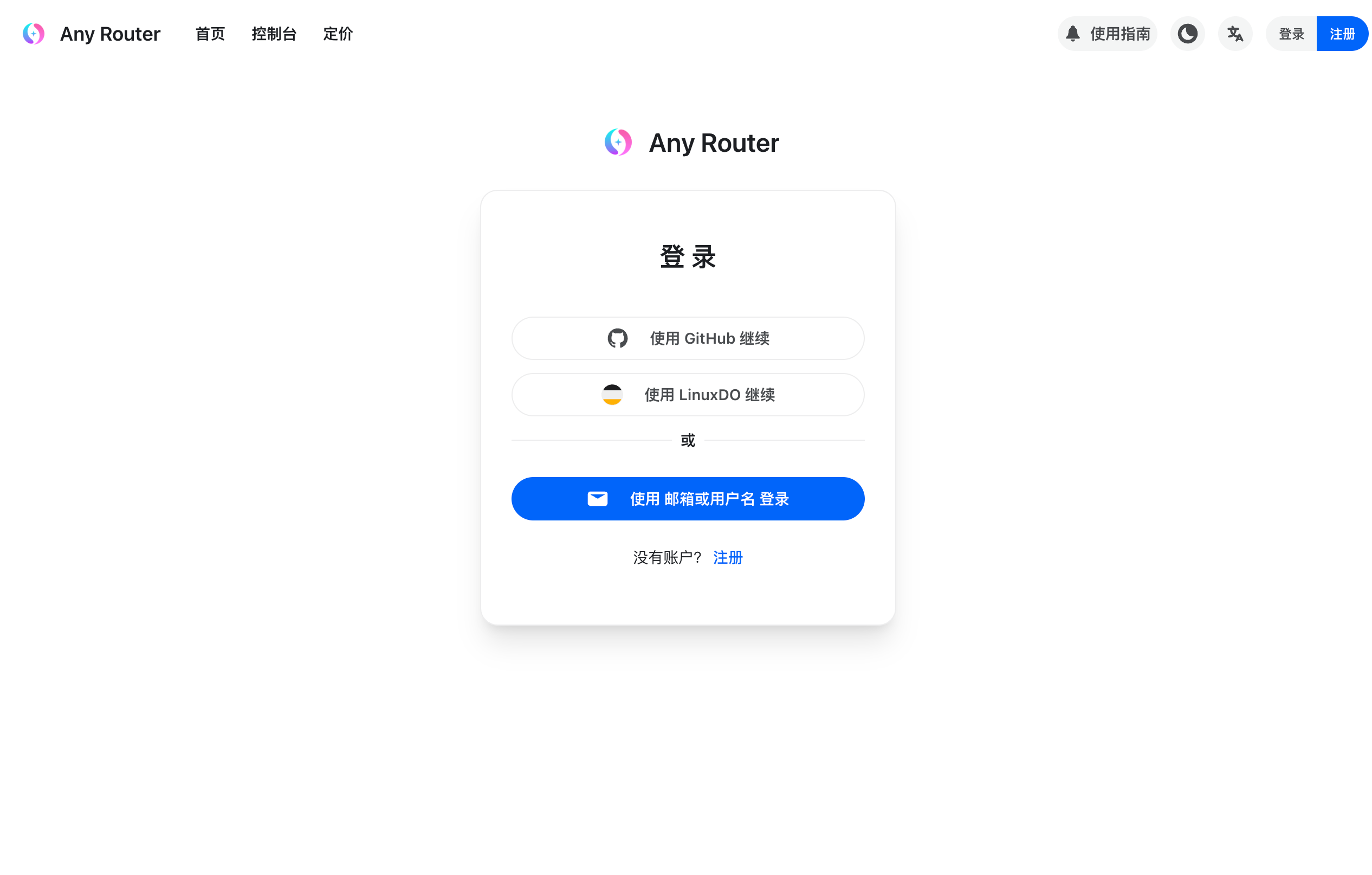
Any Router is an API access and routing service centered on Claude Code workflows, with documented support for Claude Code, OpenAI Codex, and OpenClaw. The site provides login, registration, pricing, and setup instructions that show how to connect these clients to Any Router’s base URL and token-based authentication.
The homepage positions the service as a way to use AI coding tools from the terminal by setting `ANTHROPIC_AUTH_TOKEN` and `ANTHROPIC_BASE_URL`, while the Codex instructions use an Any Router model provider configuration under `~/.codex`. The pricing page shows pay-as-you-go model pricing with per-model ratios and token rates across OpenAI and Anthropic models.
The homepage gives step-by-step setup instructions for Claude Code, including the required environment variables and the terminal commands to start using the service.
A separate section shows how to configure OpenAI Codex with an Any Router model provider, base URL, and auth file so the CLI can route requests through the service.
The openclaw page publishes a sample provider configuration with a model entry for Claude Opus 4.6, including context window, token limits, and multimodal input fields.
The pricing page lists available models with model ratios, completion ratios, billing type, and token prices, making the cost formula visible before use.
The homepage FAQ explains that the service forwards official Claude Code traffic and mentions a fallback API endpoint for some network conditions.
A developer using Claude Code can follow the homepage steps to install the CLI, set `ANTHROPIC_AUTH_TOKEN`, point `ANTHROPIC_BASE_URL` at `https://anyrouter.top`, and start working from the terminal.
A user who prefers OpenAI Codex can create the `~/.codex/config.toml` and `~/.codex/auth.json` files shown on the homepage to route Codex requests through Any Router.
Someone configuring OpenClaw can copy the sample provider block from the `/openclaw` page and adapt the base URL and API key fields for their own setup.
A user comparing costs can review the pricing table to see model-specific ratios, completion ratios, and token prices before selecting a model for a task.
A user troubleshooting access can consult the homepage FAQ for guidance on login errors, offline status, or fetch failures.
Any Router provides an API service and documentation for using it with Claude Code, OpenAI Codex, and OpenClaw. The homepage also notes that the site directly forwards official Claude Code traffic rather than arbitrary non-Claude Code API traffic.
The site supports login with GitHub, LinuxDO, and email or username, and the homepage notes an experimental email registration option restricted to *.edu.cn addresses at the time shown in the source. The register page itself is protected by a verification step.
The pricing page shows pay-as-you-go model pricing with per-model ratios and token rates, including multiple OpenAI and Anthropic models. The site also applies a group ratio, which is shown as 1x when not logged in on the captured page.
The homepage instructions describe setting ANTHROPIC_AUTH_TOKEN and ANTHROPIC_BASE_URL for Claude Code, and a separate config path for Codex under ~/.codex. The openclaw page provides a sample configuration that points to https://anyrouter.top.
The source suggests the service is centered on Claude Code forwarding and related model access. It does not provide a full integrations catalog, so support beyond the documented command-line workflows is unclear from the available pages.

DDS Hub is an AI API platform for Claude and OpenAI-family model workflows, with token-based pricing, model selection, and Claude Code setup guidance. It is aimed at developers who want API access, usage-based billing, and basic troubleshooting in one place.

NavtoAI API is a unified AI API gateway that lets developers and teams route requests across 200+ models through one account and one API shape. The collected pages also show API key usage lookup, routing controls, and centralized management for keys, quota, billing, users, and observability.

EvoLink is an AI model API platform that gives developers one OpenAI-compatible endpoint for accessing text, image, video, and music models from multiple providers. It is positioned for production apps, agents, and workflows that need model comparison, routing, and usage-based access.

ZenMux is an enterprise LLM platform with a unified API for multiple model providers, automatic prompt-based routing, and usage-based or subscription pricing. It is aimed at developers and teams building AI applications that need multi-model access, cost visibility, and compensation for certain model failures.

PoYo.ai is a unified AI API platform for developers that provides image, video, music, chat, 3D, and utility model access through one async workflow. Pricing is presented as credit-based and pay-as-you-use, with model comparison pages and docs for integration.

Kie.ai is a developer-focused AI API platform for accessing chat, image, video, and music models through one interface. It combines model browsing, API keys, billing, usage logs, and per-model pricing for integration-focused workflows.